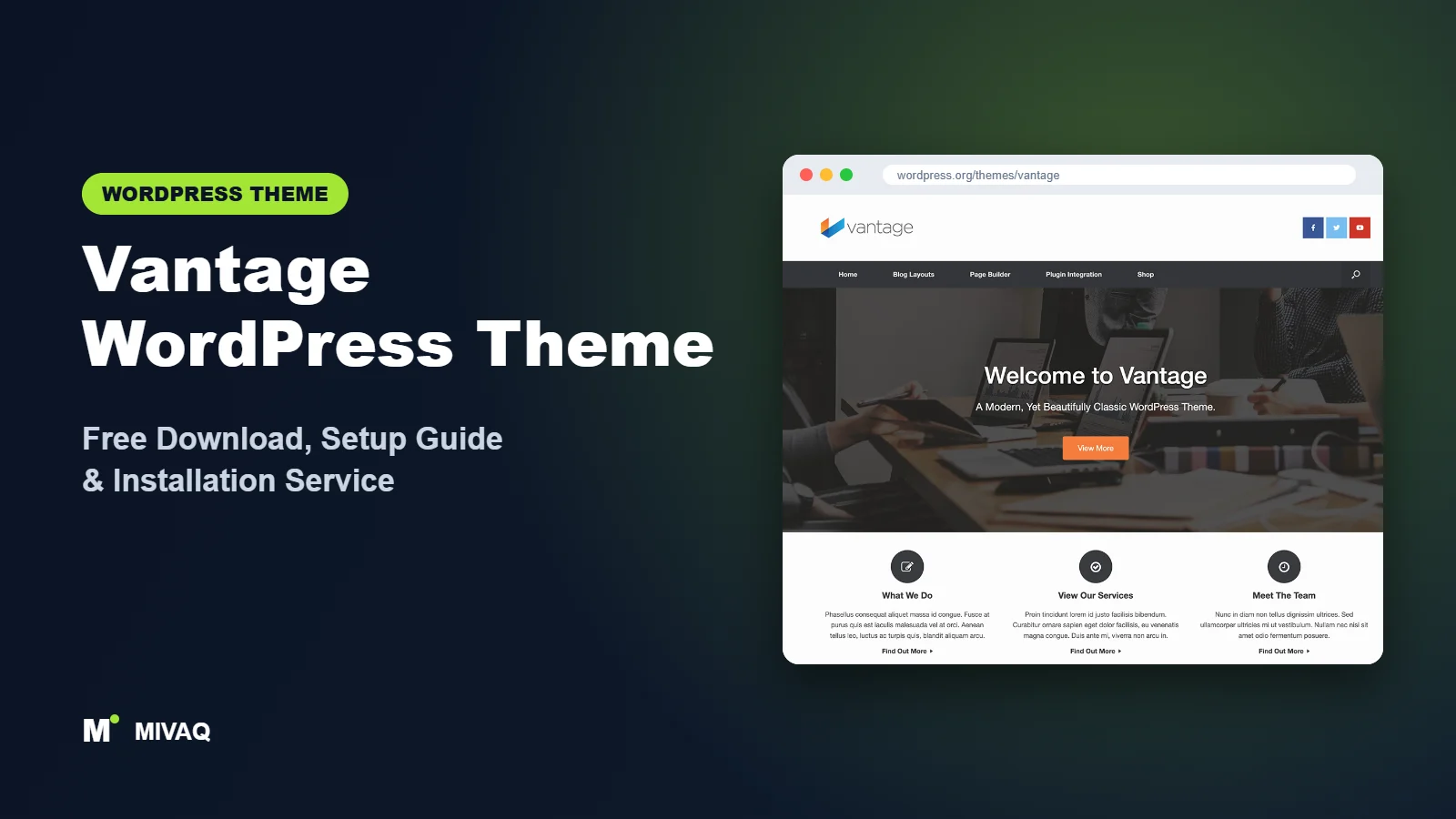
Before Elementor became a household name, SiteOrigin’s Page Builder was one of the most popular ways to build WordPress layouts, and Vantage was the theme designed to go with it. Today Vantage is still maintained and still used by tens of thousands of sites, many of them businesses that value a stable, proven setup. This guide covers the Vantage WordPress theme free download, installation, and how to set it up the way SiteOrigin intended.
This article is part of our complete guide: How to Build a WordPress Website for Your Business (2026 Guide).
Vantage is developed by SiteOrigin and is 100% free and legal to download from WordPress.org. Its strength is tight integration with a few powerful plugins: Page Builder by SiteOrigin for responsive layouts, Smart Slider 3 for large sliders, and WooCommerce for selling online. SiteOrigin also offers free support on its own forum, which is unusually generous. Here is what you need to know.
What is the Vantage WordPress theme?
Vantage is a flexible, classic multipurpose theme. It is fully responsive and retina ready, and it can power a business site, portfolio or online store. Rather than building everything into the theme, Vantage relies on companion plugins for layouts and sliders, and provides sensible theme settings for the masthead, menu, layout and footer.
| Detail | Vantage |
|---|---|
| Developer | SiteOrigin |
| Latest version | 1.20.33 |
| Active installs | 30,000+ |
| Rating | 4.6/5 (165 reviews) |
| Requires WordPress | 4.7 or higher |
| Requires PHP | 5.6.20 or higher (run PHP 8.x in practice) |
| Last updated | 2 April 2026 |
| Theme type | Classic theme (Customizer and theme settings) |
| Price | Free (SiteOrigin Premium optional) |
The update rhythm is slower than some themes in this group, with the latest release in April 2026, but that is typical of a mature theme whose main development now happens in its companion plugins.
Key features of Vantage
- Page Builder by SiteOrigin integration: build responsive row-and-column layouts with widgets, designed to match Vantage’s styling.
- Smart Slider 3 support: create large, full-width homepage sliders.
- WooCommerce integration: styled shop and product pages for online stores.
- Responsive and retina ready: sharp on high-resolution screens and usable on phones.
- Flexible masthead: several masthead (header) layouts with logo, menu and widget area options.
- Layout choices: full width or boxed, with left or right sidebars and full-width page templates.
- Post formats and grid layouts: for blogs and portfolio-style listings.
- Free forum support: help from SiteOrigin on its own support forum.
Built for Page Builder by SiteOrigin
Page Builder by SiteOrigin uses a straightforward row, column and widget system. It is lighter than many visual builders, works with standard WordPress widgets and the free SiteOrigin Widgets Bundle, and lets you edit in the back end or with a live editor. Combined with Vantage, layouts inherit the theme’s spacing and fonts automatically.
Big sliders when you need them
Vantage’s homepage is designed to work with a full-width slider from Smart Slider 3. Sliders are less fashionable than they used to be, but for hotels, venues and product launches a large visual introduction can still make sense. Keep it short and fast.
Stability for long-term sites
Vantage has been around for many years. For businesses that already run on it, staying with Vantage avoids an expensive rebuild, and for new projects it offers a conservative, well-understood stack.
Vantage free vs Pro: what do you get?
Unlike some developers, SiteOrigin does not sell a separate “Vantage Pro” theme. Instead, SiteOrigin Premium is a paid plugin that adds extra features across SiteOrigin’s themes and plugins, including extra theme options and premium widgets and addons for Page Builder.
| Area | Free (Vantage + free plugins) | With SiteOrigin Premium |
|---|---|---|
| Theme | Full Vantage theme | Extra theme settings and customisations |
| Page Builder | Free Page Builder and Widgets Bundle | Premium addons such as animations and extra widget options |
| Layouts | Free prebuilt layouts | Additional features for building layouts |
| Support | Free SiteOrigin forum | Priority email support |
Check the developer’s site for current Pro pricing and the full list of premium addons. Plenty of Vantage sites run happily on free plugins alone.
Who should use Vantage?
- Existing Vantage and SiteOrigin users who want to maintain and improve a site without rebuilding it.
- Businesses wanting a lightweight builder that is simpler than Elementor.
- Small online shops using WooCommerce with a classic layout.
- Hotels, venues and product sites that benefit from a big homepage slider.
- Developers who like the widget-based approach and want predictable markup.
Who should not use Vantage? If you want modern design trends, niche starter sites or full site editing, a newer theme like Zakra or a block theme such as Twenty Twenty-Five will feel more current. Elementor users will also get more from an Elementor-first theme.
Vantage WordPress theme free download (official and safe)
- Official page: wordpress.org/themes/vantage
- Direct ZIP download: downloads.wordpress.org/theme/vantage.zip
MIVAQ does not distribute theme files. Stick to WordPress.org for the theme and to SiteOrigin’s own site for SiteOrigin Premium. “Nulled” premium plugins found on download sites are a frequent cause of hacked WordPress sites, and they never receive security fixes. If your site shows spam pages or strange redirects, our WordPress malware removal guide can help.
How to install Vantage in WordPress (step by step)
Method 1: from the dashboard
- Go to Appearance › Themes › Add New Theme.
- Search for “Vantage”.
- Click Install on the theme by SiteOrigin.
- Click Activate.
Method 2: upload the ZIP
- Download vantage.zip from WordPress.org.
- Go to Appearance › Themes › Add New Theme › Upload Theme.
- Choose the file, click Install Now, then Activate.
Tip: SiteOrigin publishes guidance on Vantage child themes. Use one if you plan to override templates or add PHP functions, so that theme updates do not remove your changes.
How to set up Vantage after installation
- Install the recommended plugins. Add Page Builder by SiteOrigin and SiteOrigin Widgets Bundle. Add Smart Slider 3 if you want a homepage slider and WooCommerce if you are selling.
- Configure theme settings. Open Vantage’s theme settings (under Appearance) and the Customizer to set logo, masthead layout, menu position, layout width and footer options.
- Create your homepage. Add a page called “Home”, open it with Page Builder, and either start from a prebuilt layout or add rows yourself. Set it as the front page in Settings › Reading.
- Build sections with widgets. Use SiteOrigin widgets for headlines, features, buttons, testimonials and images. Keep consistent row spacing for a tidy look.
- Add a slider (optional). Create a slider in Smart Slider 3 and place it at the top of the homepage. Two or three slides with clear text work best.
- Set menus and widgets. Assign the primary menu, and add contact details and links to footer widget areas.
- Configure WooCommerce. Run the WooCommerce setup and check shop, product and cart pages in Vantage’s layout.
- Test on mobile. Page Builder lets you set how rows collapse on smaller screens. Check spacing and image sizes on a phone.
Modernising an existing Vantage site
Many Vantage sites were built years ago. To freshen one up without a rebuild: update the theme and plugins, switch to a supported PHP version, replace the homepage slider with a single hero row if the slides are outdated, review fonts and colours in the theme settings, and remove widgets or plugins that no longer serve a purpose. These small steps can make an older site feel current and noticeably faster.
Choosing widgets for a Vantage homepage
A typical Vantage business homepage can be built from just a handful of widgets. Start with a headline or hero row that states what you do and who you help, followed by a row of three feature or service blocks with icons. Add a short “about” row with an image on one side and text on the other, then a testimonial row and a final call-to-action button. Using the same few widgets throughout keeps the design consistent and reduces the number of assets loaded. If you find yourself reaching for a fourth slider or an animated counter on every row, step back and ask whether it helps a visitor decide to contact you.
Vantage speed and SEO checklist
- Keep sliders light or replace them with one optimised image; sliders are often the heaviest part of a Vantage homepage.
- Remove unused SiteOrigin widgets by deactivating them in the Widgets Bundle settings.
- Use caching and asset optimisation as shown in our LiteSpeed speed guide.
- Set up an SEO plugin after reading Rank Math vs Yoast.
- Use proper headings in Page Builder widgets and unique titles, as explained in our title tag SEO guide.
- Optimise products and categories with our WooCommerce SEO guide if you run a shop.
- Back up before updates using a dependable WordPress backup strategy.
Common mistakes when setting up Vantage
- Skipping Page Builder by SiteOrigin and then trying to recreate the demo with the plain editor.
- Using too many slides with large images on the homepage.
- Running old PHP versions just because the minimum requirement is low.
- Mixing Page Builder with another builder on the same pages.
- Not checking mobile collapse settings for rows, leaving squashed columns on phones.
Vantage vs similar free WordPress themes
| Theme | Builder pairing | Pick it if |
|---|---|---|
| Vantage | Page Builder by SiteOrigin | You want a proven, lightweight builder setup |
| Customify | Any builder, plus header and footer builder | You want header flexibility with any builder |
| PopularFX | Pagelayer | You want a large template library |
| Phlox | Elementor, WPBakery or SiteOrigin | You need portfolio features and also use SiteOrigin |
Choose Vantage for a stable SiteOrigin-based site, Customify for header control, PopularFX for templates, and Phlox when portfolio features matter.
Vantage pros and cons
What we like
- Tight integration with Page Builder by SiteOrigin and WooCommerce.
- Free support forum from the developer.
- Mature, stable and retina ready.
- Lightweight builder stack compared with heavier alternatives.
What to consider
- Design feels more traditional than newer themes.
- Fewer ready-made niche demos.
- Slower theme update rhythm than some competitors.
Our verdict: Vantage is a reliable, no-nonsense theme, especially for anyone already using SiteOrigin’s tools. It will not wow trend-seekers, but it delivers stable business sites and shops with a light builder.
Website design with Vantage: our design service
Many businesses choose Vantage because it looks professional out of the box, yet the demo alone rarely says what makes your business different. Through our website design service, MIVAQ turns Vantage into a complete, on-brand business website: clear service pages, persuasive landing pages, trust signals and contact paths that make it easy for visitors to get in touch.
What our Vantage website design package includes:
- Brand-matched design with your logo, colours and typography
- Service pages, landing pages and a homepage structured around your offers
- Starter site import cleaned of demo content and rebuilt with your text and images
- Lead capture: contact and quote forms, WhatsApp, click-to-call and maps
- On-page SEO, speed tuning and Search Console setup
You can see examples in our recent work and case studies, and read more about our WordPress development and SEO services. Every project starts with a free consultation and a fixed price, so you know exactly what you get before we begin.
Want a website designed with Vantage? Contact MIVAQ: WhatsApp +880 1723-189847, email hello@mivaq.com or use our contact form. We usually reply the same day.
Vantage installation and setup service
MIVAQ Creative Solutions installs, customises and modernises Vantage sites. Our service includes:
- Installation from WordPress.org, recommended SiteOrigin plugins and a child theme
- Homepage built with Page Builder or a prebuilt layout
- Branding: logo, colours, fonts, masthead and footer
- Service, about, contact and blog pages
- WooCommerce shop setup and product pages
- Speed and SEO basics: caching, image optimisation and Rank Math
You get a fixed quote first. See our WordPress services or contact us:
- WhatsApp: message us about Vantage
- Email: hello@mivaq.com
- Form: send your project details
Related WordPress theme guides
- Customify WordPress theme guide
- PopularFX WordPress theme guide
- Phlox WordPress theme guide
- Spacious WordPress theme guide
- 50 best free WordPress themes
Frequently asked questions
Is Vantage free?
Yes. Vantage is free on WordPress.org, as are Page Builder by SiteOrigin and the Widgets Bundle. SiteOrigin Premium is an optional paid plugin.
Is Vantage good for SEO?
Vantage provides clean, responsive markup. Keep sliders light, structure headings properly and use an SEO plugin for the best results.
Is Vantage still updated?
Yes. SiteOrigin released version 1.20.33 in April 2026, and its companion plugins are updated separately.
Does Vantage work with Elementor?
Elementor can run on Vantage, but the theme is designed around Page Builder by SiteOrigin. For Elementor-first projects, an Elementor-focused theme is a better fit.
Can I use Vantage for WooCommerce?
Yes. WooCommerce integration is one of Vantage’s core strengths, making it suitable for small and medium online stores.
Can MIVAQ install Vantage for me?
Yes. We install, customise or refresh Vantage sites at a fixed price. Message us on WhatsApp or email hello@mivaq.com.


