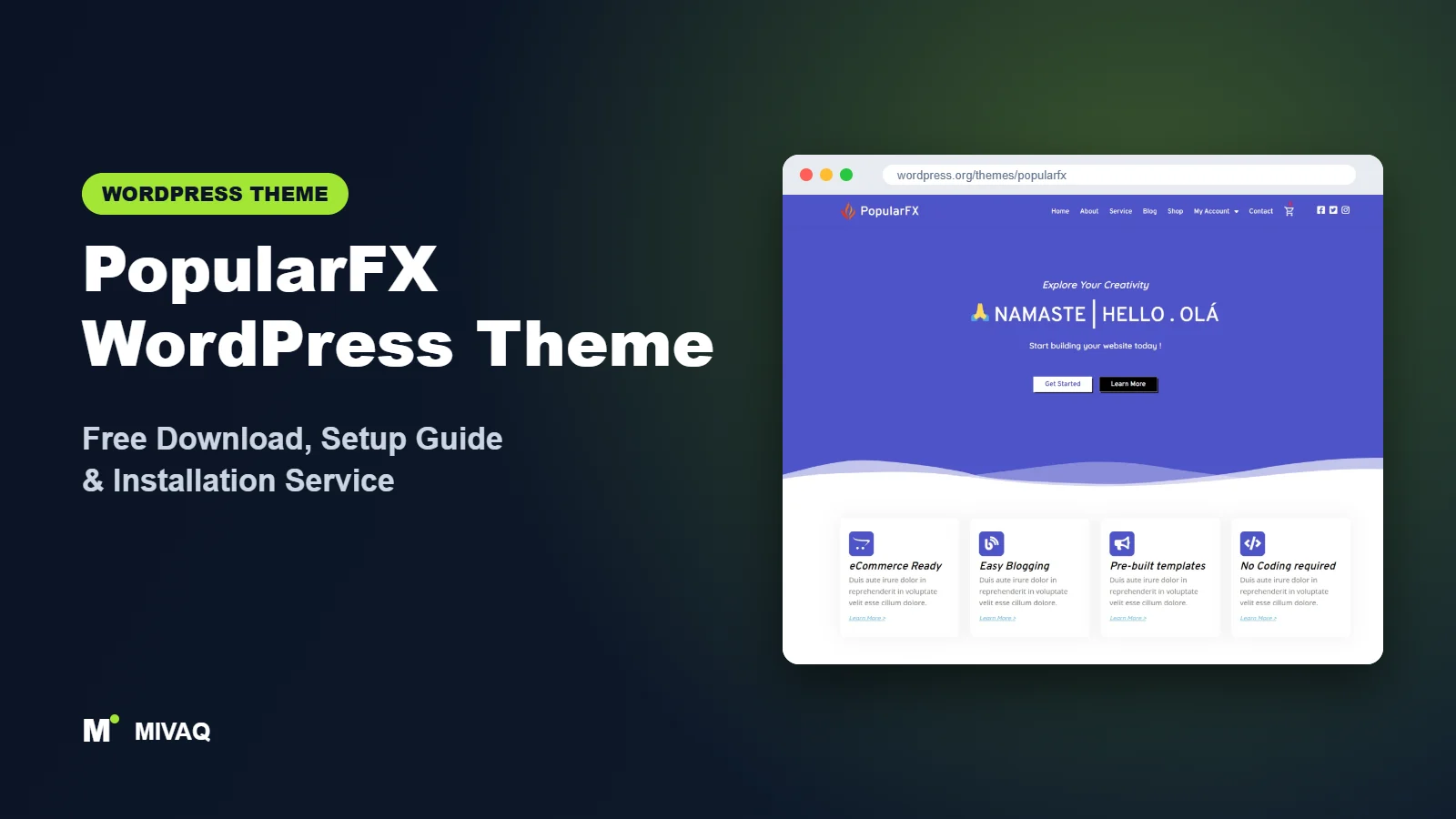
Plenty of people meet PopularFX without searching for it. If your hosting control panel uses the Softaculous installer, you may have seen PopularFX offered as a theme option while installing WordPress, and suddenly your new site is running it. Others pick it deliberately because it promises hundreds of ready-made templates. Either way, this guide explains the PopularFX WordPress theme free download, what the theme really is, and how to set it up so it works for your business.
This article is part of our complete guide: How to Build a WordPress Website for Your Business (2026 Guide).
PopularFX is 100% free and legal to download from the official WordPress.org theme directory. It is a lightweight theme designed to work hand in hand with Pagelayer, a drag-and-drop page builder from the same team. Understanding that relationship is the key to using PopularFX well, so we will spend some time on it below, along with installation steps, setup advice, mistakes to avoid and honest comparisons.
What is the PopularFX WordPress theme?
PopularFX is a classic theme whose job is to stay out of the way. The theme itself provides the basic structure (header, footer, blog layout, sidebar options) and styling controls in the Customizer, while page design is handed over to Pagelayer. With Pagelayer active, you can import complete website templates and edit every section visually.
| Detail | PopularFX |
|---|---|
| Developer | Pagelayer |
| Latest version | 1.2.7 |
| Active installs | 100,000+ |
| Rating | 4.6/5 (115 reviews) |
| Requires WordPress | Not specified on WordPress.org (use the latest WordPress) |
| Requires PHP | 5.5 or higher (use a modern PHP 8.x version) |
| Last updated | 13 August 2025 |
| Theme type | Classic theme built for the Pagelayer builder |
| Price | Free (PopularFX Pro optional) |
Two numbers are worth noticing. The 100,000+ active installs make it one of the most widely used themes in this group, partly thanks to its presence in one-click installers. On the other hand, the last theme update was in August 2025, which is a slower update rhythm than most themes we cover. That is not automatically a problem for a lightweight theme, but it is something to keep an eye on.
Key features of PopularFX
- Hundreds of templates: full-site templates for businesses, portfolios, restaurants, agencies and more, imported through Pagelayer.
- Lightweight base: the theme itself is small, leaving design work to the builder.
- Tight Pagelayer integration: theme and builder come from the same team, so styles and templates fit together.
- Header and footer editing: with Pagelayer you can design headers and footers visually instead of using fixed layouts.
- Sidebar choices: left, right or no sidebar for blog and archive pages.
- WooCommerce support: tagged for e-commerce, with Pagelayer able to style shop elements.
- Post formats and microformats: useful for bloggers who publish galleries, videos or quotes.
- RTL and translation ready: suitable for right-to-left languages and multilingual sites.
Template library: the real reason people choose PopularFX
The template library turns a blank WordPress install into a designed website in minutes. Each template includes several pages (home, about, services, contact) with matching styles. Some templates are free and others require Pro, so filter or check the label before importing.
Pagelayer: a builder you need to learn
Pagelayer works like other visual builders: rows, columns and widgets, edited live on the page. If you have used Elementor, the ideas will feel familiar, although the interface and widget names are different. Budget an hour to get comfortable before you start building client-facing pages.
Small theme footprint
Because PopularFX itself contains very little design code, your page weight mostly depends on what you build with Pagelayer. Keep pages simple and the site can be quick; stack many animated sections and it will slow down, as with any builder.
PopularFX free vs Pro: what do you get?
The free theme plus the free Pagelayer plugin can build a complete site. The paid tier unlocks more templates and builder features.
| Area | Free (PopularFX + Pagelayer) | Pro |
|---|---|---|
| Templates | Free subset of the library | Access to the full template library |
| Builder widgets | Core widgets | Additional advanced widgets |
| Header and footer | Basic theme options and builder sections | More theme-builder style control |
| WooCommerce | Standard WooCommerce styling | Extra shop-building widgets |
| Support | WordPress.org forum | Developer support |
We are not quoting a price here because plans change. Please check the developer’s site for current Pro pricing and exactly which templates are included.
Who should use PopularFX?
- Beginners who installed WordPress through Softaculous: if PopularFX is already on your site, learning it can be quicker than starting over.
- Small businesses that want a template site fast: pick a template close to your industry and replace the content.
- Users who want a free visual builder that is not Elementor: Pagelayer gives you drag-and-drop editing in a lighter package.
- Simple portfolios and landing pages where design matters more than complex functionality.
Who should not use PopularFX? If your team already knows Elementor or the block editor well, you gain little by learning Pagelayer. Sites that need a long-term, very actively maintained foundation, such as large stores or membership sites, may prefer a theme with a faster update cadence such as Kadence.
PopularFX WordPress theme free download (official and safe)
Get the free theme directly from WordPress.org:
- Official page: wordpress.org/themes/popularfx
- Direct ZIP download: downloads.wordpress.org/theme/popularfx.zip
MIVAQ does not host theme files. Avoid any website offering “PopularFX Pro free” or “Pagelayer Pro nulled”. These packages are modified by unknown people, often contain malware or spam injections, and never get legitimate updates. If your site was infected by such a download, see our WordPress malware removal service and guide.
How to install PopularFX in WordPress (step by step)
Method 1: install from the dashboard
- Open Appearance › Themes › Add New Theme.
- Search for “PopularFX”.
- Click Install, then Activate.
- When the theme recommends Pagelayer, install and activate it.
Method 2: upload the ZIP file
- Download popularfx.zip from WordPress.org without unzipping it.
- Go to Appearance › Themes › Add New Theme › Upload Theme.
- Choose the file, click Install Now and Activate.
- Install Pagelayer from Plugins › Add New Plugin.
Tip: create a child theme if you will add custom PHP functions or significant CSS. Since PopularFX has not been updated as often as some themes, it is also wise to keep custom code separate so a future update does not surprise you.
How to set up PopularFX after installation
- Activate Pagelayer. Without it, the template library and visual editing are not available.
- Browse templates. Open the PopularFX templates screen in your dashboard and preview designs that match your industry.
- Import on a clean site. Template import creates pages and may replace your homepage. Back up first if the site already has content.
- Set global styles. Choose your colours and fonts in the Customizer and Pagelayer’s global settings so every page matches.
- Edit the header and footer. Add your logo, menu items, phone number and a call-to-action button.
- Replace all demo content. Rewrite headings for your services and location, and swap stock images for your own.
- Assign the homepage and menus. Check Settings › Reading and Appearance › Menus.
- Add WooCommerce if needed, then style the shop and product pages with Pagelayer’s shop widgets.
Before launch, open every page in a private browser window on your phone. Imported templates sometimes include links pointing to demo pages that no longer exist.
How to choose the right PopularFX template
With hundreds of designs available, it is easy to pick a template because the photos look nice and then fight its structure for weeks. Judge templates by layout instead of imagery. Ask three questions: does the homepage have the sections your visitors need (services, proof, contact), does the menu match the number of pages you will actually have, and is the call-to-action placed where a customer would expect it? A plumber needs a phone number in the header and a quick enquiry form; a photographer needs a large gallery and a booking page. Images are the easiest part to replace, so a plain-looking template with the right structure is usually the better pick.
PopularFX speed and SEO checklist
- Remove unused Pagelayer sections rather than hiding them on mobile; hidden content still loads.
- Enable page caching and CSS/JS optimisation. Our LiteSpeed speed guide shows safe settings.
- Write proper titles and meta descriptions for every imported page using our title tag SEO guide.
- Choose an SEO plugin with our Rank Math vs Yoast comparison.
- Add descriptive alt text to template images you keep, following our alt text guide.
- Keep updates and security tight using our WordPress security checklist.
Common mistakes when setting up PopularFX
- Installing Elementor as well as Pagelayer. Two builders on one site means more code and confusing editing.
- Importing several templates to “try them”. Each import adds pages and images; test on a staging site instead.
- Leaving template SEO titles such as generic agency names in place.
- Not checking update status. Keep Pagelayer and WordPress updated, and review the theme’s changelog occasionally.
- Using huge uncompressed images in hero sections.
PopularFX vs similar free WordPress themes
| Theme | Builder | Best for |
|---|---|---|
| PopularFX | Pagelayer | Fast template-based sites, Softaculous users |
| Royal Elementor Kit | Elementor | People who want Elementor plus a huge template kit |
| Colibri WP | Colibri Page Builder | Visual section editing with striking hero areas |
| Vantage | SiteOrigin Page Builder | Stable, widget-based business sites |
The short version: if you want Elementor’s ecosystem, choose Royal Elementor Kit. If you want a different free visual editor, compare PopularFX and Colibri WP. If you value stability and a long track record, Vantage is worth a look.
PopularFX pros and cons
What we like
- Huge template library for quick launches.
- Lightweight theme core.
- Free visual editing through Pagelayer.
- Large user base of 100,000+ active installs.
What to consider
- Strongly tied to Pagelayer; switching builders later means rebuilding.
- Theme updates have been less frequent than some competitors.
- Many templates require Pro.
- Smaller tutorial ecosystem than Elementor-based themes.
Our verdict: PopularFX is a sensible, lightweight choice if you are happy to work in Pagelayer and want a template-based site quickly. If you prefer the Elementor or block editor ecosystem, choose a theme built for those instead.
Website design with PopularFX: our design service
Many businesses choose PopularFX because it looks professional out of the box, yet the demo alone rarely says what makes your business different. Through our website design service, MIVAQ turns PopularFX into a complete, on-brand business website: clear service pages, persuasive landing pages, trust signals and contact paths that make it easy for visitors to get in touch.
What our PopularFX website design package includes:
- Brand-matched design with your logo, colours and typography
- Service pages, landing pages and a homepage structured around your offers
- Starter site import cleaned of demo content and rebuilt with your text and images
- Lead capture: contact and quote forms, WhatsApp, click-to-call and maps
- On-page SEO, speed tuning and Search Console setup
You can see examples in our recent work and case studies, and read more about our WordPress development and SEO services. Every project starts with a free consultation and a fixed price, so you know exactly what you get before we begin.
Want a website designed with PopularFX? Contact MIVAQ: WhatsApp +880 1723-189847, email hello@mivaq.com or use our contact form. We usually reply the same day.
PopularFX installation and setup service
Already have PopularFX from your host’s installer and not sure what to do next? MIVAQ Creative Solutions can set it up for you, including:
- Clean installation from WordPress.org and a child theme
- Pagelayer setup and template import
- Branding: logo, colours, typography, header and footer
- Home, services, about, contact and blog pages with your content
- WooCommerce store setup if you sell products
- Speed and SEO basics including caching and Rank Math
We give a fixed quote up front. Explore our WordPress services or get in touch:
- WhatsApp: message us about PopularFX
- Email: hello@mivaq.com
- Form: send your project details
Related WordPress theme guides
- Royal Elementor Kit WordPress theme guide
- Colibri WP WordPress theme guide
- Vantage WordPress theme guide
- OnePress WordPress theme guide
- 50 best free WordPress themes
Frequently asked questions
Is PopularFX free?
Yes. PopularFX is free on WordPress.org, and the Pagelayer builder has a free version too. A Pro plan adds more templates and widgets.
Do I need Pagelayer to use PopularFX?
The theme works without it, but the templates and visual editing depend on Pagelayer, so most users install both.
Is PopularFX good for SEO?
It is lightweight, which helps. Your rankings will depend more on content, titles, speed settings and your SEO plugin than on the theme.
Can I use PopularFX for WooCommerce?
Yes. PopularFX is tagged for e-commerce and WooCommerce runs on it. It suits small shops with a modest catalogue; for large stores, consider a dedicated shop theme.
Does PopularFX work with Elementor?
Elementor can run on PopularFX, but the theme is designed for Pagelayer. If you want Elementor, a theme built for it is the better choice.
Can MIVAQ install PopularFX for me?
Yes. We install, customise and optimise PopularFX at a fixed price. Message us on WhatsApp or email hello@mivaq.com.


