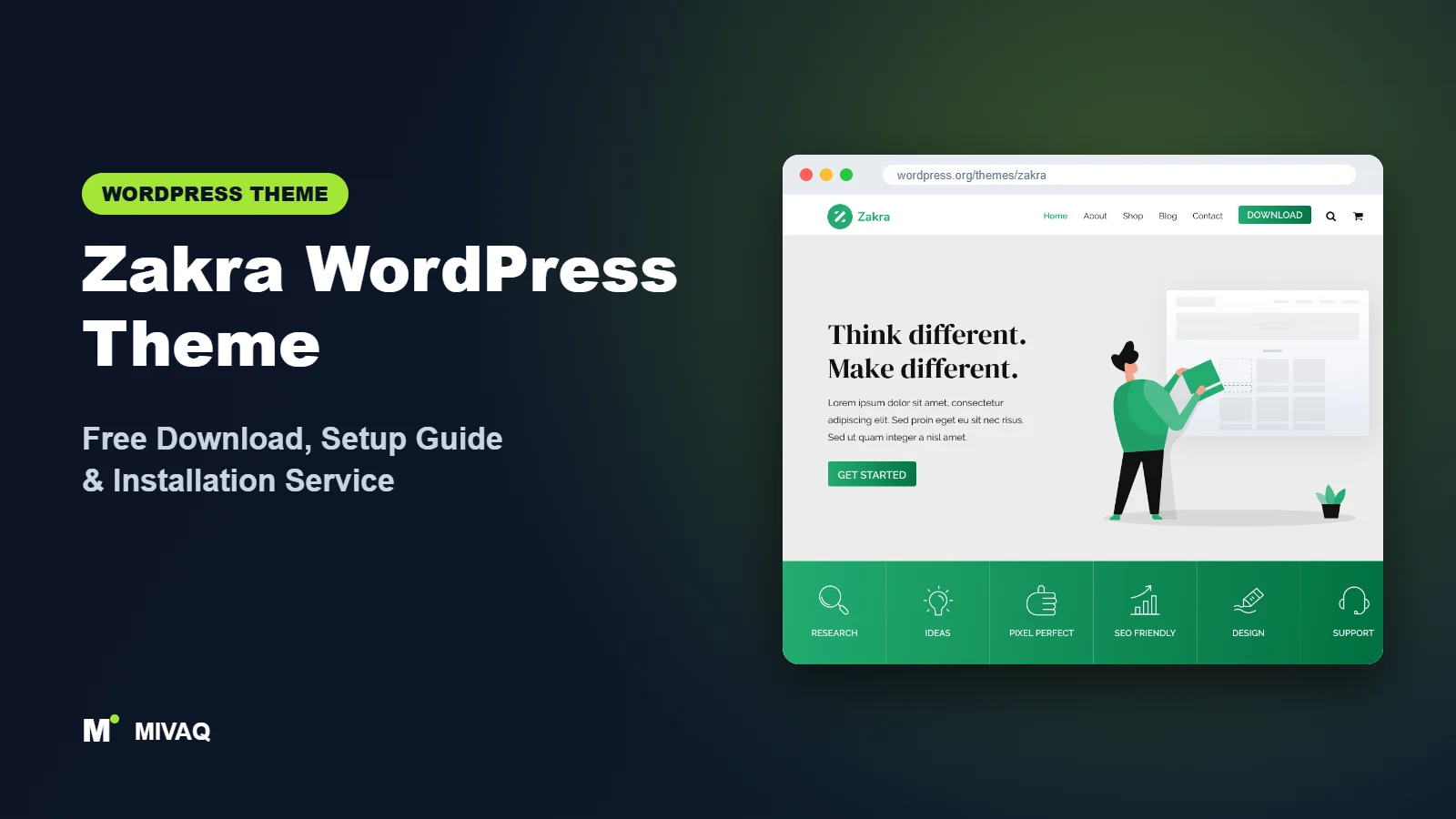
If you want one theme that can be a cafe website on Monday, an online course on Wednesday and a WooCommerce shop by Friday, Zakra is one of the more sensible places to start. This guide covers the Zakra WordPress theme free download from the official source, how to install it, and how to set it up so your site looks like the demo you fell in love with rather than a half-finished template.
This article is part of our complete guide: How to Build a WordPress Website for Your Business (2026 Guide).
Zakra is made by ThemeGrill, the same team behind long-running themes such as Spacious and ColorMag. The theme is 100% free and legal to download from WordPress.org, and it is updated regularly. Below you will find real facts from the official directory, an honest look at the free and Pro versions, setup steps specific to Zakra, and the mistakes we see most often when clients bring us a Zakra site that “doesn’t look right”.
What is the Zakra WordPress theme?
Zakra is a classic (Customizer-based) multipurpose theme. Instead of locking you into one design, it gives you a lightweight base and a library of starter demo sites that you import and then edit with Elementor, the block editor, Brizy or ThemeGrill’s own BlockArt blocks. ThemeGrill describes it as mobile-first and built with speed in mind, and it is listed with RTL and translation support, which matters if you build sites in Arabic, Urdu or Hebrew.
| Detail | Zakra |
|---|---|
| Developer | ThemeGrill |
| Latest version | 4.3.3 |
| Active installs | 30,000+ |
| Rating | 4.9/5 (599 reviews) |
| Requires WordPress | Not specified on WordPress.org (use the latest WordPress) |
| Requires PHP | 7.4 or higher |
| Last updated | 16 September 2026 |
| Theme type | Classic theme (Customizer) |
| Price | Free (Zakra Pro optional) |
A 4.9 rating across nearly 600 reviews is one of the strongest review records in this group of themes. That does not guarantee it suits your project, but it does tell you that support questions tend to get answered and updates do not routinely break sites.
Key features of Zakra
- 40+ starter demo sites: ready-made designs for niches such as cafes, spas, charities, yoga studios, wedding venues, dental clinics, restaurants and schools.
- Page builder freedom: works with Elementor, Brizy, BlockArt and the native block editor, so you are not tied to one builder.
- Header and footer builder: recent versions let you arrange logo, menu, buttons, search and widgets in rows from the Customizer.
- Flexible layouts: left sidebar, right sidebar, no sidebar, full-width and contained layouts per page.
- WooCommerce ready: shop, product and cart pages are styled out of the box, and several starter sites are built for stores.
- LMS friendly: ThemeGrill pitches Zakra for course sites, and it pairs naturally with LMS plugins such as Masteriyo (also from the ThemeGrill family).
- Typography and colour controls: global colours and Google Fonts settings in the Customizer, with live preview.
- Translation and RTL ready: tagged for RTL language support and translation readiness on WordPress.org.
Starter sites that cover real niches
Many free themes offer five or six generic demos. Zakra’s library is larger and more specific: a dental practice demo already has appointment-style sections, a wedding venue demo has gallery and package layouts, and so on. Starting from a niche demo saves hours of layout work. Note that some demos in the library are marked Pro, so check the label before you plan your whole site around one.
Builder-agnostic design
Because Zakra keeps its own styling light, it plays well with whatever builder you prefer. If your team already knows Elementor, use the Elementor demos. If you want fewer plugins and better long-term speed, choose the block editor demos built with BlockArt.
Per-page control
Each page and post has Zakra page settings in the editor where you can hide the title, change the layout or switch the header style. This is handy for landing pages where you want a clean, distraction-free design without a sidebar.
Zakra free vs Pro: what do you get?
The free theme is genuinely usable for a full business site: starter demos, layouts, the header builder, WooCommerce support and typography controls are all there. Zakra Pro is installed as an add-on plugin on top of the free theme and unlocks extra customisation rather than a different theme.
| Area | Zakra (free) | Zakra Pro |
|---|---|---|
| Starter sites | Large free selection | Adds the Pro-labelled demos |
| Header and footer | Builder with core elements | More elements and styling options |
| Typography and colours | Global settings | Finer per-area control |
| WooCommerce | Styled shop pages | Extra shop layout options |
| Support | WordPress.org forum | Priority support from ThemeGrill |
Feature lists change between releases, so check the developer’s site for current Pro pricing and the exact feature list before buying. Most small business sites we build on Zakra never need Pro.
Who should use Zakra?
Zakra fits best when you want a professional look quickly and your business matches one of its niche demos.
- Local service businesses: clinics, salons, gyms, cafes and restaurants that need a polished brochure site.
- Course creators and schools: the education demos and LMS-friendly design make it a good base for online learning.
- Small WooCommerce shops: a clean store with a homepage that sells, without a heavy shop-specific theme.
- Agencies and freelancers: one theme you can learn once and reuse across very different client projects.
Who should not use Zakra? If you want full site editing with block templates in the Site Editor, a block theme such as Twenty Twenty-Five is a better match. And if you run a very large store with complex product filters, a dedicated WooCommerce theme may serve you better.
Zakra WordPress theme free download (official and safe)
The only place you need for the free version is the official WordPress.org theme directory:
- Official page: wordpress.org/themes/zakra
- Direct ZIP download: downloads.wordpress.org/theme/zakra.zip
MIVAQ does not host or distribute theme files; the download always comes from WordPress.org. Please avoid “nulled” or cracked copies of Zakra Pro offered on third-party sites. They often carry hidden backdoors, spam links or malware, and they never receive security updates. If you have already installed one and your site is behaving oddly, read our guide to WordPress malware removal.
How to install Zakra in WordPress (step by step)
Method 1: install from the dashboard
- Log in to your WordPress admin.
- Go to Appearance › Themes › Add New Theme.
- Type “Zakra” in the search box.
- Hover over the Zakra card by ThemeGrill and click Install.
- Click Activate once installation finishes.
Method 2: upload the ZIP file
- Download zakra.zip from the official link above. Do not unzip it.
- Go to Appearance › Themes › Add New Theme › Upload Theme.
- Choose the ZIP, click Install Now, then Activate.
Tip: if you plan to add custom CSS or edit template files, create a Zakra child theme first. Theme updates replace the parent theme’s files, but a child theme keeps your changes safe. If you only use Customizer settings and a page builder, a child theme is optional because those settings are stored in the database.
How to set up Zakra after installation
After activation, Zakra shows a welcome notice in the dashboard. Here is the order we follow on client projects:
- Install the demo importer. Zakra’s starter sites are imported with the ThemeGrill Demo Importer plugin, which the welcome notice offers to install for you.
- Pick your builder first, then the demo. The demo library can be filtered by page builder. Choosing an Elementor demo installs Elementor; choosing a block demo uses BlockArt. Decide this before importing, because switching later means rebuilding pages.
- Import on a fresh site. Demo import adds pages, menus, widgets and sample images. On a site with existing content, back up first.
- Set your branding. In Appearance › Customize › Global, set brand colours and fonts. Change them globally rather than per section so the whole site stays consistent.
- Build the header. Open the header builder in the Customizer, upload your logo, place the primary menu, and add a call-to-action button such as “Book now” or “Get a quote”.
- Replace demo content. Edit the homepage, about, services and contact pages. Swap every demo image for your own (compressed) images and delete pages you do not need.
- Set the homepage. Check Settings › Reading so the correct page is your static homepage and blog page.
- Configure WooCommerce (if selling). Run the WooCommerce setup, then adjust shop layout and sidebar in the Customizer’s WooCommerce panel.
Spend ten minutes on mobile preview at the end. Zakra is responsive, but long headings and wide buttons in demo content sometimes need shortening for small screens.
Zakra speed and SEO checklist
- Remove unused demo plugins. Demos sometimes install contact form, slider or block plugins you will not use. Deactivate and delete them.
- Use proper caching. On LiteSpeed hosting, follow our guide to speed up WordPress with LiteSpeed Cache.
- Pick one SEO plugin. Zakra outputs clean markup; let an SEO plugin handle titles and schema. Our Rank Math vs Yoast comparison helps you choose.
- Write unique title tags for every page instead of keeping the demo titles. See our title tag SEO guide.
- Add alt text to every image you swap in; our image alt text guide explains how.
- Protect the site with the steps in our WordPress security checklist.
- Limit Google Fonts to one or two families and a few weights.
Common mistakes when setting up Zakra
- Importing a Pro demo without Pro: some sections will not appear correctly. Check demo labels first.
- Mixing builders: building some pages in Elementor and others with BlockArt makes styling inconsistent and loads extra code.
- Importing over a live site: demo import can change menus and widgets. Always test on staging or back up first.
- Leaving demo text and images: placeholder content and stock images hurt trust and SEO.
- Ignoring the per-page settings: many “why is there a sidebar on my landing page?” questions are solved in the page’s Zakra settings panel.
Zakra vs similar free WordPress themes
| Theme | Best for | Main difference |
|---|---|---|
| Zakra | Niche business and course sites | Large niche demo library, works with several builders |
| Spacious | Simple small business sites | Older, simpler ThemeGrill theme with fewer demos |
| Customify | Custom header and footer layouts | Its drag-and-drop header and footer builder is the main attraction |
| Royal Elementor Kit | Elementor-only users | Built entirely around Elementor and its addon plugin |
Choose Zakra if you want niche demos and freedom to pick your builder. Choose Spacious if you want the most minimal ThemeGrill option, Customify if header design is your priority, and Royal Elementor Kit if you live inside Elementor. If you prefer a mainstream option from outside this group, compare it with Astra.
Zakra pros and cons
What we like
- Excellent 4.9/5 rating from almost 600 users.
- Specific, well-designed niche starter sites.
- Works with Elementor, the block editor, Brizy and BlockArt.
- Active development with regular updates.
- Good fit for WooCommerce and education sites.
What to consider
- Some of the best-looking demos are Pro-only.
- It is a classic theme, so you will not get full Site Editor templates.
- Demo imports can add plugins you later need to clean up.
Our verdict: Zakra is one of the most practical free multipurpose themes for small businesses and course creators. Pick a demo close to your niche, stick to one builder, and you can have a professional site live quickly without paying for a theme.
Website design with Zakra: our design service
Many businesses choose Zakra because it looks professional out of the box, yet the demo alone rarely says what makes your business different. Through our website design service, MIVAQ turns Zakra into a complete, on-brand business website: clear service pages, persuasive landing pages, trust signals and contact paths that make it easy for visitors to get in touch.
What our Zakra website design package includes:
- Brand-matched design with your logo, colours and typography
- Service pages, landing pages and a homepage structured around your offers
- Starter site import cleaned of demo content and rebuilt with your text and images
- Lead capture: contact and quote forms, WhatsApp, click-to-call and maps
- On-page SEO, speed tuning and Search Console setup
You can see examples in our recent work and case studies, and read more about our WordPress development and SEO services. Every project starts with a free consultation and a fixed price, so you know exactly what you get before we begin.
Want a website designed with Zakra? Contact MIVAQ: WhatsApp +880 1723-189847, email hello@mivaq.com or use our contact form. We usually reply the same day.
Zakra installation and setup service
Want Zakra set up properly without spending your weekend on it? MIVAQ Creative Solutions installs and customises Zakra for businesses of every size. Our service covers:
- Theme installation from WordPress.org and a child theme
- Starter site import and clean-up of unused plugins and demo content
- Branding: logo, colours, fonts, header and footer
- Core pages: home, about, services, contact and blog
- WooCommerce or LMS setup if you sell products or courses
- Speed and SEO basics: caching, image optimisation and Rank Math setup
You get a fixed quote before we start. See all our WordPress services or contact us directly:
- WhatsApp: message us about Zakra
- Email: hello@mivaq.com
- Form: send your project details
Related WordPress theme guides
- Spacious WordPress theme guide
- Customify WordPress theme guide
- Colibri WP WordPress theme guide
- Phlox WordPress theme guide
- 50 best free WordPress themes
Frequently asked questions
Is Zakra free?
Yes. Zakra is free on WordPress.org under the GPL licence, and you can use it on unlimited sites, including client sites. Zakra Pro is an optional paid add-on.
Is Zakra good for SEO?
Zakra provides a clean, responsive base, which is what a theme should contribute to SEO. Rankings still depend on your content, titles, speed and links, so pair it with an SEO plugin such as Rank Math.
Does Zakra work with Elementor?
Yes. Many of its starter sites are built with Elementor, and you can also use it with the block editor, Brizy or BlockArt.
Can I use Zakra for WooCommerce?
Yes. Zakra is WooCommerce compatible and has shop-focused starter sites, making it a solid choice for small and medium online stores.
Can MIVAQ install Zakra for me?
Yes. We install, customise and optimise Zakra for you at a fixed price. Message us on WhatsApp or email hello@mivaq.com with your project details.


