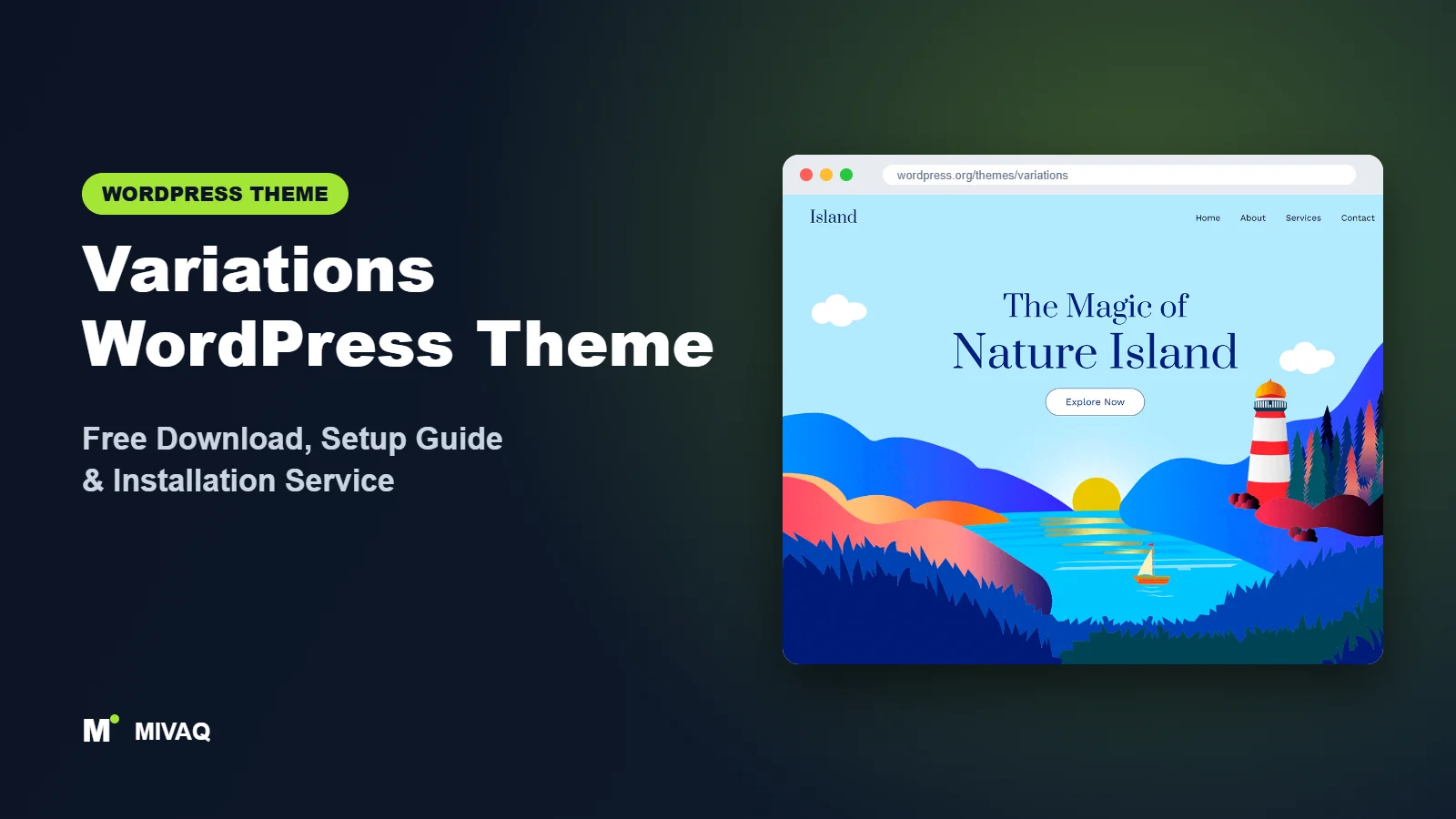
Block themes changed how WordPress sites are built: no more Customizer panels, no more widget areas, just blocks everywhere, including the header and footer. The catch is that many block themes ship with only a handful of templates, leaving you to design everything yourself. Variations takes the opposite approach. As the name suggests, it gives you many looks and a large set of templates and block patterns to start from. This guide covers the official Variations WordPress theme free download, how it works in the Site Editor and how to go from a fresh install to a finished site.
This article is part of our complete guide: How to Build a WordPress Website for Your Business (2026 Guide).
Variations is 100% free and legal on the WordPress.org theme directory. It is developed by Tyler Moore, has 10,000+ active installs and a 5/5 rating from its reviewers. There is no paid version to upsell; everything is included.
What is the Variations WordPress theme?
Variations is a block theme, which means it is built for full site editing. You edit every part of the site, including header, footer, archive layouts and single post templates, in Appearance › Editor using blocks. The developer describes it as hopefully “the last theme” you will need to install, because its many templates, block patterns and style variations let you adapt it to very different kinds of websites: a business site, a portfolio, a blog or a personal brand.
| Detail | Variations |
|---|---|
| Developer | Tyler Moore |
| Latest version | 4.4.1 |
| Active installs | 10,000+ |
| Rating | 5/5 (11 reviews) |
| Requires WordPress | 6.0 or higher (latest recommended) |
| Requires PHP | 7.4 or higher |
| Last updated | 14 January 2026 |
| Theme type | Block theme (Site Editor) |
| Price | Free (no Pro version) |
Information is from WordPress.org at the time of writing. Because block themes rely on core features, run the newest WordPress version to get the best Site Editor experience.
Key features of Variations
- Multiple style variations: switch the whole site’s colours and typography with one click in the Styles panel.
- Many page templates: ready-made templates for different page types, so you do not start from a blank canvas.
- Block patterns library: pre-designed sections such as heroes, features, testimonials, pricing and calls to action.
- Full site editing: design headers, footers and templates visually with blocks, no code required.
- Custom logo and menus: handled through Site Logo and Navigation blocks.
- Wide and full-width blocks: create modern edge-to-edge sections.
- Editor styles: the editor looks the same as the front end, so what you see is what you get.
- No page builder needed: everything is native WordPress blocks, which keeps the site light.
Style variations: one theme, many looks
Style variations are a built-in WordPress feature that Variations uses heavily. Each variation is a preset of colours, fonts and spacing. Open Appearance › Editor › Styles, click through the options and watch the whole site change. For businesses this is a fast way to find a look that matches your brand before fine-tuning individual colours.
Patterns that save hours
Instead of designing sections from scratch, you insert patterns from the block inserter: a hero with a heading and button, a three-column services section, a testimonial row or a contact call to action. Because patterns are just groups of blocks, you can edit every word, image and colour afterwards.
Is Variations completely free?
Yes. Variations is released under the GPL on WordPress.org and there is no Pro edition or locked feature set. All templates, patterns and style variations are included in the free download. You can use it on as many sites as you like, including client sites.
The only costs are the usual ones for any website: hosting, a domain and any premium plugins you choose to add. Because Variations does not need a page builder, many sites can be built with no paid plugins at all.
Who should use Variations?
- Small businesses and freelancers who want a modern site built with native WordPress blocks.
- Users who want full site editing but do not want to design every template from scratch.
- Agencies that like a flexible block-theme base for simple client sites.
- Personal brands and portfolios that benefit from quick style switching.
- Budget-conscious projects where avoiding paid page builders matters.
Who should not choose it? If you are comfortable only with the Customizer and widgets, the Site Editor will feel unfamiliar at first; a classic theme such as Lightning may suit you better. Busy news sites will be better served by a dedicated news theme such as ColorMag. And if you need a theme with official premium support, remember Variations is maintained by an individual developer.
Variations WordPress theme free download (official and safe)
Download Variations only from WordPress.org:
- Official theme page: wordpress.org/themes/variations
- Direct ZIP file: downloads.wordpress.org/theme/variations.zip
MIVAQ does not distribute theme files; the free download always comes from WordPress.org.
Because there is no paid version, any site offering a “Variations Pro” or “premium” download is misleading at best. Modified theme files from unofficial sources can contain malware or spam code. If you ever installed a theme from an untrusted site, check our WordPress malware removal guide.
How to install Variations in WordPress (step by step)
Method 1: From the dashboard
- Go to Appearance › Themes and click Add New Theme.
- Search for “Variations”. Tip: you can also filter by “Block themes”.
- Click Install on Variations by Tyler Moore.
- Click Activate.
Method 2: Upload the ZIP
- Download variations.zip from the official link.
- Go to Appearance › Themes › Add New Theme › Upload Theme.
- Choose the file, click Install Now, then Activate.
Tip: with block themes, most customisations made in the Site Editor are stored in the database and survive updates. You only need a child theme if you plan to edit theme files such as theme.json or template HTML files directly. The free Create Block Theme plugin can generate a child theme for you.
How to set up Variations after installation
Everything happens in Appearance › Editor. Follow this order:
- Pick a style variation. Open Styles, browse the variations and choose the one closest to your brand.
- Fine-tune colours and typography. In Styles, adjust the palette and fonts. Keep two fonts at most and check contrast.
- Edit the header. Open the header template part, add your Site Logo, adjust the Navigation block and add a button such as “Get a quote”.
- Edit the footer. Add contact details, a short menu, social icons and legal links.
- Build the homepage. Create a page, insert patterns (hero, services, testimonials, call to action) and replace the demo text and images. Set it as the homepage in Settings › Reading.
- Create inner pages. Use the theme’s templates and patterns for About, Services and Contact pages.
- Review blog templates. Check the Index, Single and Archive templates so posts look right.
- Save your own patterns. Turn sections you reuse, such as a call to action, into synced patterns so one edit updates every page.
Take your time with steps 1 and 2. A consistent global style saves you from changing colours block by block later.
Variations speed and SEO checklist
- Enjoy the light base, then add caching. Block themes load only the CSS needed for blocks in use. Add server caching with our LiteSpeed speed guide.
- Use proper heading order. Patterns sometimes include H2s and H3s for design reasons; check that each page has a logical heading structure.
- Set titles and descriptions with an SEO plugin; compare them in Rank Math vs Yoast, and follow our title tag SEO guide.
- Replace pattern placeholder images with compressed images and real alt text, as explained in our image alt text guide.
- Back up before big Site Editor changes using a tested backup strategy.
Common mistakes when setting up Variations
- Styling every block individually. Set colours and fonts globally in Styles first, or your design will become inconsistent.
- Forgetting template parts. Changing the header on one page does not work; edit the header template part so it applies everywhere.
- Leaving demo text in patterns. Placeholder copy and images are easy to miss on inner pages.
- Adding a heavy page builder. Variations is designed for native blocks; adding a builder throws away its speed advantage.
- Running an old WordPress version. The Site Editor improves with every release, so keep WordPress updated.
Variations vs similar free WordPress themes
- Variations vs Lightning: Lightning is a classic theme with excellent custom post type handling and a corporate look. Variations is a block theme with more visual flexibility. Choose Lightning for structured organisation sites, Variations for design freedom with blocks.
- Variations vs Customizr: Customizr is a classic Customizer theme last updated in December 2024. Variations is the more future-proof choice for a new small business site.
- Variations vs BlogHash: BlogHash is a classic blog theme with detailed Customizer options; Variations suits mixed business and blog sites built in the Site Editor.
If you like block themes, also compare Twenty Twenty-Five and Ollie.
Variations pros and cons
What we like
- Completely free, with no upsells or locked features.
- Many style variations, templates and patterns to start from.
- Native block theme: light, fast and future-proof.
- Perfect rating from its reviewers.
What to consider
- The Site Editor has a learning curve if you are used to the Customizer.
- Maintained by an individual developer, with fewer updates than some commercial themes.
- Smaller community and fewer tutorials than big multipurpose themes.
Our verdict: Variations is an excellent free block theme for anyone who wants the benefits of full site editing without starting from a blank page. If you are building a small business site, portfolio or personal brand with native WordPress blocks, it deserves a serious look.
Website design with Variations: our design service
A blog or news site lives or dies by readability, structure and speed. With our website design service, MIVAQ builds your publication on Variations: a homepage that surfaces the right stories, clear category structure, author pages, newsletter sign-up areas and ad placements that do not ruin the reading experience.
What our Variations website design package includes:
- Magazine or blog homepage with featured, latest and category sections
- Category, tag and author structure planned for readers and search engines
- Readable typography, dark-mode friendly colours and fast-loading layouts
- Newsletter sign-up, social sharing and tasteful ad placements
- Article SEO templates, schema basics and Search Console setup
You can see examples in our recent work and case studies, and read more about our WordPress development and SEO services. Every project starts with a free consultation and a fixed price, so you know exactly what you get before we begin.
Want a website designed with Variations? Contact MIVAQ: WhatsApp +880 1723-189847, email hello@mivaq.com or use our contact form. We usually reply the same day.
Variations installation and setup service
New to the Site Editor? MIVAQ Creative Solutions can install and customise Variations for you. Our service includes:
- Installation from WordPress.org and a child theme if needed
- Choosing and adjusting a style variation to match your brand
- Header, footer and homepage built with patterns
- About, Services, Contact and blog templates
- WooCommerce setup if you want to sell online
- Speed and SEO basics: caching, image optimisation and Rank Math
Each project comes with a fixed quote. See our WordPress services or contact us:
- WhatsApp: message us about Variations
- Email: hello@mivaq.com
- Form: send your project details
Related WordPress theme guides
- Lightning WordPress theme: free download and setup guide
- Customizr WordPress theme: free download and setup guide
- BlogHash WordPress theme: free download and setup guide
- Ashe WordPress theme: free download and setup guide
- 50 best free WordPress themes
Frequently asked questions
Is Variations free?
Yes. Variations is completely free on WordPress.org, with no Pro version. All templates, patterns and style variations are included.
Is Variations good for SEO?
Yes. As a lightweight block theme it gives you a fast base. Add an SEO plugin, keep a logical heading structure and write good content.
Does Variations work with Elementor?
Elementor can run on a block theme, but it is not how Variations is meant to be used. Its patterns and the Site Editor cover most needs without a page builder.
Can I use Variations for WooCommerce?
Yes. WooCommerce works with block themes, including its block-based cart and checkout. For large stores, test your product pages carefully.
Can MIVAQ install Variations for me?
Yes. We install Variations, adapt a style variation to your brand, build your pages with patterns and set up speed and SEO basics for a fixed price.


