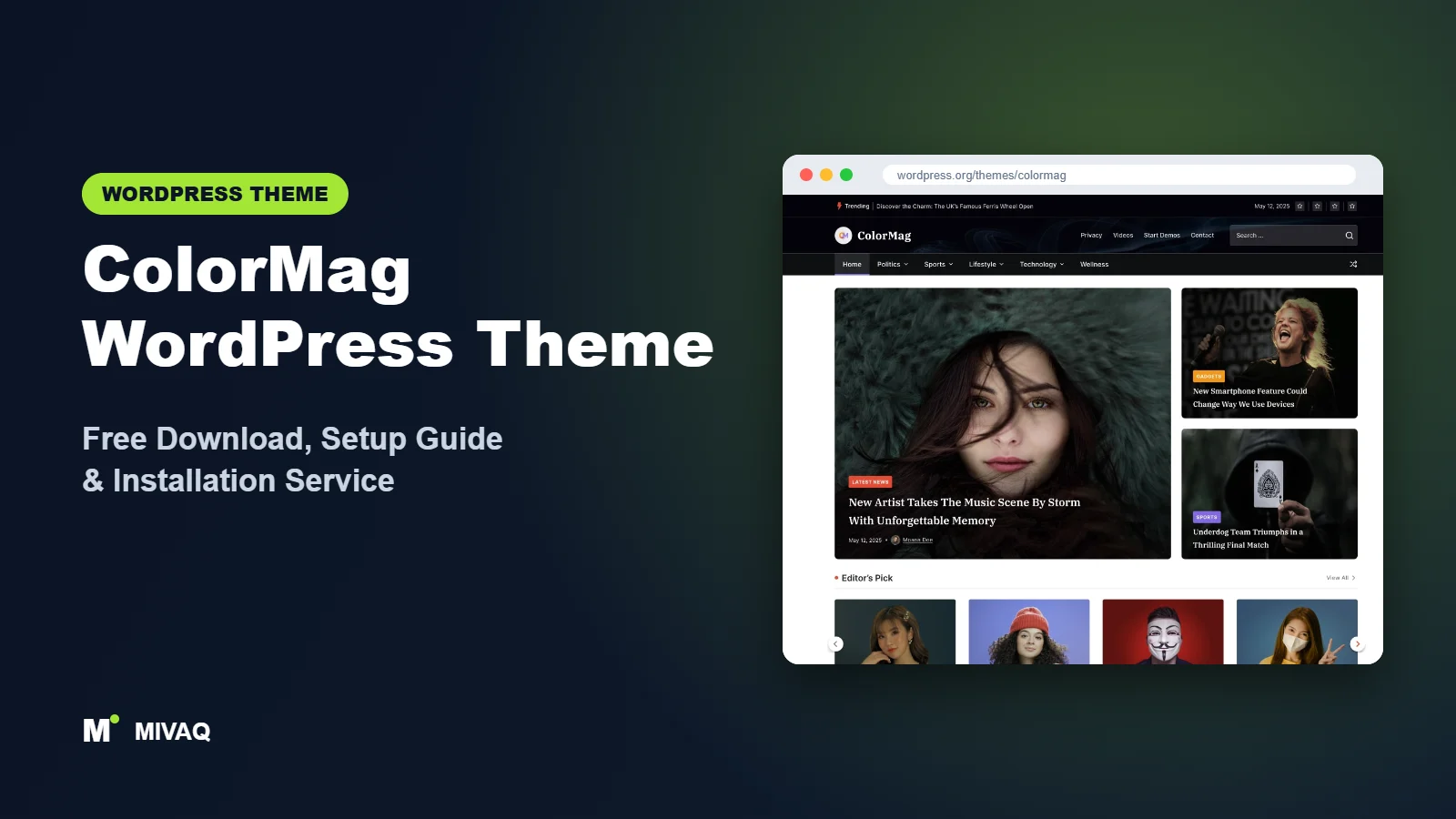
If you are planning a news portal, a local community paper or a niche magazine, the layout problem hits you on day one: how do you show twenty fresh stories on one homepage without it looking like a cluttered noticeboard? That is exactly the job ColorMag was built for. In this guide we cover the ColorMag WordPress theme free download, what you actually get in the free version, how to install it properly and how to turn a blank install into a working magazine front page.
This article is part of our complete guide: How to Build a WordPress Website for Your Business (2026 Guide).
ColorMag is 100% free and legal to download from the official WordPress.org theme directory. It is made by ThemeGrill, one of the longer-running theme companies in the WordPress world, and it is one of the most reviewed news themes on WordPress.org, with more than 1,500 ratings. There is an optional Pro version, but you can build a complete, professional news site without paying anything.
We install and customise themes like ColorMag for clients every month at MIVAQ, so the tips below come from real setups, not from the theme’s marketing page.
What is the ColorMag WordPress theme?
ColorMag is a classic (Customizer-based) WordPress theme designed for news portals, online magazines, personal blogs and publishing sites. Its signature look is a bold, colour-coded category system: each category can have its own colour, so readers instantly recognise sport, politics, tech or lifestyle stories. It works with the block editor and pairs with ThemeGrill’s free Magazine Blocks plugin for news-style post grids and lists.
| Detail | ColorMag |
|---|---|
| Developer | ThemeGrill |
| Latest version | 4.2.5 |
| Active installs | 40,000+ |
| Rating | 4.9/5 (1,566 reviews) |
| Requires WordPress | 5.0 or higher |
| Requires PHP | 7.4 or higher |
| Last updated | 17 September 2026 |
| Theme type | Classic theme (Customizer) |
| Price | Free (ColorMag Pro optional) |
The figures above come from the official WordPress.org theme directory at the time of writing. Active installs and version numbers change often, so check the theme page for the latest numbers.
Key features of ColorMag
- Colour-coded categories: give each category its own colour so labels, menu items and post badges stay consistent across the site.
- One-click starter demos: ThemeGrill offers a large library of starter sites for news, sport, health, entertainment and fashion niches, imported through its demo importer plugin.
- Magazine Blocks integration: the free Magazine Blocks plugin adds news-focused Gutenberg blocks such as post grids, post lists, sliders and category sections.
- Built-in advertising areas: header and content widget areas are ready for banner ads, which matters if your revenue model is AdSense or direct sponsorship.
- Breaking news ticker: a scrolling ticker for the latest headlines can be switched on in the header.
- Boxed or wide layout: choose a boxed newspaper look or a full-width modern layout, with left, right or no sidebar per page.
- WooCommerce compatibility: sell merchandise, subscriptions or e-papers with a styled shop.
- Translation and RTL ready: useful for Arabic, Urdu or Hebrew news sites and for multilingual publishers.
Category colours that actually help readers
Most magazine themes let you pick one accent colour. ColorMag lets you set a colour per category in the Customizer. On a busy homepage this works like the coloured section tabs in a printed newspaper: readers scanning the page can find “Sport” or “Business” without reading every heading. Keep the palette to five or six strong colours with good contrast against white text.
Magazine Blocks for the homepage
Older versions of ColorMag relied mainly on homepage widgets. Today the recommended route is the Magazine Blocks plugin, which gives you blocks like a featured post grid, a tabbed post list and category-based post sections. Because these are blocks, you build the front page in the normal WordPress editor rather than juggling widgets in the Customizer.
Ad-ready layout
News sites live on ads. ColorMag includes header advertisement and in-content ad areas, so you can place a 728×90 leaderboard beside the logo or a banner between homepage sections without editing template files.
ColorMag free vs Pro: what do you get?
The free version is genuinely usable for a full news site: the colour-coded categories, starter demos, ad areas, breaking news ticker, sidebars, WooCommerce styling and Magazine Blocks support are all available without paying.
ColorMag Pro adds more control for publishers who want a more polished, branded product. Typical upgrades in the Pro version include more typography and colour options, additional header and layout styles, more widgets and post-layout choices, extra social and author features, and priority support from ThemeGrill. Feature lists change between releases, and pricing is sold in different licence tiers, so check ThemeGrill’s site for the current Pro features and pricing before you buy.
Our advice: launch on the free version first. Publish for a few months, see which layout limits really bother you, and only upgrade when there is a clear reason. Many small news sites never need Pro.
Who should use ColorMag?
ColorMag is a strong fit for:
- Local and regional news sites that publish several stories a day across many categories.
- Niche magazines such as football, gaming, technology, automotive or health news.
- Bloggers who are outgrowing a simple blog layout and want a homepage with multiple sections.
- Ad-supported publishers who need banner positions ready from day one.
- Newsrooms in RTL languages thanks to built-in RTL support.
ColorMag is probably not the right choice if you are building a business brochure site, a portfolio or a one-page landing page. Its whole design language is about lots of posts. A service business would be better served by a multipurpose theme such as Astra or Kadence. Equally, if you write one long essay a week, a quieter blog theme will feel more appropriate.
ColorMag WordPress theme free download (official and safe)
Always download ColorMag from the official sources:
- Official theme page: wordpress.org/themes/colormag
- Direct ZIP file: downloads.wordpress.org/theme/colormag.zip
MIVAQ does not host or redistribute theme files; the free download always comes straight from WordPress.org, where every theme is reviewed before it is listed.
Be careful with websites offering “ColorMag Pro free” or “nulled” downloads. Cracked premium themes are a common way to spread malware, hidden spam links and backdoors, and they never receive security updates. If you have already installed a nulled theme and your site behaves strangely, read our guide to WordPress malware removal.
How to install ColorMag in WordPress (step by step)
Method 1: Install from the WordPress dashboard
- Log in to your WordPress admin area.
- Go to Appearance › Themes and click Add New Theme.
- Type “ColorMag” in the search box.
- Hover over ColorMag by ThemeGrill and click Install.
- When the install finishes, click Activate.
Method 2: Upload the ZIP file
- Download colormag.zip from the official link above. Do not unzip it.
- Go to Appearance › Themes › Add New Theme › Upload Theme.
- Choose the ZIP file and click Install Now.
- Click Activate.
Tip: if you plan to edit ColorMag’s PHP templates or add custom CSS in files, create a child theme first. Changes made directly to the parent theme are wiped out every time ColorMag updates, and ThemeGrill updates it frequently.
How to set up ColorMag after installation
After activation ColorMag shows a welcome notice in the dashboard. Here is the order we follow on client news sites:
- Create your categories first. Before importing anything, decide your sections (for example News, Sport, Business, Tech, Opinion). Categories drive almost everything in ColorMag.
- Import a starter demo (optional). Install ThemeGrill’s demo importer from the welcome screen, preview the news, sport or lifestyle demos, and import the closest one. Do this on a fresh site, because demo content adds sample posts, menus and widgets.
- Set your logo and site identity. In Appearance › Customize › Site Identity, upload a wide logo (a horizontal logo works best in a news header) and a site icon.
- Choose the layout. In the Customizer, pick boxed or wide layout and set the default sidebar position for posts, pages and archives.
- Assign category colours. Open the colour settings and give each main category its own accent colour.
- Switch on the breaking news ticker in the header options if you publish daily.
- Build menus. Create a primary menu of your main categories and a small top-bar menu for About, Contact and Advertise pages.
- Build the homepage. Install Magazine Blocks, create a page called Home, and add a featured grid at the top followed by category sections. Then set it as the static front page under Settings › Reading.
- Add ad units. Place your ad code in the header advertisement area and between sections, and test on mobile.
If you sell anything, install WooCommerce last and check the shop, cart and checkout pages against your colour scheme.
ColorMag speed and SEO checklist
Magazine homepages are heavy by nature: lots of thumbnails, ads and scripts. Use this checklist to keep ColorMag fast and search-friendly:
- Use proper caching. On LiteSpeed hosting, follow our LiteSpeed speed guide to enable page caching, image optimisation and lazy loading.
- Limit homepage posts. Twelve to twenty stories on the front page is plenty; more slows down the first load.
- Choose one SEO plugin. Our Rank Math vs Yoast comparison explains which suits a news site. Turn on News or Article schema.
- Write clear headlines and title tags. News traffic depends on click-through rate; see our title tag SEO guide.
- Add alt text to every featured image. It helps Google Images and accessibility; our image alt text guide shows how.
- Protect and back up the site. News sites are frequent attack targets. Work through our WordPress security checklist and set up a reliable backup strategy.
Common mistakes when setting up ColorMag
- Importing a demo onto a live site. Demo content mixes with your real posts and menus. Import on a fresh install or a staging copy.
- Uploading images in random sizes. Grids look broken when featured images have different shapes. Use one aspect ratio, such as 16:9, for every featured image.
- Too many ad slots. Filling every widget area with ads hurts Core Web Vitals and reader trust. Start with two or three placements.
- Too many categories. Twenty categories with three posts each look empty. Start with five to eight strong sections and use tags for detail.
- Ignoring mobile. Most news readers are on phones. Check the ticker, menu and ad sizes on a real phone.
ColorMag vs similar free WordPress themes
ColorMag competes with several other free news themes in this series:
- ColorMag vs Newsup: Newsup has a darker, more modern “portal” look and is very widget-driven. ColorMag has the stronger category colour system and the bigger review base. Choose Newsup for a sleek tech or gaming portal, ColorMag for a classic multi-section newspaper.
- ColorMag vs Newsmatic: Newsmatic is a good pick if you want to design parts of the site with Elementor through its News Kit addon. ColorMag fits better if you prefer the block editor and Magazine Blocks.
- ColorMag vs News Magazine X: News Magazine X includes a header and footer builder and a dark mode switcher in the free version. ColorMag is more established, with a much larger user base and starter demo library.
If you are not running a news site at all, compare general-purpose themes such as GeneratePress instead.
ColorMag pros and cons
What we like
- Purpose-built for news and magazines, with colour-coded categories.
- Large starter demo library for different news niches.
- Ad areas and breaking news ticker included free.
- Very large number of positive reviews and regular updates from ThemeGrill.
- Works with the block editor through Magazine Blocks.
What to consider
- The design is distinctly “newsy” and not suited to business or portfolio sites.
- Busy homepages need caching and image optimisation to stay fast.
- Some finer typography and layout controls are reserved for Pro.
- Requires PHP 7.4 or higher, so very old hosting may need upgrading.
Our verdict: ColorMag is one of the safest free choices for a news or magazine site in 2026. It is mature, actively maintained and focused on what publishers actually need: lots of posts, clear sections and ad space. Start with the free version and a starter demo, and you can have a credible news site live in a day.
Website design with ColorMag: our design service
A blog or news site lives or dies by readability, structure and speed. With our website design service, MIVAQ builds your publication on ColorMag: a homepage that surfaces the right stories, clear category structure, author pages, newsletter sign-up areas and ad placements that do not ruin the reading experience.
What our ColorMag website design package includes:
- Magazine or blog homepage with featured, latest and category sections
- Category, tag and author structure planned for readers and search engines
- Readable typography, dark-mode friendly colours and fast-loading layouts
- Newsletter sign-up, social sharing and tasteful ad placements
- Article SEO templates, schema basics and Search Console setup
You can see examples in our recent work and case studies, and read more about our WordPress development and SEO services. Every project starts with a free consultation and a fixed price, so you know exactly what you get before we begin.
Want a website designed with ColorMag? Contact MIVAQ: WhatsApp +880 1723-189847, email hello@mivaq.com or use our contact form. We usually reply the same day.
ColorMag installation and setup service
Do you want a news site that looks finished on launch day instead of spending weekends in the Customizer? MIVAQ Creative Solutions installs and customises ColorMag for publishers, bloggers and local news teams. Our ColorMag service covers:
- Theme installation from WordPress.org and a child theme for safe customisation
- Starter demo import and cleanup of sample content
- Branding: logo, category colours, fonts and menus
- Homepage built with Magazine Blocks, plus About, Contact and Advertise pages
- Ad placements and WooCommerce setup if you sell anything
- Speed and SEO basics: caching, image optimisation, Rank Math setup
You get a fixed quote before we start. See all our WordPress services or contact us directly:
- WhatsApp: message us about ColorMag
- Email: hello@mivaq.com
- Form: send your project details
Related WordPress theme guides
- Newsup WordPress theme: free download and setup guide
- Newsmatic WordPress theme: free download and setup guide
- News Magazine X WordPress theme: free download and setup guide
- Hueman WordPress theme: free download and setup guide
- 50 best free WordPress themes
Frequently asked questions
Is ColorMag free?
Yes. ColorMag is free to download and use on unlimited sites from WordPress.org under the GPL licence. ColorMag Pro is an optional paid upgrade.
Is ColorMag good for SEO?
ColorMag uses clean, standards-based markup and works with Rank Math and Yoast. Your rankings will depend far more on content, speed and internal linking than on the theme, but ColorMag will not hold you back.
Does ColorMag work with Elementor?
Yes, you can use Elementor for individual pages. However, for news homepages ThemeGrill’s own Magazine Blocks plugin is usually lighter and better integrated with the theme.
Can I use ColorMag for WooCommerce?
Yes. ColorMag is WooCommerce compatible, so you can add a small shop for merchandise or subscriptions. For a store-first business, a dedicated shop theme is a better base.
Can MIVAQ install ColorMag for me?
Yes. We install, configure and customise ColorMag, including demo import, branding, homepage design and speed setup. Message us on WhatsApp or send the contact form for a fixed quote.


