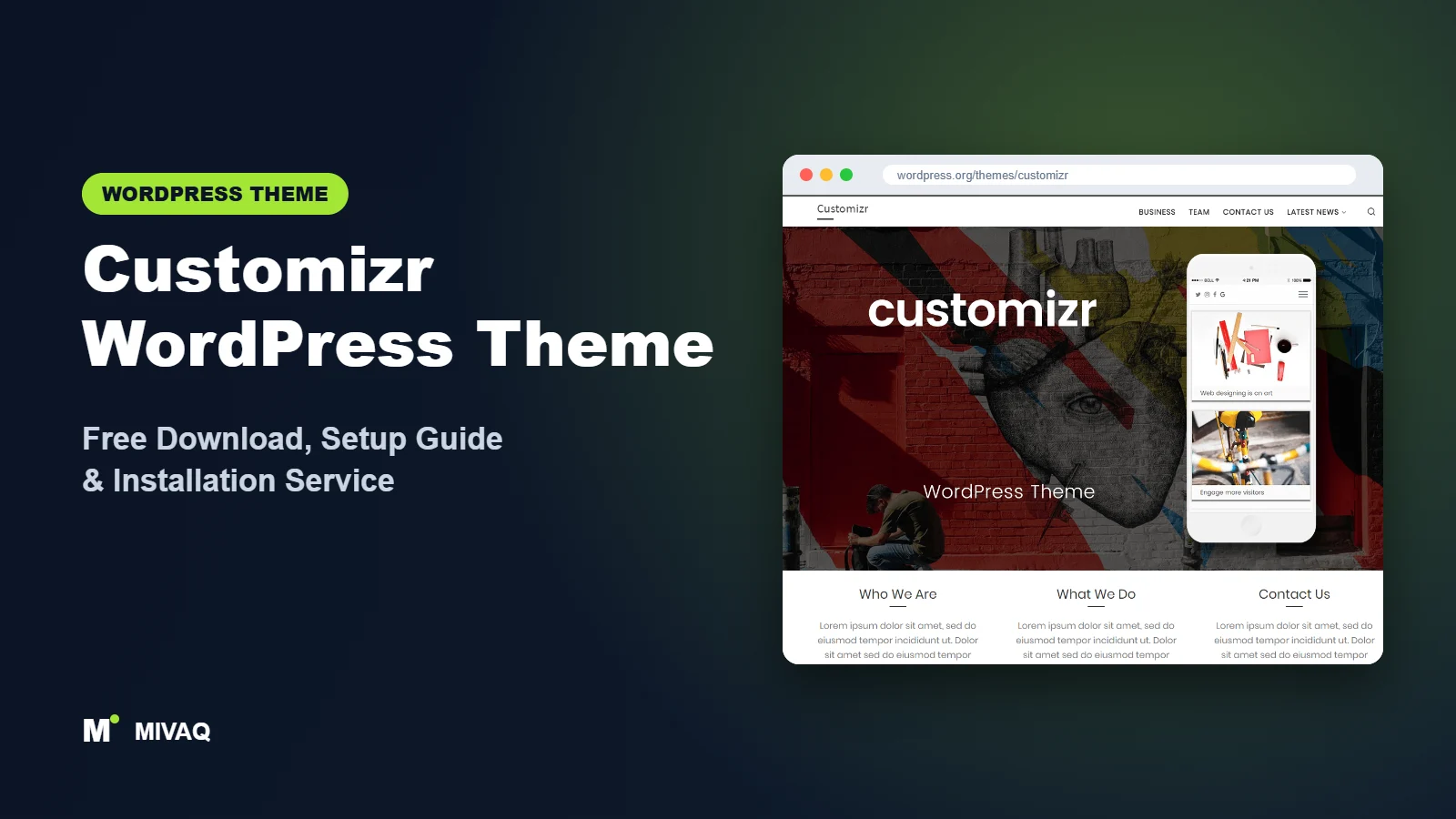
Before “starter templates” and header builders became standard, Customizr was the theme that taught a generation of small business owners how to build a WordPress site on their own. Its idea was simple: do everything in the live Customizer, see the change instantly, and get a professional homepage with a slider and three featured pages in an afternoon. If you are searching for the Customizr WordPress theme free download, this guide explains where to get it safely, what its current maintenance status means for you, and how to set it up properly today.
This article is part of our complete guide: How to Build a WordPress Website for Your Business (2026 Guide).
Customizr is 100% free and legal to download from WordPress.org. It is developed by Press Customizr (the same team behind Hueman), has 30,000+ active installs and a 4.8/5 rating from nearly 1,000 reviews.
Please note: WordPress.org shows that Customizr was last updated on 11 December 2024. That is a significant gap. Many sites still run it without trouble, but before using it on a new or live site you should check compatibility with your WordPress version, PHP version and plugins on a staging copy. We give a simple checklist below.
What is the Customizr WordPress theme?
Customizr is a classic, multipurpose WordPress theme for small business websites and blogs. As its name suggests, it is built entirely around the WordPress Customizer, so every design change happens with a live preview. Its trademark homepage combines a full-width slider, a row of three “featured pages” with round images, and a blog or static content area below. It is responsive, mobile friendly and translation ready.
| Detail | Customizr |
|---|---|
| Developer | Press Customizr |
| Latest version | 4.4.24 |
| Active installs | 30,000+ |
| Rating | 4.8/5 (993 reviews) |
| Requires WordPress | Not specified on WordPress.org |
| Requires PHP | 5.3 or higher (test with your PHP 8 version) |
| Last updated | 11 December 2024 |
| Theme type | Classic theme (Customizer) |
| Price | Free (Customizr Pro optional) |
These numbers come from WordPress.org at the time of writing. The developer’s description refers to a higher number of sites; we quote the WordPress.org active-install figure.
Key features of Customizr
- Live Customizer editing: logo, colours, layout, slider and homepage blocks are all edited with an instant preview.
- Homepage slider: create slides with images, captions and call-to-action buttons.
- Featured pages block: three highlighted pages on the homepage, perfect for “Services”, “About” and “Contact”.
- Flexible sidebars: left, right, both or no sidebar, set globally or per page.
- Sticky header and header layouts: keep navigation visible while scrolling.
- Post formats and post lists: several ways to display blog posts, with support for video, gallery and quote formats.
- BuddyPress and RTL support: suitable for community sites and right-to-left languages.
- Editor styles: the editor reflects the front-end design for a smoother writing experience.
The featured pages block
For a small business, the three featured pages are the most useful part of Customizr. Each block shows a round image, a title, a short text and a button. Point them at your three most important services, and visitors immediately see what you offer without scrolling through a long page.
Slider with calls to action
Customizr’s slider lets you create slides with a heading, text and a button linking anywhere. Used sparingly (two or three slides at most), it can present your main offer, a seasonal promotion and a testimonial.
Companion builder
Press Customizr also develops the free Nimble Builder plugin, a lightweight drag-and-drop section builder that works inside the Customizer. It lets you add modern sections to Customizr pages without a heavy page builder.
Customizr free vs Pro: what do you get?
The free theme includes the full Customizr design, slider, featured pages, layouts, sticky header and Customizer options. It is enough for a complete small business site or blog.
Customizr Pro is sold by Press Customizr and adds more design and layout features plus support. Since the free theme has not been updated since December 2024, check the developer’s site for the current status of Customizr Pro, its feature list and pricing before you buy.
Who should use Customizr?
- Existing Customizr sites that need maintenance, a refresh or speed improvements.
- Small local businesses that want a simple slider, three service blocks and a blog.
- Users who love live editing and want to avoid page builders.
- Community sites running BuddyPress.
Who should look elsewhere? For a brand-new website you plan to run for years, the gap in updates is a real risk. An actively maintained theme such as Lightning for business sites, or a modern block theme such as Variations, will be easier to keep secure. Larger WooCommerce stores should also choose a dedicated shop theme.
Compatibility checklist before you use Customizr
- Set up a staging site with the same WordPress and PHP versions as your live site.
- Install and activate Customizr on staging, with debug logging turned on.
- Check the homepage slider, featured pages, blog, single posts and contact form.
- Test the block editor, your SEO plugin, caching plugin and any form or booking plugins.
- Review the debug log for PHP warnings or deprecation notices.
- If everything is clean, deploy; if not, consider a maintained alternative.
Customizr WordPress theme free download (official and safe)
Download Customizr only from these official sources:
- Official theme page: wordpress.org/themes/customizr
- Direct ZIP file: downloads.wordpress.org/theme/customizr.zip
MIVAQ does not distribute theme files; the free download always comes from WordPress.org.
Avoid “Customizr Pro nulled” downloads. Cracked versions of popular themes frequently contain malware, SEO spam injections and backdoors, and with no updates they become even more dangerous over time. If your site is behaving oddly after installing one, read our WordPress malware removal guide.
How to install Customizr in WordPress (step by step)
Method 1: From the dashboard
- Go to Appearance › Themes and click Add New Theme.
- Search for “Customizr”.
- Click Install on Customizr by Press Customizr.
- Click Activate (on staging first if possible).
Method 2: Upload the ZIP
- Download customizr.zip from the official link.
- Go to Appearance › Themes › Add New Theme › Upload Theme.
- Upload the ZIP, click Install Now, then Activate.
Tip: create a child theme before customising template files. If you ever need to patch a compatibility issue in an older theme, the child theme keeps that fix safe.
How to set up Customizr after installation
Open Appearance › Customize and work through the panels in this order:
- Create your key pages first. Home, Services (or three service pages), About, Blog and Contact.
- Site identity. Upload a logo and site icon; decide whether to show the tagline.
- Global colours and fonts. Choose a skin colour close to your brand and a readable font pair.
- Header. Choose a header layout, enable the sticky header and assign the main menu.
- Front page. Under Settings › Reading or in the Customizer, decide between a static page and latest posts.
- Slider. Create two or three slides with compressed images, short headings and clear buttons.
- Featured pages. Select your three most important pages and write short teaser texts.
- Layouts and sidebars. Set the default sidebar layout and override it for pages that need full width.
- Footer. Add widgets with contact details, opening hours and legal links.
- Optional: Nimble Builder. Install it if you need extra sections such as testimonials or pricing.
Example: a Customizr homepage for a local plumber
To see how the pieces fit, picture a small plumbing company. Slide one shows a van on a real job with the heading “Same-day plumbing repairs” and a “Call now” button. Slide two promotes boiler servicing before winter. The three featured pages become Emergency Repairs, Bathroom Installations and Boiler Servicing, each with a clear photo and a two-line summary. Below that, a short paragraph about the service area and a few recent blog posts with seasonal tips keep the homepage fresh. The footer shows the phone number, opening hours and areas covered. It is a simple structure, but it answers the three questions every visitor has: what do you do, where do you work and how do I contact you.
Customizr speed and SEO checklist
- Compress slider images. Large slides are the biggest weight on a Customizr homepage. See our LiteSpeed speed guide for caching and WebP conversion.
- Give each service page a unique title tag using our title tag SEO guide.
- Add descriptive alt text to slider and featured page images; our image alt text guide explains how.
- Use a maintained SEO plugin for schema and sitemaps; compare them in Rank Math vs Yoast.
- Keep core and plugins updated and backed up with our backup strategy and security checklist.
Common mistakes when setting up Customizr
- Too many slides. Five heavy slides slow the homepage and few visitors see past the second.
- Leaving featured pages on defaults. Placeholder text on the homepage looks unprofessional.
- Skipping a staging test. With an older theme, always test before going live.
- Stacking page builders. Using Nimble Builder and Elementor together adds bloat; pick one.
- No migration plan. Document your settings so moving to another theme later is easier.
Customizr vs similar free WordPress themes
- Customizr vs Hueman: both are from Press Customizr and were last updated in December 2024. Customizr is aimed at business sites; Hueman at blogs and magazines.
- Customizr vs Lightning: Lightning is actively maintained, simple and business-focused, and handles custom post types gracefully. For a new business site, Lightning is the safer choice.
- Customizr vs Variations: Variations is a modern block theme edited in the Site Editor. Choose it if you want full site editing instead of the Customizer.
For a broader multipurpose option, see our Astra guide.
Customizr pros and cons
What we like
- Very easy live editing in the Customizer.
- Slider and featured pages give a ready-made business homepage.
- Large base of positive reviews built over many years.
- Companion Nimble Builder for extra sections.
What to consider
- No WordPress.org update since 11 December 2024; check compatibility first.
- The design feels dated next to newer themes.
- No modern starter template library or block-based site editing.
Our verdict: Customizr remains a friendly theme for small sites and is fine to keep on an existing site that has been tested. For new projects, we suggest a staging test and a comparison with an actively maintained theme before you commit.
Website design with Customizr: our design service
A blog or news site lives or dies by readability, structure and speed. With our website design service, MIVAQ builds your publication on Customizr: a homepage that surfaces the right stories, clear category structure, author pages, newsletter sign-up areas and ad placements that do not ruin the reading experience.
What our Customizr website design package includes:
- Magazine or blog homepage with featured, latest and category sections
- Category, tag and author structure planned for readers and search engines
- Readable typography, dark-mode friendly colours and fast-loading layouts
- Newsletter sign-up, social sharing and tasteful ad placements
- Article SEO templates, schema basics and Search Console setup
You can see examples in our recent work and case studies, and read more about our WordPress development and SEO services. Every project starts with a free consultation and a fixed price, so you know exactly what you get before we begin.
Want a website designed with Customizr? Contact MIVAQ: WhatsApp +880 1723-189847, email hello@mivaq.com or use our contact form. We usually reply the same day.
Customizr installation and setup service
MIVAQ Creative Solutions helps businesses install, configure and maintain Customizr, or move away from it when that makes more sense. Our service includes:
- Staging setup and a compatibility test with your WordPress, PHP and plugins
- Installation from WordPress.org with a child theme
- Slider, featured pages, branding, menus and core pages
- WooCommerce setup for a small shop if needed
- Speed and SEO basics: caching, image optimisation and Rank Math
- Migration to a maintained theme if required
Every job comes with a fixed quote. Visit our WordPress services page or contact us:
- WhatsApp: message us about Customizr
- Email: hello@mivaq.com
- Form: send your project details
Related WordPress theme guides
- Hueman WordPress theme: free download and setup guide
- Lightning WordPress theme: free download and setup guide
- Variations WordPress theme: free download and setup guide
- Newsup WordPress theme: free download and setup guide
- 50 best free WordPress themes
Frequently asked questions
Is Customizr free?
Yes. Customizr is free on WordPress.org for unlimited sites. Customizr Pro is an optional paid version from Press Customizr.
Is Customizr still maintained?
WordPress.org lists 11 December 2024 as the last update. Test it on staging with your setup before using it on a live site.
Is Customizr good for SEO?
It uses standard markup and works with SEO plugins. Fast hosting, compressed images and good content will matter more than the theme.
Does Customizr work with Elementor?
You can build individual pages with Elementor, but the developer’s own Nimble Builder fits the Customizr workflow more naturally. Test either option on staging.
Can MIVAQ install Customizr for me?
Yes. We test, install and configure Customizr for a fixed price, or migrate your site to a maintained theme if that is safer.


