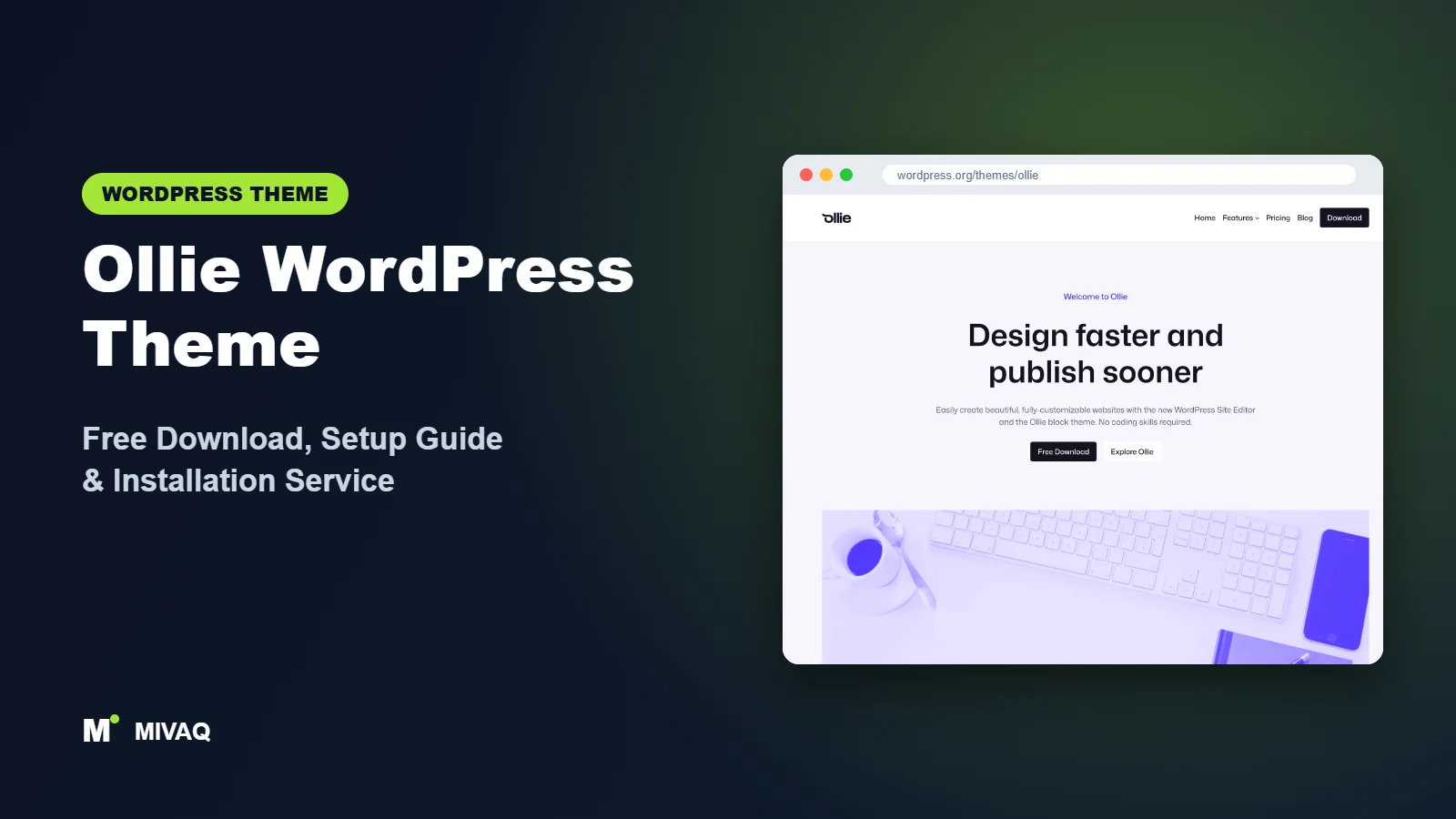
Ollie arrived with a bold promise: a pixel-perfect, fast website built entirely with the native WordPress editor, without an expensive page builder plugin. It quickly became one of the most talked-about block themes in the community, thanks to its polished patterns and the reputation of its creator, Mike McAlister, who previously built the popular Atomic Blocks plugin. If you want the Ollie WordPress theme free download, the full theme is 100% free and legal on WordPress.org, and every one of its user reviews there is five stars.
This article is part of our complete guide: How to Build a WordPress Website for Your Business (2026 Guide).
This guide looks at why Ollie appeals to people building marketing sites, SaaS landing pages and portfolios, what you get for free versus Ollie Pro, how to install it safely, and a practical plan for setting it up in the Site Editor.
What is the Ollie WordPress theme?
Ollie is a block theme created for full site editing. Its WordPress.org description highlights more than 50 pattern designs, 7 full-page pattern layouts and a fully customisable design system powered by Global Styles. In practice that means you build pages by inserting professionally designed sections, then control colours, fonts and spacing site-wide from one place. A full demo is available at demo.olliewp.com.
| Detail | Ollie |
|---|---|
| Developer | Mike McAlister |
| Latest version | 1.6.3 |
| Active installs | 6,000+ |
| Rating | 5.0/5 (36 reviews) |
| Requires WordPress | Not specified on WordPress.org (use the latest version for full Site Editor features) |
| Requires PHP | 7.3 or higher |
| Last updated | 2 September 2026 |
| Theme type | Block theme (Full Site Editing) |
| Price | Free, with optional Ollie Pro |
The install count is modest compared with the default themes, but a perfect rating across 36 reviews and regular updates show a very engaged user base.
Key features of Ollie
- 50+ section patterns: heroes, feature grids, pricing tables, testimonials, team sections, FAQs, logos, calls to action and more.
- Full-page layouts: seven ready-made page patterns, such as home, about, services and pricing pages.
- Global Styles design system: one set of colour, typography and spacing tokens controls the entire site.
- Style variations: switch between curated colour and font combinations in one click.
- Multiple column and grid layouts: the theme supports two, three and four-column designs and grid layouts for posts and portfolios.
- Template editing: headers, footers, blog index, single posts and archives are all editable in the Site Editor.
- No page builder required: everything uses core blocks, which keeps pages light.
- RTL and translation ready: works for multilingual projects.
Patterns designed like a premium theme
Many free block themes include patterns that feel like demos. Ollie’s patterns are designed as real marketing sections with careful spacing, button hierarchy and responsive behaviour. You can assemble a convincing SaaS or agency home page in under an hour by stacking a hero, a logo row, a features grid, a pricing table and a call to action.
A design system, not just settings
Ollie defines a consistent scale for font sizes and spacing in theme.json. Because every pattern uses those tokens, changing your brand colour or base font in Global Styles updates every section at once. It is the same idea professional design teams use in tools like Figma, brought into WordPress.
Lightweight by design
Without a page builder, jQuery sliders or large frameworks, Ollie pages load very little code. That makes good Core Web Vitals scores much easier to achieve, even on modest shared hosting.
Ollie free vs Pro: what do you get?
The free Ollie theme on WordPress.org is a complete theme: all templates, the free pattern collection, the style variations and the Global Styles design system. You can build and launch a full website with it.
Ollie Pro is an optional paid upgrade sold on olliewp.com. It expands the pattern library with many more sections and full-page designs, plus extra layouts for things like landing pages, blogs and portfolios. Because pricing and the exact Pro contents change over time, check the developer’s site for current Pro pricing and features. Our advice is to build with the free theme first; if you find yourself wishing for more ready-made sections, Pro becomes a time-saving purchase rather than a requirement.
| Feature | Ollie (free) | Ollie Pro |
|---|---|---|
| Full site editing templates | Yes | Yes |
| Global Styles design system | Yes | Yes |
| Style variations | Yes | Yes |
| Pattern library | 50+ patterns, 7 page layouts | Larger premium library |
| Support | WordPress.org forum | See the developer’s site for current support terms |
Who should use Ollie?
- SaaS founders and startups needing a clean marketing site with pricing and feature pages.
- Agencies and freelancers who want a consistent block-based starting point for client sites.
- Consultants and coaches who need a professional services site that loads fast.
- Designers and creators who want portfolio grids and full-width imagery.
- Anyone leaving Elementor or Divi for native blocks and better performance.
Ollie is not the best option if you want to keep using a page builder, need classic Customizer settings, or want a WooCommerce theme with deep shop features. It also expects you to be comfortable in the Site Editor; complete beginners may need a little time to learn the interface.
Ollie WordPress theme free download (official and safe)
- Official theme page: wordpress.org/themes/ollie
- Direct ZIP file: downloads.wordpress.org/theme/ollie.zip
Be careful with sites claiming to offer “Ollie Pro free” or nulled pattern packs. Cracked premium downloads are a common source of malware, hidden admin accounts and SEO spam, and they never receive updates. If you buy Pro, buy it from the developer. If you think a nulled file has already compromised your site, follow our WordPress malware removal guide. MIVAQ does not distribute theme files.
How to install Ollie in WordPress (step by step)
Method 1: install from the dashboard
- Go to Appearance › Themes › Add New Theme.
- Search for “Ollie”.
- Click Install, then Activate.
- Open Appearance › Editor to start customising.
Method 2: upload the ZIP file
- Download ollie.zip from WordPress.org.
- Go to Appearance › Themes › Add New Theme › Upload Theme.
- Select the file, click Install Now and Activate.
Child theme tip: Ollie is a popular parent for child themes, and the developer provides guidance on creating one. Use a child theme if you want to ship your own patterns, adjust theme.json in code or add custom templates. Changes made in the Site Editor are stored in the database and are safe from updates.
How to set up Ollie after installation
Everything happens in Appearance › Editor. A good order:
- Choose a style variation: in Styles, preview the variations and pick one close to your brand.
- Set brand tokens: open Styles › Colors and replace the primary, secondary and base colours. Then set heading and body fonts in Styles › Typography.
- Edit the header: add your Site Logo, build the Navigation block and add a primary button such as “Book a call” or “Start free trial”.
- Build the home page: create a page, insert a full-page layout or stack section patterns (hero, logos, features, testimonials, pricing, call to action). Set it as the homepage in Settings › Reading.
- Create inner pages: use the about, services and pricing patterns for consistency.
- Design the blog: edit the Index or Home template and choose a grid or list layout.
- Customise the footer: add a short company description, menu columns and social links.
- Check responsive views: preview on tablet and mobile and adjust stacking and spacing.
For WooCommerce, block-based shop templates will inherit your Global Styles. Ollie is not a dedicated shop theme, so check product, cart and checkout pages carefully and add styling where needed.
Example: a SaaS home page from Ollie patterns
Here is a page structure that works well for a software product or online service, using only the free patterns:
- Hero: a short benefit-led headline, one sentence of supporting text, a primary “Start free trial” button and a secondary “See how it works” link.
- Logo row: real customer or partner logos only, never placeholders.
- Features grid: three or six features, each written as an outcome for the customer rather than a technical spec.
- Testimonial: one detailed quote with a name, role and photo.
- Pricing: two or three plans with the recommended plan highlighted.
- FAQ: answer the five objections your sales calls hear most often.
- Final call to action: repeat the main button with a reassuring line underneath.
Because each section comes from the same design system, the page looks consistent even when you rearrange or remove sections later.
Ollie speed and SEO checklist
- Resist adding a page builder or multiple block libraries; Ollie’s speed advantage comes from using core blocks.
- Configure caching and image optimisation; on LiteSpeed hosting, see our LiteSpeed guide.
- Choose one SEO plugin using our Rank Math vs Yoast comparison.
- Rewrite every pattern headline with your real keywords and write strong page titles with our title tag SEO guide.
- Swap pattern placeholder images for optimised WebP images with descriptive alt text.
- Protect your work with our WordPress backup strategy.
Common mistakes when setting up Ollie
- Styling blocks one by one: set colours and fonts in Global Styles so the design system stays consistent.
- Leaving placeholder logos and testimonials: fake social proof damages trust and can mislead visitors.
- Using too many patterns on one page: a focused page with five strong sections converts better than twelve.
- Downloading nulled Pro packs: the risk is not worth it.
- Skipping mobile checks: pricing tables and four-column grids need a quick mobile review.
Ollie vs similar free WordPress themes
Twenty Twenty-Five is the official default theme with strong blog layouts. Pick it for content-heavy sites; pick Ollie for marketing pages.
Spectra One pairs with the Spectra blocks plugin for advanced blocks such as forms and sliders. Pick Spectra One if you want more block features; pick Ollie if you prefer core blocks only.
Extendable focuses on expressive style variations and integrates with Extendify’s library. Pick it if your host already provides Extendify tools.
Ollie pros and cons
What we like
- Beautiful, professional patterns in the free version
- Consistent design system via Global Styles
- Very fast with no page builder
- Actively updated and highly rated
- Optional Pro for a larger library
What to consider
- Requires comfort with the Site Editor
- Smaller user base than the big multipurpose themes
- Not a dedicated WooCommerce theme
- Some of the most elaborate layouts are Pro-only
Our verdict: Ollie is one of the best free block themes for marketing, SaaS and agency websites. If you are ready to build with native blocks, it delivers premium-looking results without premium page-builder weight.
Website design with Ollie: our design service
Ollie is a clean foundation, but a clean foundation is not yet a finished website. MIVAQ designs complete websites on Ollie as part of our website design service: we plan the pages, create a colour and typography system that matches your brand, build custom patterns and templates in the WordPress editor, and hand over a site you can update without a page builder.
What our Ollie website design package includes:
- Custom style variation: colours, typography and spacing set in Global Styles
- Page templates and reusable patterns for home, services, blog and contact pages
- Navigation, header and footer designed in the Site Editor
- Contact forms, newsletter sign-up and essential plugins only
- On-page SEO, image optimisation and analytics at launch
You can see examples in our recent work and case studies, and read more about our WordPress development and SEO services. Every project starts with a free consultation and a fixed price, so you know exactly what you get before we begin.
Want a website designed with Ollie? Contact MIVAQ: WhatsApp +880 1723-189847, email hello@mivaq.com or use our contact form. We usually reply the same day.
Ollie installation and setup service
MIVAQ installs and customises Ollie for you: installation from WordPress.org, a child theme where useful, brand colours and fonts in Global Styles, header and footer, home, services, pricing and about pages built from Ollie patterns, menus, forms, WooCommerce if needed, and speed and SEO basics, all at a fixed quote. See our WordPress services or contact us:
- WhatsApp: message us about Ollie
- Email: hello@mivaq.com
- Form: send your project details
Related WordPress theme guides
- Spectra One WordPress theme guide
- Twenty Twenty-Five WordPress theme guide
- Neve FSE WordPress theme guide
- Extendable WordPress theme guide
- 50 best free WordPress themes
Frequently asked questions
Is Ollie free?
Yes. The Ollie theme is free on WordPress.org. Ollie Pro is an optional paid pattern library from the developer.
Is Ollie good for SEO?
Yes. It is lightweight, uses core blocks and outputs clean HTML. Add an SEO plugin and write unique titles and content.
Does Ollie work with Elementor?
It can, but Ollie is built to replace page builders with native blocks. Using Elementor on top removes its main advantage.
Can I use Ollie for WooCommerce?
Yes, WooCommerce block templates work with it, but it is not a shop-specialist theme, so larger stores may need extra styling.
Can MIVAQ install Ollie for me?
Yes. We install, brand and build your Ollie site for a fixed price. Contact us on WhatsApp, by email or via the form.


