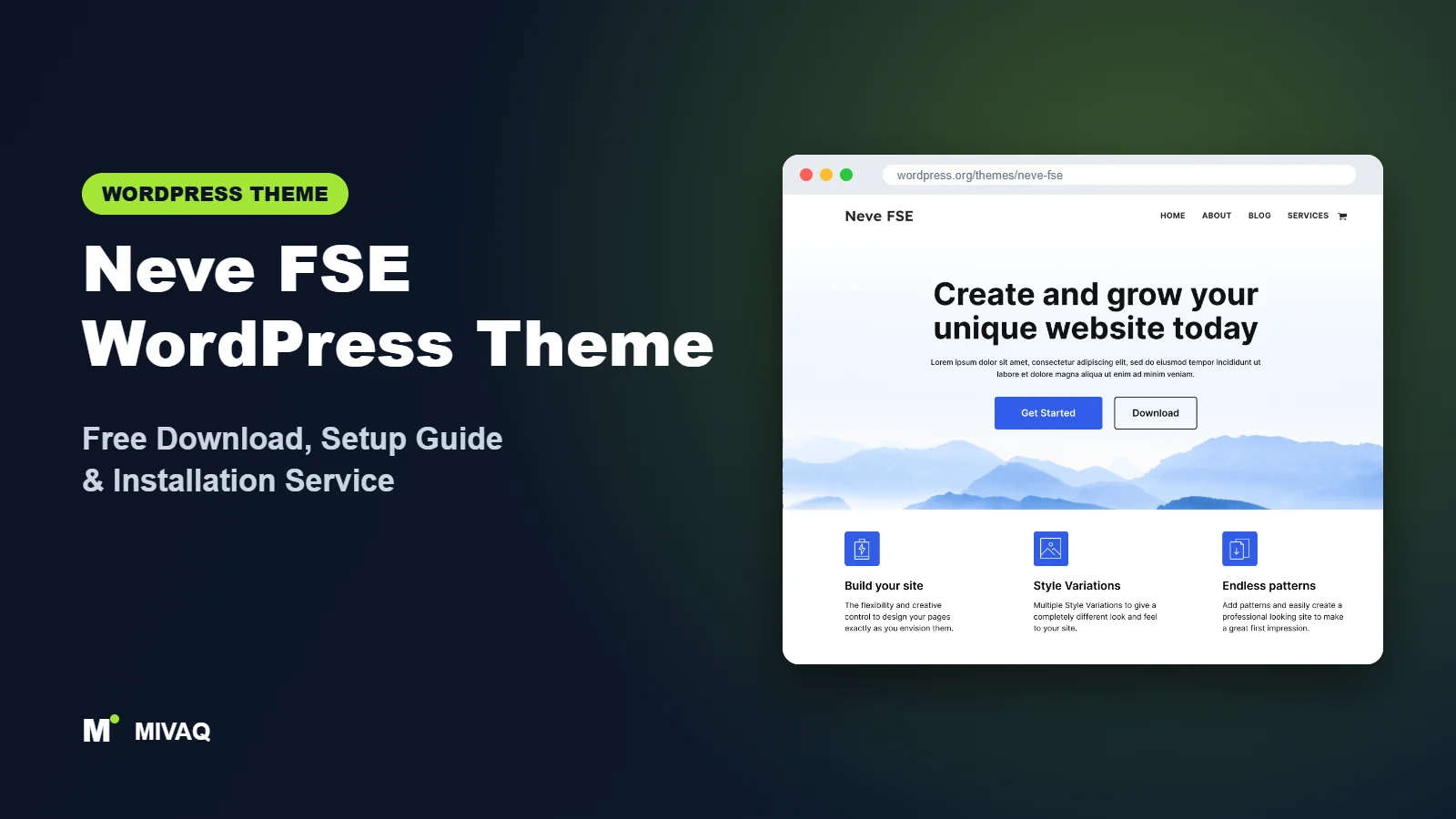
Neve is one of the most popular lightweight themes on WordPress.org, loved for its speed and its Customizer-based header builder. But Neve was born in the classic theme era. Neve FSE is Themeisle’s answer for people who want to go all in on full site editing: a separate, experimental sister theme with no backwards-compatibility code. If you are looking for the Neve FSE WordPress theme free download, it is 100% free and legal on WordPress.org.
This article is part of our complete guide: How to Build a WordPress Website for Your Business (2026 Guide).
The “experimental” label puts some people off, and it is worth understanding what it really means. In this guide we explain how Neve FSE differs from classic Neve, what features it includes, who should use it, how to download and install it safely, and how to configure it in the Site Editor for a small business, blog or shop.
What is the Neve FSE WordPress theme?
Neve FSE is a block theme developed by Themeisle, the company behind Neve, Raft and the Otter Blocks plugin. Its WordPress.org description calls it a modern, minimalistic theme that is fully compatible with full site editing, offering patterns and several style variations, and suitable for blogs, small businesses, startups, agencies, e-commerce shops and portfolios. Everything is controlled in Appearance › Editor rather than the Customizer.
| Detail | Neve FSE |
|---|---|
| Developer | Themeisle |
| Latest version | 1.1.7 |
| Active installs | 9,000+ |
| Rating | 4.7/5 (39 reviews) |
| Requires WordPress | 5.5 or higher (a current version is needed for full site editing) |
| Requires PHP | 7.0 or higher |
| Last updated | 31 March 2026 |
| Theme type | Block theme (Full Site Editing) |
| Price | Free (no Pro version of its own) |
The listed minimum WordPress version is low, but the Site Editor features that make the theme useful only exist in modern releases. In practice, run the latest WordPress.
What does “experimental” actually mean?
Themeisle uses the word to signal that Neve FSE is a testing ground for a block-first approach, not a beta full of bugs. The theme is listed on WordPress.org, which means it passed the theme review team’s checks, and it has a solid rating from dozens of users. The practical implications are different:
- No migration path from classic Neve: settings from Neve’s Customizer do not carry over, so moving an existing Neve site means rebuilding the header, footer and layouts.
- Fewer bells and whistles: features such as the classic header builder, starter site library and Pro modules are not part of it.
- A slower release rhythm: updates arrive less often than for Themeisle’s flagship products.
For a new, simple site where you are happy to work in the Site Editor, none of these are deal-breakers. For an established Neve site with lots of Customizer settings and Pro features, staying on classic Neve is usually the sensible decision. If you are unsure, test Neve FSE on a staging copy first and compare the effort of rebuilding with the benefits you expect.
Key features of Neve FSE
- Pure full site editing: templates and template parts for header, footer, blog, single posts, pages, archives and search.
- Block patterns: ready sections for heroes, features, services, pricing, team, testimonials and contact areas.
- Style variations: switch colour and typography sets in one click.
- Minimal design: the clean, understated Neve look translated into blocks.
- E-commerce ready: supports WooCommerce block templates for shops.
- No legacy code: without classic-theme compatibility layers, the theme stays small.
- Custom colours, logo and menus: handled through Global Styles and the Navigation block.
- RTL ready: suitable for right-to-left languages.
Neve’s philosophy, rebuilt for blocks
Neve became popular because it was fast and did not get in the way. Neve FSE keeps that minimalism: a light layout, neutral colours and well-spaced typography that you build upon with patterns. If you liked classic Neve’s restraint, you will feel at home.
Pairs naturally with Otter Blocks
Themeisle also makes Otter Blocks, a free plugin that adds blocks such as forms, sliders, tabs, accordions, popups and animations. Neve FSE works without it, but if you need these extras, Otter is the natural companion because it comes from the same developer.
Patterns for business pages
The included patterns cover the sections most small business sites need, so you can assemble a home page, services page and contact page without designing from scratch.
Is Neve FSE completely free?
Yes. Neve FSE is GPL-licensed and free on WordPress.org. It does not have its own Pro version. The Neve Pro add-on that Themeisle sells is built for the classic Neve theme and its Customizer, so it is not the upgrade path for Neve FSE. If you want extra functionality, the free Otter Blocks plugin is the usual companion; Otter also has a paid tier, so check the developer’s site for current pricing if you need its premium blocks.
Who should use Neve FSE?
- Neve fans ready for full site editing who want a familiar brand and style in block form.
- Small businesses, startups and agencies needing a clean, minimal brochure site.
- Bloggers who want a light, fast theme with editable templates.
- Developers who want a lean block theme to customise without legacy code.
Avoid Neve FSE if you rely on Neve Pro features, the Customizer header builder, or Elementor-heavy workflows: classic Neve is better for that. Also be aware that updates are less frequent than for Raft, Themeisle’s other block theme, so check recent changelogs before using it for a long-term project.
Neve vs Neve FSE: the key differences
| Aspect | Neve (classic) | Neve FSE |
|---|---|---|
| Customisation | Customizer with header and footer builder | Site Editor and Global Styles |
| Starter sites | Large starter site library via companion plugin | Patterns and style variations |
| Pro upgrade | Neve Pro add-on | None for the theme |
| Page builders | Strong Elementor and builder support | Designed for blocks |
| Best for | Builder users and Customizer fans | Block-first, minimal sites |
Neve FSE WordPress theme free download (official and safe)
- Official theme page: wordpress.org/themes/neve-fse
- Direct ZIP file: downloads.wordpress.org/theme/neve-fse.zip
Avoid unofficial download portals and any “Neve Pro nulled” files. Cracked premium add-ons are frequently modified to include backdoors, spam links and malicious redirects, and they cannot be updated. If you are worried your site is infected, follow our guide to WordPress malware removal. MIVAQ does not distribute theme files.
How to install Neve FSE in WordPress (step by step)
Method 1: install from the dashboard
- Go to Appearance › Themes › Add New Theme.
- Search for “Neve FSE”. Make sure you choose Neve FSE, not classic Neve.
- Click Install, then Activate.
- Optionally install the free Otter Blocks plugin from Plugins › Add New Plugin.
Method 2: upload the ZIP file
- Download neve-fse.zip from the official link.
- Go to Appearance › Themes › Add New Theme › Upload Theme.
- Select the file, click Install Now and Activate.
Child theme tip: you do not need a child theme for Site Editor changes, which are saved in the database. Create one if you will write PHP, register custom patterns or change theme.json in code.
How to set up Neve FSE after installation
Open Appearance › Editor:
- Choose a style variation: in Styles, preview the variations and select the closest to your brand.
- Brand colours and fonts: set your palette in Styles › Colors and fonts in Styles › Typography.
- Header: edit the Header template part, add your Site Logo and build the Navigation block. Add a button for your main call to action.
- Home page: create a page, insert hero, features, testimonial and contact patterns, then set it as your homepage under Settings › Reading.
- Inner pages: build services, about and contact pages. Add an Otter form block if you installed Otter.
- Blog: choose a posts page and adjust the Index and Single templates, for example adding author info or related posts.
- Footer: add contact details, a footer menu and social icons.
- WooCommerce: if selling, install WooCommerce and customise the product and shop templates in the Site Editor.
Example: a startup landing site
For a startup, we would use Neve FSE’s hero pattern with a one-line value proposition, a three-column features pattern, a pricing pattern, a testimonial, a short FAQ built with Otter’s accordion block and a final sign-up button. The result is a minimal, fast one-page site that can grow into a full website later without changing themes.
Neve FSE speed and SEO checklist
- Install Otter only if you need its blocks, and disable unused Otter modules.
- Add caching and image optimisation; see our LiteSpeed speed guide for LiteSpeed hosts.
- Choose your SEO plugin with our Rank Math vs Yoast comparison.
- Write unique titles for each page with our title tag SEO guide.
- Replace pattern images and add descriptive alt text.
- Set up automatic backups before editing templates.
Common mistakes when setting up Neve FSE
- Installing classic Neve by mistake: the names are similar; check the theme name before activating.
- Expecting Neve Pro to work: Neve Pro is built for classic Neve, not Neve FSE.
- Looking for the Customizer: all design settings are in the Site Editor.
- Running an outdated WordPress: full site editing needs a recent version.
- Leaving sample pattern content: replace every heading, image and link.
Neve FSE vs similar free WordPress themes
Raft is Themeisle’s other block theme. It is updated more frequently and has a slightly more distinctive design. Pick Raft for a new long-term project; pick Neve FSE if you prefer Neve’s minimal look.
Spectra One pairs with the Spectra plugin from the Astra team. Pick it if you are in the Brainstorm Force ecosystem.
Twenty Twenty-Five is the official default with many blog layouts. Pick it for maximum long-term stability.
Neve FSE pros and cons
What we like
- Clean, minimal Neve style in a block theme
- Patterns and style variations included
- Lightweight with no legacy code
- WooCommerce ready
- Good 4.7/5 rating
What to consider
- Labelled experimental by its developer
- Less frequent updates than Raft
- No Pro upgrade path
- Not compatible with Neve Pro or the classic header builder
Our verdict: Neve FSE is a tidy, fast block theme for minimal business sites and blogs. It is a good fit if you love Neve’s style and want full site editing, but for brand-new long-term builds, compare it with Raft first.
Website design with Neve FSE: our design service
Neve FSE is a clean foundation, but a clean foundation is not yet a finished website. MIVAQ designs complete websites on Neve FSE as part of our website design service: we plan the pages, create a colour and typography system that matches your brand, build custom patterns and templates in the WordPress editor, and hand over a site you can update without a page builder.
What our Neve FSE website design package includes:
- Custom style variation: colours, typography and spacing set in Global Styles
- Page templates and reusable patterns for home, services, blog and contact pages
- Navigation, header and footer designed in the Site Editor
- Contact forms, newsletter sign-up and essential plugins only
- On-page SEO, image optimisation and analytics at launch
You can see examples in our recent work and case studies, and read more about our WordPress development and SEO services. Every project starts with a free consultation and a fixed price, so you know exactly what you get before we begin.
Want a website designed with Neve FSE? Contact MIVAQ: WhatsApp +880 1723-189847, email hello@mivaq.com or use our contact form. We usually reply the same day.
Neve FSE installation and setup service
MIVAQ installs and customises Neve FSE for you: installation from WordPress.org, Otter Blocks setup if needed, a child theme for custom code, brand colours and fonts, header and footer, home, services, about and contact pages, WooCommerce if required, and speed and SEO basics, at a fixed quote. We can also help you decide between Neve and Neve FSE. Visit our WordPress services or contact us:
- WhatsApp: message us about Neve FSE
- Email: hello@mivaq.com
- Form: send your project details
Related WordPress theme guides
- Raft WordPress theme guide
- Spectra One WordPress theme guide
- Ollie WordPress theme guide
- Twenty Twenty-Five WordPress theme guide
- 50 best free WordPress themes
Frequently asked questions
Is Neve FSE free?
Yes. Neve FSE is completely free on WordPress.org and has no Pro version of its own.
Is Neve FSE good for SEO?
Yes. It is lightweight with clean markup. Add an SEO plugin, write unique titles and optimise images.
Does Neve FSE work with Elementor?
It is designed for the block editor. If you build with Elementor, classic Neve is the better Themeisle choice.
Can I use Neve FSE for WooCommerce?
Yes. It supports WooCommerce block templates and suits small to medium shops.
Can MIVAQ install Neve FSE for me?
Yes. We install, brand and build your Neve FSE site for a fixed price. Contact us on WhatsApp, by email or via the form.


