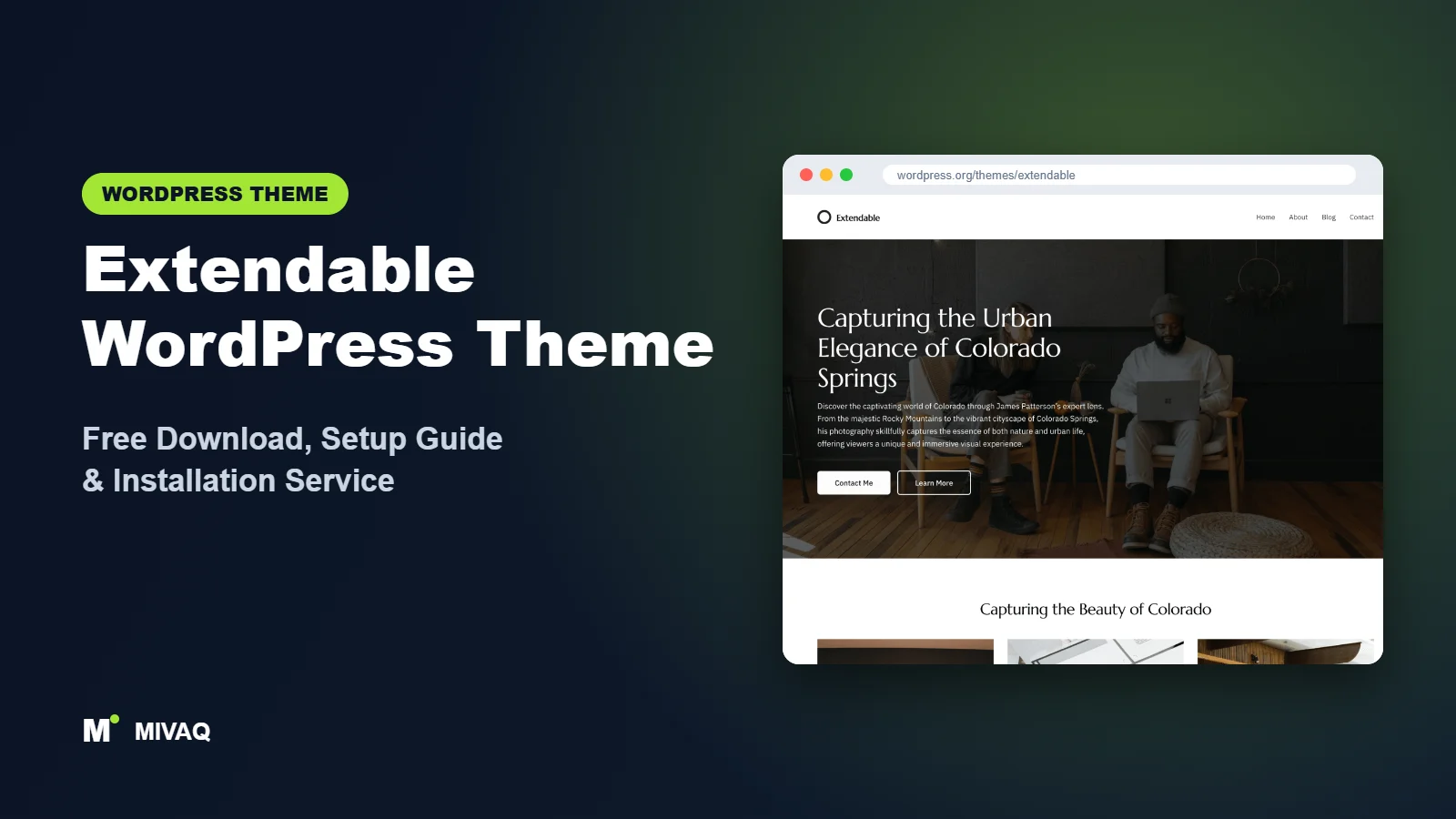
If you recently bought hosting and found a WordPress site already waiting for you with a colourful, ready-made design, there is a fair chance it was running Extendable. Built by Extendify, Extendable is a block theme that many site owners first meet through their host’s onboarding, which explains its large install base. Searching for the Extendable WordPress theme free download? The theme is 100% free and legal on WordPress.org, and you can install it on any WordPress site, whoever your host is.
This article is part of our complete guide: How to Build a WordPress Website for Your Business (2026 Guide).
Extendable describes itself as the most expressive block theme yet, with style variations that let you go “fresh, bold, bohemian or minimal” in a single click. In this guide we look past the marketing: what the theme really includes, how it relates to the Extendify plugin, who it suits, how to download and install it safely, and how to set it up so your site does not look like everyone else’s.
What is the Extendable WordPress theme?
Extendable is a full site editing block theme developed by Extendify, a company that builds onboarding and design tools for WordPress, often in partnership with web hosts. The theme is the visual foundation: templates, template parts, style variations and patterns, all editable in Appearance › Editor. It is designed as a canvas for small businesses and personal projects, with a strong emphasis on bold typography and colour.
| Detail | Extendable |
|---|---|
| Developer | Extendify |
| Latest version | 2.1.9 |
| Active installs | 200,000+ |
| Rating | 5.0/5 (4 reviews) |
| Requires WordPress | 6.6 or higher |
| Requires PHP | 7.4 or higher |
| Last updated | 27 August 2026 |
| Theme type | Block theme (Full Site Editing) |
| Price | Free (no Pro version) |
Two numbers stand out. The install count is high because hosts pre-install the theme for new customers, and the rating is perfect but based on only four reviews. Treat both as signals rather than proof, and judge the theme by testing it yourself.
Key features of Extendable
- Expressive style variations: many one-click looks that change colours, fonts and the overall mood of the site.
- Full site editing: header, footer, page and post templates are all built with blocks.
- Block patterns: sections for heroes, services, testimonials, galleries and calls to action.
- Bold typography: large display headings and carefully chosen font pairings give pages character.
- E-commerce ready: it carries the e-commerce tag and supports WooCommerce block templates.
- Custom colours and logo: brand everything from Global Styles.
- Sticky posts and threaded comments: useful blog features out of the box.
- RTL support: works for right-to-left languages.
Style variations with real personality
Most themes offer variations that only swap colours. Extendable’s variations also change fonts, button styles and the general tone, so a bakery, a law firm and a music teacher can all start from very different looks. That makes it one of the fastest ways to get a distinctive design without touching CSS.
Works with the Extendify design tools
On its own, Extendable is a standard block theme. When paired with Extendify’s plugin, which many partner hosts provide, you may get extra tools such as a guided site launch, a larger pattern library and AI-assisted content suggestions. What you see depends on your host, so do not be surprised if a friend’s Extendable dashboard looks different from yours.
Built for the latest WordPress
With a WordPress 6.6 minimum, Extendable takes advantage of recent Site Editor improvements, such as better style variation handling and section styles, which older block themes cannot use.
Is Extendable completely free?
Yes. The Extendable theme is GPL-licensed and free on WordPress.org, and there is no Pro theme. Extendify’s business model is to provide its onboarding and design tools through hosting partners, so you are not asked to buy a theme upgrade. If your host includes Extendify’s features, they are part of your hosting plan; if not, the free theme still gives you all its templates, patterns and variations. For help, use the WordPress.org forum or your host’s support team.
Who should use Extendable?
- New site owners whose host pre-installed it and who want to build on what they already have.
- Small businesses and creatives who want a bold look without hiring a designer.
- Personal brands such as coaches, tutors and artists who want a memorable home page.
- Small shops that need a simple WooCommerce store with expressive branding.
Extendable is less suited to very conservative corporate sites, where its expressive variations may need toning down, or to complex magazines and large stores. If your host runs WordPress older than 6.6 or PHP below 7.4, upgrade first. Developers who want a minimal base may prefer a quieter theme.
Extendable WordPress theme free download (official and safe)
- Official theme page: wordpress.org/themes/extendable
- Direct ZIP file: downloads.wordpress.org/theme/extendable.zip
Only install Extendable from WordPress.org or through your host’s official tools. Third-party “theme download” sites sometimes bundle extra code into free themes, and nulled premium plugins or pattern packs are a major source of malware and spam injections. They also never receive updates. If you think your site has picked up malicious code, our guide to WordPress malware removal will help. MIVAQ does not distribute theme files.
How to install Extendable in WordPress (step by step)
Method 1: install from the dashboard
- Check Appearance › Themes first; your host may already have installed it.
- Click Add New Theme and search for “Extendable”.
- Click Install, then Activate.
Method 2: upload the ZIP file
- Download extendable.zip from the official link.
- Go to Appearance › Themes › Add New Theme › Upload Theme.
- Select the ZIP, click Install Now, then Activate.
Child theme tip: visual changes in the Site Editor are stored in the database and survive updates. If you plan to add PHP code, register your own patterns or edit theme.json directly, create a child theme first, for example with the Create Block Theme plugin.
How to set up Extendable after installation
Work in Appearance › Editor. If your host provides Extendify’s launch wizard, you can use it to generate a starting site, then refine it with these steps:
- Pick a style variation: open Styles and browse the variations. Choose by mood first, then fine-tune colours.
- Apply brand colours: in Styles › Colors, set primary and accent colours to your brand values and check text contrast.
- Adjust typography: keep the variation’s font pairing or switch to your brand fonts in Styles › Typography.
- Edit the header: add your logo, set up the Navigation block and add a contact or booking button.
- Build the home page: insert patterns for hero, services, testimonials and a call to action, then set the page as the homepage in Settings › Reading.
- Create inner pages: about, services and contact pages from matching patterns.
- Set up the blog: choose a posts page and adjust the Index and Single templates.
- Finish the footer: add address, hours, social links and legal pages.
- Add WooCommerce if selling: install WooCommerce and review the shop, product, cart and checkout templates in the Site Editor.
Making a pre-installed site your own
Sites generated by onboarding wizards often look polished but generic, with sample text and stock images. Go through every page and replace placeholder copy with your own words, swap stock photos for real photos of your team, products or work, and delete pattern sections you do not need. Also check the site title, tagline and favicon in the Site Editor. These small steps are what separate a credible business site from an obvious template.
Matching a variation to your business
With so many expressive options, it helps to decide on a mood before browsing. Ask three questions: should visitors feel calm, excited or reassured; is your audience consumers or other businesses; and will your photos be bright or muted? A few rules of thumb from our client work:
- Professional services such as accountants, solicitors and clinics usually suit minimal variations with restrained colour and a classic serif or clean sans-serif heading.
- Hospitality and food businesses often shine with warm, bohemian-style palettes and rounded buttons.
- Creative studios and events can carry the boldest variations with oversized headings and strong contrast.
- Shops work best with neutral backgrounds so product photos stand out, with colour reserved for buttons and sale badges.
Once chosen, record your final colour values and fonts somewhere safe. If you ever switch themes, you can recreate the brand quickly.
Extendable speed and SEO checklist
- Remove plugins your host installed that you do not use; each one adds weight and risk.
- Configure caching and image compression; for LiteSpeed hosts, see our LiteSpeed guide.
- Set up one SEO plugin using our Rank Math vs Yoast comparison.
- Rewrite generated headings and titles for your real keywords with our title tag SEO guide.
- Add descriptive alt text to every image, especially replaced stock photos.
- Selling online? Follow our WooCommerce SEO guide.
Common mistakes when setting up Extendable
- Publishing with placeholder content: generated text and stock images hurt trust and SEO.
- Switching variations after building pages: decide on a style early to avoid rechecking every page.
- Ignoring contrast: bold colour combinations can make buttons or small text hard to read.
- Keeping unused host plugins: clean up after onboarding.
- Assuming features are part of the theme: some tools come from the Extendify plugin and your host, not the theme itself.
Extendable vs similar free WordPress themes
Twenty Twenty-Three also centres on style variations but is far more minimal. Pick it for a quiet, blank canvas; pick Extendable for a bold look.
Go is GoDaddy’s host-associated theme. It is a classic Customizer theme rather than a block theme. Pick Go if you prefer the Customizer; pick Extendable for full site editing.
Ollie offers a very polished pattern library aimed at marketing sites. Pick Ollie for SaaS and agency sites; pick Extendable for expressive small business and personal brands.
Extendable pros and cons
What we like
- Distinctive, expressive style variations
- Full site editing with modern WordPress features
- Free with no theme upsell
- WooCommerce ready
- Actively maintained
What to consider
- Very few reviews despite many installs
- Some extra features depend on your host and the Extendify plugin
- Requires WordPress 6.6 and PHP 7.4
- Bold defaults may need toning down for formal brands
Our verdict: Extendable is a lively, modern block theme and a sensible foundation if your host already set it up. Replace the generic content, choose a variation that fits your brand, and it can carry a professional small business site very well.
Website design with Extendable: our design service
Extendable is a clean foundation, but a clean foundation is not yet a finished website. MIVAQ designs complete websites on Extendable as part of our website design service: we plan the pages, create a colour and typography system that matches your brand, build custom patterns and templates in the WordPress editor, and hand over a site you can update without a page builder.
What our Extendable website design package includes:
- Custom style variation: colours, typography and spacing set in Global Styles
- Page templates and reusable patterns for home, services, blog and contact pages
- Navigation, header and footer designed in the Site Editor
- Contact forms, newsletter sign-up and essential plugins only
- On-page SEO, image optimisation and analytics at launch
You can see examples in our recent work and case studies, and read more about our WordPress development and SEO services. Every project starts with a free consultation and a fixed price, so you know exactly what you get before we begin.
Want a website designed with Extendable? Contact MIVAQ: WhatsApp +880 1723-189847, email hello@mivaq.com or use our contact form. We usually reply the same day.
Extendable installation and setup service
Has your host given you an Extendable site you do not know how to finish? MIVAQ installs and customises Extendable for you: installation or clean-up of a host-generated site, a child theme where needed, branding with the right style variation, custom header and footer, rewritten pages, menus, forms, WooCommerce if you sell online, and speed and SEO basics, at a fixed quote. See our WordPress services or contact us:
- WhatsApp: message us about Extendable
- Email: hello@mivaq.com
- Form: send your project details
Related WordPress theme guides
- Twenty Twenty-Three WordPress theme guide
- Go WordPress theme guide
- Ollie WordPress theme guide
- Raft WordPress theme guide
- 50 best free WordPress themes
Frequently asked questions
Is Extendable free?
Yes. Extendable is free on WordPress.org with no Pro version.
Why is Extendable already installed on my site?
Many hosts work with Extendify and pre-install Extendable during onboarding. You are free to keep it, customise it or switch themes.
Is Extendable good for SEO?
Yes. It is a lightweight block theme with clean markup. Your rankings depend on content, titles and an SEO plugin.
Does Extendable work with Elementor or WooCommerce?
It is designed for the block editor, so Elementor is not the natural fit. WooCommerce is supported through block templates and suits small stores.
Can MIVAQ install Extendable for me?
Yes. We install or tidy up Extendable, brand it and build your pages for a fixed price. Message us on WhatsApp or use the contact form.


