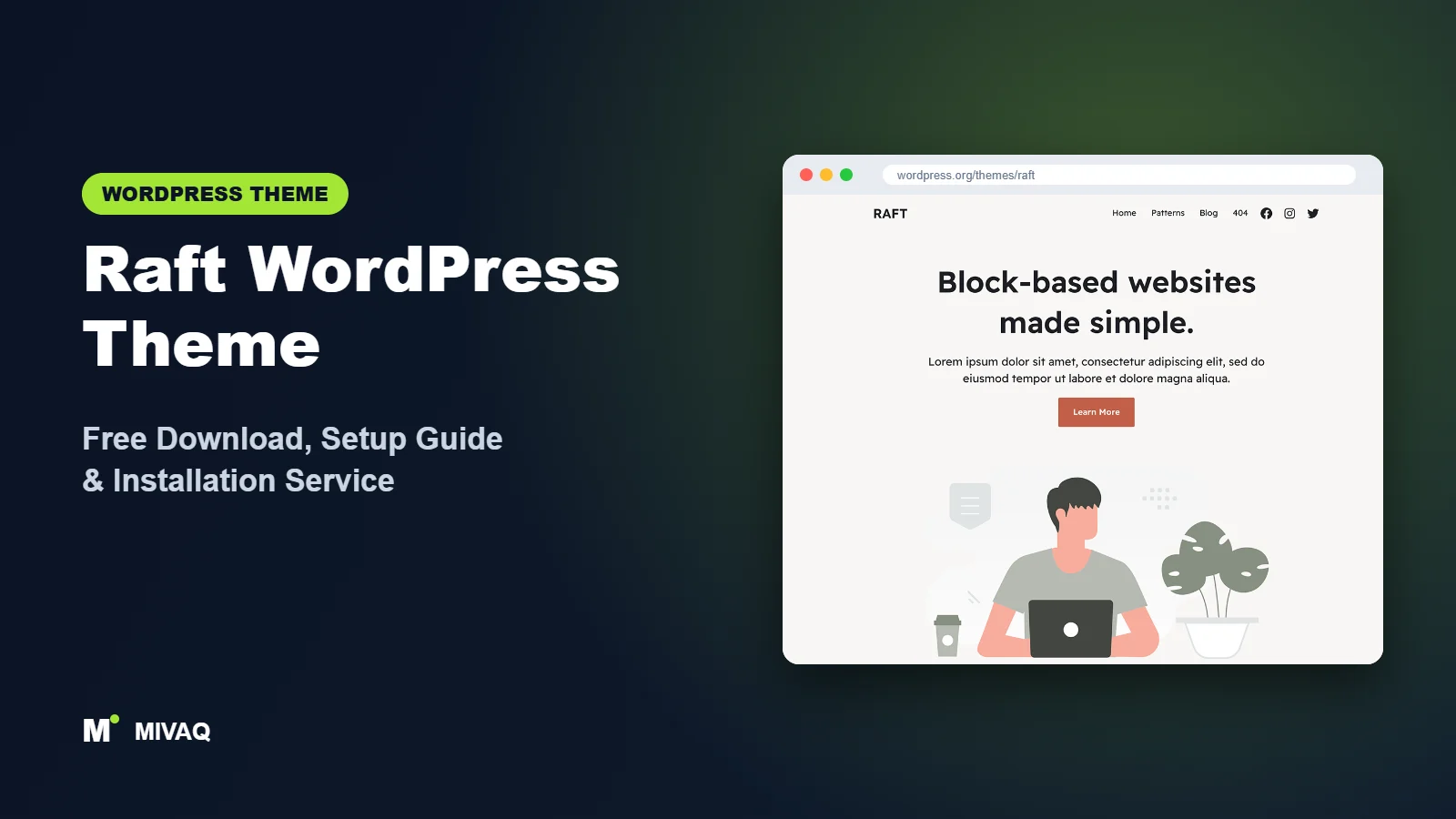
Raft is one of the quieter success stories among block themes. It does not have the install numbers of the default WordPress themes, but almost every person who reviews it gives it five stars, and its developer, Themeisle, keeps shipping updates. If you have been searching for the Raft WordPress theme free download, you will find it 100% free and legal on WordPress.org, ready to install on any WordPress site.
This article is part of our complete guide: How to Build a WordPress Website for Your Business (2026 Guide).
Raft is pitched as a lightweight, super-fast, easily customisable full site editing theme for blogs, small businesses, startups, agencies, portfolios and WooCommerce shops. That is a broad list, so in this guide we focus on where Raft genuinely shines, how to download and install it safely, and a practical setup plan for a business site or a small online store.
What is the Raft WordPress theme?
Raft is a block theme from Themeisle, the company behind Neve, Neve FSE and the Otter Blocks plugin. Everything is edited in Appearance › Editor: header and footer template parts, page and post templates, and Global Styles for colours and typography. According to its description, Raft also works with the block editor and popular page builders such as Elementor, Brizy and Beaver Builder, and it is WooCommerce ready, responsive, RTL and translation ready.
| Detail | Raft |
|---|---|
| Developer | Themeisle |
| Latest version | 1.1.16 |
| Active installs | 10,000+ |
| Rating | 4.9/5 (48 reviews) |
| Requires WordPress | 5.5 or higher (use a current version for full site editing) |
| Requires PHP | 7.0 or higher |
| Last updated | 1 October 2026 |
| Theme type | Block theme (Full Site Editing) |
| Price | Free (no Pro version) |
With 48 reviews averaging 4.9 and an update only days before this article was written, Raft is one of the best-rated and most actively maintained free block themes in this series.
Key features of Raft
- Full site editing: every part of the site, including header, footer and archive layouts, is editable with blocks.
- Business-ready patterns: sections for heroes, services, features, about, team, testimonials, pricing and calls to action.
- Lightweight code: small CSS and no heavy scripts, aimed at fast loading times.
- WooCommerce ready: shop, product, cart and checkout templates styled to match the theme.
- Page builder friendly: works with Elementor, Brizy and Beaver Builder as well as the block editor.
- Custom colours, logo and menus: controlled from Global Styles and the Navigation block.
- Sticky posts and threaded comments: useful blog features included.
- RTL and translation ready: suitable for multilingual sites.
A distinctive, modern default design
Many block themes look almost identical out of the box. Raft has a confident, contemporary style with strong headings, rounded elements and a clear visual hierarchy. Agencies and startups can launch with only light branding changes and still look different from the defaults.
Flexible about how you build
Raft is a block theme first, but it does not punish people who still use a page builder for specific landing pages. You can design the header, footer and blog in the Site Editor and still build a complex sales page with Elementor if your team prefers it. That flexibility is unusual among full site editing themes.
Ready for small shops
The e-commerce tag is not just a label. Raft styles WooCommerce’s block templates so product grids, single products and the cart look consistent with the rest of the site, which saves a lot of CSS on small stores.
Is Raft completely free?
Yes. Raft is GPL-licensed, free on WordPress.org and has no Pro version. Everything shown in the theme preview is included. Themeisle’s free Otter Blocks plugin is an optional companion if you need extras such as forms, sliders, tabs or popups; Otter has its own optional paid tier, so check the developer’s site for current pricing if you need its premium features. Support for Raft itself is through the WordPress.org forum.
Who should use Raft?
- Agencies and freelancers who need a modern, well-maintained block theme for client sites.
- Startups and small businesses wanting a fast brochure site with a distinctive look.
- Small WooCommerce stores with tens or a few hundred products.
- Teams in transition moving from Elementor to blocks gradually, page by page.
- Bloggers who want a fast, attractive theme with editable templates.
Raft is not the best choice if you want a huge library of one-click starter sites, a Customizer with hundreds of options, or a heavy-duty store with advanced filters, mega menus and product quick view. In those cases, a dedicated shop theme or a classic multipurpose theme may save time.
Raft WordPress theme free download (official and safe)
- Official theme page: wordpress.org/themes/raft
- Direct ZIP file: downloads.wordpress.org/theme/raft.zip
Always download Raft from WordPress.org. Third-party theme sites and “nulled” plugin bundles are a common way to spread malware, hidden admin accounts and SEO spam, and their files never receive security updates. If you have installed anything from an untrusted source and your site now behaves oddly, our guide to WordPress malware removal explains what to do. MIVAQ does not distribute theme files.
How to install Raft in WordPress (step by step)
Method 1: install from the dashboard
- Go to Appearance › Themes › Add New Theme.
- Search for “Raft”.
- Click Install, then Activate.
- If you need extra blocks, install Otter Blocks from Plugins › Add New Plugin.
Method 2: upload the ZIP file
- Download raft.zip from the official link.
- Go to Appearance › Themes › Add New Theme › Upload Theme.
- Choose the file, click Install Now, then Activate.
Child theme tip: Site Editor changes are stored in the database, so updates will not erase them. A child theme is only needed for custom PHP, extra templates or theme.json edits in code. For agencies building several sites on Raft, a child theme with your own patterns can speed up every new project.
How to set up Raft after installation
Go to Appearance › Editor and follow this order:
- Set global colours: in Styles › Colors, apply your brand palette to primary, secondary, background and text colours.
- Set typography: pick heading and body fonts and sizes in Styles › Typography. Host fonts locally through the Font Library.
- Customise the header: add the Site Logo, configure the Navigation block, and add a call-to-action button such as “Get a quote”.
- Build the home page: create a page and stack Raft patterns: hero, services, about, testimonials and a call to action. Set it as the homepage under Settings › Reading.
- Create inner pages: services, about and contact pages using matching patterns, plus a form block for enquiries.
- Configure the blog: set a posts page and adjust the Index and Single templates.
- Edit the footer: add contact details, a footer menu, social icons and legal links.
- Set up WooCommerce: install WooCommerce, add products, then review the Product Catalog, Single Product, Cart and Checkout templates in the Site Editor.
Example: a small online shop on Raft
For a small shop selling, say, handmade candles, we would keep Raft’s clean layout and use a neutral background so product photos stand out. The home page would open with a hero featuring the bestseller, followed by a product collection block for new arrivals, a short brand story, customer reviews and a newsletter sign-up. Product pages would get clear shipping information and trust badges added to the Single Product template once, so every product shows them automatically. Checkout uses WooCommerce’s block checkout, which inherits Raft’s colours and buttons.
Example: an agency site
For a design or marketing agency, Raft’s bold headings suit a home page with a strong statement, a services grid, two or three case study cards and a client logo row. A dedicated Work page can use a Query Loop of a custom portfolio category, and the contact page can combine a short form with a booking link.
Using Raft with a page builder
If your team is not ready to give up Elementor, Brizy or Beaver Builder entirely, a hybrid approach works well with Raft. Build the header, footer, blog templates and shop templates in the Site Editor, so global elements stay fast and consistent. Then use the page builder only for one or two complex landing pages where you need its specific widgets. Avoid recreating the header inside the builder as well, because two competing headers quickly become confusing to maintain. Over time, you can rebuild those landing pages with blocks and remove the builder altogether, which usually improves page speed.
Raft speed and SEO checklist
- Keep the plugin stack small; Raft’s speed comes from its light code, so do not undo it with unnecessary plugins.
- Add page caching and image optimisation; for LiteSpeed hosts, follow our LiteSpeed speed guide.
- Set up one SEO plugin using our Rank Math vs Yoast comparison.
- For shops, follow our WooCommerce SEO guide for product titles, categories and schema.
- Write clear page titles with our title tag SEO guide and add alt text to product images.
- Secure checkout and admin with our WordPress security checklist.
Common mistakes when setting up Raft
- Mixing page builders and Site Editor everywhere: use one approach per page type to keep maintenance simple.
- Editing individual products instead of templates: shop-wide changes belong in the WooCommerce templates.
- Leaving demo pattern text: replace every placeholder before launch.
- Using huge uncompressed photos: especially damaging on product grids.
- Skipping checkout testing: place a test order on mobile before going live.
Raft vs similar free WordPress themes
Neve FSE is Raft’s sibling from Themeisle. It is more minimal and updated less often. Pick Raft for most new projects; pick Neve FSE if you specifically want Neve’s understated style.
Ollie has a larger set of polished marketing patterns. Pick Ollie for SaaS landing pages; pick Raft for agencies and small shops.
Twenty Twenty-Five is the official default theme. Pick it for content-led blogs; pick Raft for a more distinctive business look. From another group, Storefront is WooCommerce’s own classic theme if you prefer the Customizer for a shop.
Raft pros and cons
What we like
- Excellent 4.9/5 rating and frequent updates
- Distinctive modern design out of the box
- WooCommerce ready with styled block templates
- Works with blocks and popular page builders
- Lightweight and free with no upsells
What to consider
- No one-click starter site library
- Fewer patterns than some marketing-focused themes
- Advanced shop features need plugins
- Requires comfort with the Site Editor
Our verdict: Raft is one of the best all-round free block themes for agencies, small businesses and small WooCommerce stores. It combines a fresh design, active maintenance and flexibility in a lightweight package.
Website design with Raft: our design service
Raft is a clean foundation, but a clean foundation is not yet a finished website. MIVAQ designs complete websites on Raft as part of our website design service: we plan the pages, create a colour and typography system that matches your brand, build custom patterns and templates in the WordPress editor, and hand over a site you can update without a page builder.
What our Raft website design package includes:
- Custom style variation: colours, typography and spacing set in Global Styles
- Page templates and reusable patterns for home, services, blog and contact pages
- Navigation, header and footer designed in the Site Editor
- Contact forms, newsletter sign-up and essential plugins only
- On-page SEO, image optimisation and analytics at launch
You can see examples in our recent work and case studies, and read more about our WordPress development and SEO services. Every project starts with a free consultation and a fixed price, so you know exactly what you get before we begin.
Want a website designed with Raft? Contact MIVAQ: WhatsApp +880 1723-189847, email hello@mivaq.com or use our contact form. We usually reply the same day.
Raft installation and setup service
MIVAQ installs and customises Raft for you: installation from WordPress.org, a child theme where useful, brand colours and fonts, header and footer, home, services, about and contact pages, WooCommerce setup with products, payments and shipping, and speed and SEO basics, all at a fixed quote. See our WordPress services or contact us:
- WhatsApp: message us about Raft
- Email: hello@mivaq.com
- Form: send your project details
Related WordPress theme guides
- Neve FSE WordPress theme guide
- Ollie WordPress theme guide
- Extendable WordPress theme guide
- Go WordPress theme guide
- 50 best free WordPress themes
Frequently asked questions
Is Raft free?
Yes. Raft is free on WordPress.org with no Pro version.
Is Raft good for SEO?
Yes. It is lightweight with clean markup, which helps speed. Combine it with an SEO plugin and well-written content.
Does Raft work with Elementor?
Yes. Its developer states that it works with Elementor, Brizy and Beaver Builder as well as the block editor.
Can I use Raft for WooCommerce?
Yes. Raft is WooCommerce ready and styles the block-based shop templates, making it a good choice for small stores.
Can MIVAQ install Raft for me?
Yes. We install, brand and build your Raft site or shop for a fixed price. Message us on WhatsApp, email us or use the form.


