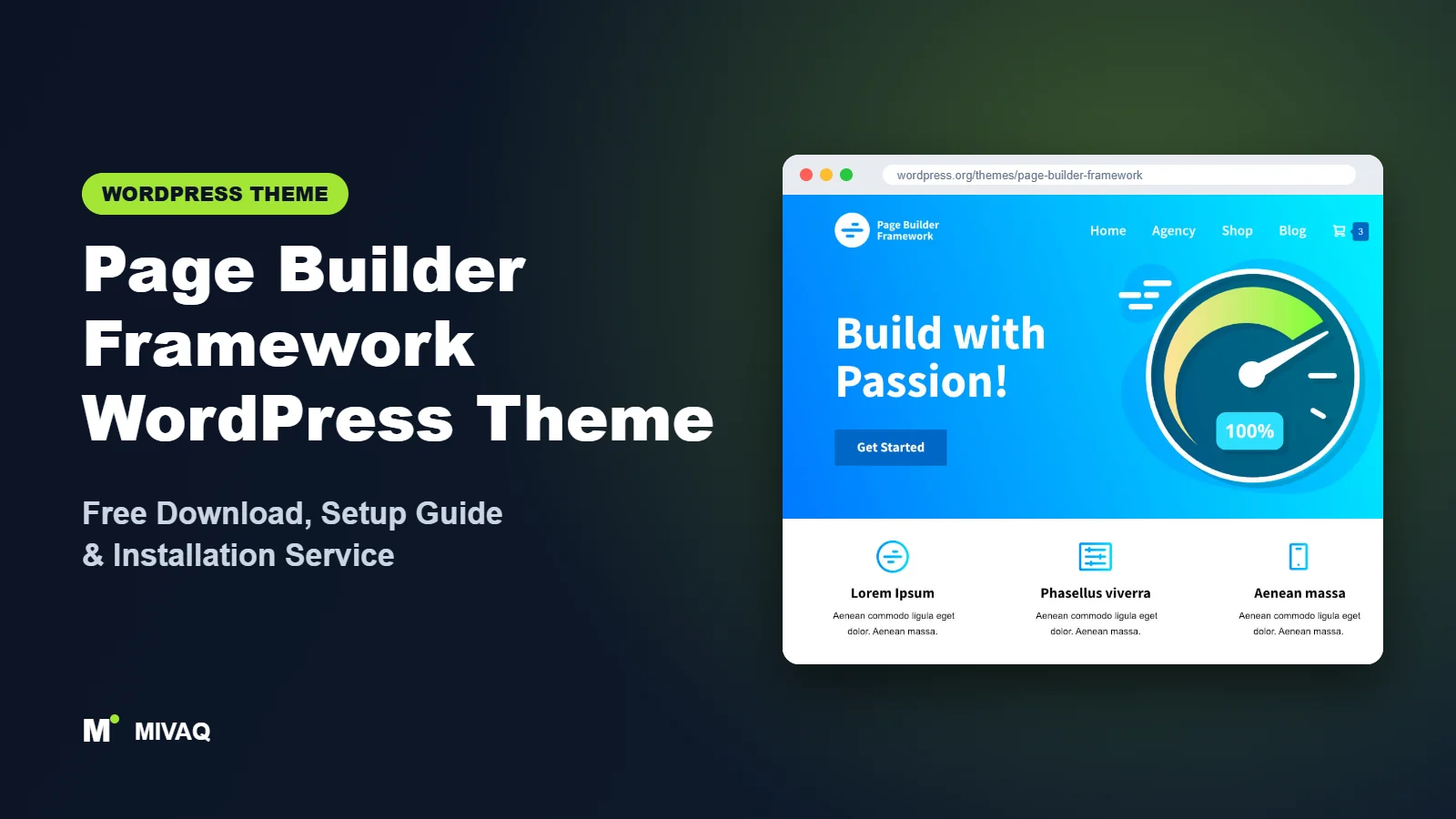
If you build websites with Elementor, Beaver Builder or another page builder, the theme underneath should do as little as possible and do it very well. That is the whole idea behind Page Builder Framework, created by David Vongries. It weighs in at less than 50kb on the front end, according to its developer, and gives you a clean canvas plus sensible Customizer options for everything a builder does not handle. If you are searching for the Page Builder Framework WordPress theme free download, it is 100% free and legal on WordPress.org.
This article is part of our complete guide: How to Build a WordPress Website for Your Business (2026 Guide).
This guide is aimed at people who already use (or plan to use) a page builder and want to understand where the theme ends and the builder begins. We cover features, the Premium Add-On, installation, a builder-friendly setup routine and the mistakes we see most often when agencies inherit sites built this way.
What is the Page Builder Framework WordPress theme?
Page Builder Framework is a lightweight, highly customisable classic theme made to work with page builders such as Elementor, Beaver Builder, Visual Composer, SiteOrigin, Divi, Thrive Architect and Brizy. Its developer says it was written from the ground up with SEO in mind, is fully compatible with the block editor, and uses HTML5 and schema.org markup. Here are the WordPress.org facts:
| Detail | Page Builder Framework |
|---|---|
| Developer | David Vongries |
| Latest version | 2.11.10 |
| Active installs | 10,000+ |
| Rating | 4.9/5 from 131 reviews |
| Requires WordPress | Not listed on WordPress.org (use a current version) |
| Requires PHP | 5.6 or higher |
| Last updated | 13 April 2026 |
| Theme type | Classic theme (Customizer) |
| Price | Free (Premium Add-On optional) |
Its 4.9 rating from 131 reviews is strong, and its fan base is mostly developers and agencies who value predictability and speed over flashy demos.
Key features of Page Builder Framework
- Very small front-end footprint: under 50kb according to the developer, which leaves your performance budget for the page builder.
- Built for page builders: full-width and blank-style page templates so the builder controls the whole canvas.
- Per-page template settings: remove the title, switch to full width or hide the header and footer for landing pages.
- Customizer controls: layout width, typography, colours, header and navigation styles, blog layouts and footer settings.
- Several navigation layouts: different desktop and mobile menu styles to fit your design.
- Block editor compatible: editor styles and wide blocks so Gutenberg content looks right too.
- Schema.org and HTML5 markup: semantic code that helps search engines understand your pages.
- WooCommerce support: the theme supports shop pages and has e-commerce settings.
- Translation ready.
Why a “framework” approach works with builders
Many multipurpose themes ship their own sliders, sections and demo widgets. When you add Elementor on top, you end up with two systems fighting over the same page and twice the CSS. Page Builder Framework deliberately avoids that: it handles the header, footer, blog and global typography, while the builder handles page design. The result is faster pages and fewer styling conflicts.
Global settings that save builder time
Setting fonts, colours and container width once in the Customizer means every builder page starts on-brand. You spend less time repeating the same settings in each section.
Clean pages for landing pages
For ads and campaigns you can switch a page to a blank or full-width template and design it entirely in your builder, with no distracting navigation.
What “lightweight” means in practice
A small theme does not automatically make a fast website, but it removes one common source of slowness. On a builder site, most of the weight comes from the builder’s own CSS and JavaScript, fonts, images and third-party scripts such as chat widgets or tracking tags. When the theme itself adds very little, every optimisation you make elsewhere has a visible effect. That is why we like pairing Page Builder Framework with a disciplined setup: one builder, a small number of widgets, locally hosted fonts and properly sized images. Measure before and after each change with a tool such as PageSpeed Insights, and you will see where the real gains are.
Page Builder Framework free vs Pro: what do you get?
The free theme is a complete foundation. The paid Premium Add-On is a plugin that adds features agencies often want, such as more header options (for example transparent and sticky headers), additional customisation settings, custom hooks for inserting content, advanced WooCommerce options and white labelling. Check the developer’s site for current Pro pricing and the exact feature list.
| Area | Free theme | Premium Add-On |
|---|---|---|
| Lightweight foundation | Yes | Yes |
| Header and navigation | Several layouts | More options such as transparent and sticky headers |
| Theme hooks and custom sections | Basic | Extended |
| WooCommerce | Supported with settings | Advanced shop options |
| White label | No | Yes, for agencies |
Freelancers building a single site usually manage without Premium. Agencies building many client sites often find white labelling and the extra header options worthwhile.
Who should use Page Builder Framework?
- Elementor and Beaver Builder users who want a fast, neutral base.
- Agencies and freelancers who want the same predictable theme across many client projects.
- Performance-minded site owners chasing good Core Web Vitals scores.
- Marketers building landing pages that must load fast on mobile.
Who should not: beginners who want a finished design after one click may prefer a theme with rich starter sites, such as Inspiro or Futurio. And if you want to avoid page builders entirely and design with blocks, consider Kubio or a block theme.
Page Builder Framework WordPress theme free download (official and safe)
- Official theme page: wordpress.org/themes/page-builder-framework
- Direct ZIP file: downloads.wordpress.org/theme/page-builder-framework.zip
Never install a “nulled” Premium Add-On from unofficial sites. Cracked plugins regularly contain malicious code that creates hidden admin users or injects spam links, and they cannot receive updates. If you are cleaning up after one, our WordPress malware removal service can help. MIVAQ does not distribute theme files; WordPress.org is the official source for the free theme.
How to install Page Builder Framework in WordPress (step by step)
Method 1: from the dashboard
- Open Appearance › Themes › Add New Theme.
- Search for “Page Builder Framework”.
- Click Install, then Activate.
Method 2: upload the ZIP
- Download page-builder-framework.zip from WordPress.org.
- Go to Appearance › Themes › Add New Theme › Upload Theme.
- Select the file, click Install Now, then Activate.
Child theme tip: developers who use this theme often add custom functions and template tweaks. The developer provides a child theme for download on the theme’s website; install it before you start adding code so updates never overwrite your work.
How to set up Page Builder Framework after installation
- Install your page builder (Elementor, Beaver Builder or another).
- Set the global layout in Appearance › Customize: page width, content padding and sidebar defaults.
- Typography and colours: choose body and heading fonts, sizes and brand colours. Match them in your builder’s global settings so both systems agree.
- Header: upload the logo, choose a navigation layout and configure the mobile menu.
- Footer: set footer layout, copyright text and widget areas.
- Blog: choose the archive and single post layouts if you publish articles.
- Build pages in your builder using the full-width template, and remove the default page title where the design has its own heading.
- WooCommerce (optional): install WooCommerce and adjust shop settings in the Customizer.
Example: an agency’s standard build
A typical agency workflow on Page Builder Framework looks like this. The developer installs the theme and its child theme, sets the global container width to match the design, defines two fonts and five brand colours in the Customizer, and then mirrors those values in Elementor’s global settings. The header and footer stay in the theme because they are fast and simple, while every page body is designed in Elementor on a full-width template. Campaign landing pages switch to a blank template with no header. When the client later asks for a blog, the theme’s blog layouts are already styled, so nothing needs to be rebuilt in the builder. This division of responsibility is why many agencies keep returning to this theme.
Page Builder Framework speed and SEO checklist
- Keep the theme light by not adding duplicate features through plugins; follow our LiteSpeed speed guide for caching and CSS optimisation.
- Limit builder add-on packs and disable unused builder widgets.
- Use one H1 per page; when you hide the default title, add your own H1 in the builder.
- Configure SEO titles and descriptions with one plugin; compare options in Rank Math vs Yoast.
- Optimise images and alt text with our image alt text guide.
- Follow our security checklist and keep backups using our backup strategy.
Common mistakes when setting up Page Builder Framework
- Hiding the page title and forgetting the H1: the page then has no main heading for search engines.
- Different fonts in the theme and the builder: set them once in each so headers, footers and pages match.
- Building the header in a builder when the theme header is enough: theme headers are usually lighter.
- Stacking many add-ons: the theme is light, but five builder add-on plugins will undo that.
- Editing the parent theme directly: use the child theme.
Page Builder Framework vs similar free WordPress themes
Page Builder Framework vs Futurio: Futurio adds Elementor demos and extra widgets through its companion plugin; Page Builder Framework stays minimal. Choose Futurio for ready-made designs, Page Builder Framework for a clean slate.
Page Builder Framework vs Woostify: both pair well with builders. Woostify has deeper WooCommerce styling; Page Builder Framework is more general purpose.
Page Builder Framework vs Solace: Solace is a minimalist theme aimed at blogs and simple sites. For builder-heavy business sites, Page Builder Framework is the stronger foundation.
From another group, Hello Elementor is even more bare-bones and made only for Elementor; Page Builder Framework gives you more Customizer control and supports several builders.
Page Builder Framework pros and cons
What we like
- Extremely lightweight and fast.
- Works with many page builders, not just one.
- Sensible Customizer options for header, footer and blog.
- 4.9/5 rating from 131 reviews.
What to consider
- Few ready-made designs; you build the look yourself.
- Transparent and sticky headers and white label need the Premium Add-On.
- Not a block theme, so no Site Editor templates.
Our verdict: Page Builder Framework is one of the best free foundations for page builder users. It will not design your site for you, but it gets out of the way and keeps your pages fast.
Website design with Page Builder Framework: our design service
Whether you want an online shop, a portfolio or a product landing page, Page Builder Framework can carry it, but the results depend on design decisions. MIVAQ offers a full website design service on Page Builder Framework: we design your homepage, product or project pages and checkout journey, prepare images that keep the site fast, and set up the details that help visitors buy or enquire.
What our Page Builder Framework website design package includes:
- Store, portfolio or landing page design tailored to your products or projects
- Product, category and checkout pages set up for easy buying (WooCommerce where needed)
- Image preparation and layout that keep pages fast on mobile
- Payment, shipping and email setup for shops; galleries and enquiry forms for portfolios
- Product and page SEO, analytics and Search Console at launch
You can see examples in our recent work and case studies, and read more about our WordPress development and SEO services. Every project starts with a free consultation and a fixed price, so you know exactly what you get before we begin.
Want a website designed with Page Builder Framework? Contact MIVAQ: WhatsApp +880 1723-189847, email hello@mivaq.com or use our contact form. We usually reply the same day.
Page Builder Framework installation and setup service
MIVAQ can set up Page Builder Framework with your preferred builder: installation, child theme, global typography and colours, header and footer, page design in Elementor or Beaver Builder, WooCommerce, and speed and SEO basics, for a fixed quote. See our WordPress services or reach us:
- WhatsApp: message us about Page Builder Framework
- Email: hello@mivaq.com
- Form: send your project details
Related WordPress theme guides
- Futurio WordPress theme free download and setup
- Woostify WordPress theme free download and setup
- Kubio WordPress theme free download and setup
- Hello Elementor theme free download and setup
- 50 best free WordPress themes
Frequently asked questions
Is Page Builder Framework free?
Yes. The theme is free on WordPress.org. The Premium Add-On is an optional paid plugin.
Is Page Builder Framework good for SEO?
It uses lightweight HTML5 and schema.org markup and loads very little code, which supports good SEO. Content quality and an SEO plugin still matter most.
Does Page Builder Framework work with Elementor?
Yes. Elementor is one of the main builders it was designed for, together with Beaver Builder, Divi, Brizy and others.
Can I use Page Builder Framework for WooCommerce?
Yes. It supports WooCommerce, and the Premium Add-On adds more advanced shop options.
Can MIVAQ install Page Builder Framework for me?
Yes. We install and configure it with your page builder for a fixed price. WhatsApp us or email hello@mivaq.com.


