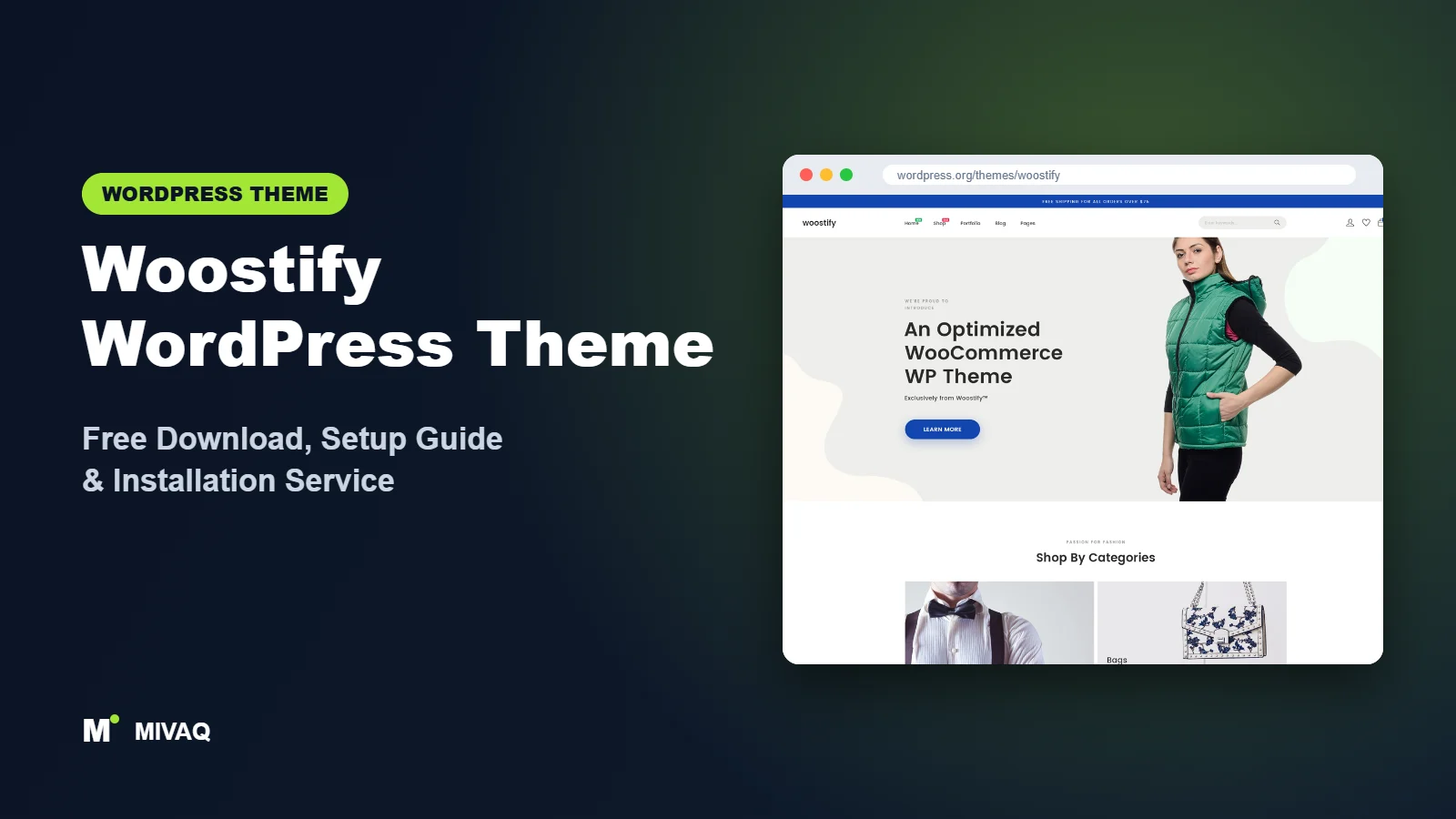
Woostify was created for people who want a WooCommerce store that loads quickly and stays flexible enough to design with their favourite page builder. If you have been searching for a Woostify WordPress theme free download, the good news is that the theme is 100% free and legal on the official WordPress.org directory, with an optional Pro add-on for extra shop features.
This article is part of our complete guide: How to Build a WordPress Website for Your Business (2026 Guide).
This guide takes a practical angle: instead of just listing features, we explain how Woostify behaves in real projects, which settings matter for sales, where page builders fit in and when the Pro add-on is worth considering. By the end you will know whether Woostify is right for your shop and how to get it running properly.
What is the Woostify WordPress theme?
Woostify is a classic WordPress theme focused on WooCommerce, built with speed, SEO and usability in mind. Its developer states that it works with Elementor, Beaver Builder, SiteOrigin, Thrive Architect and Divi, and it is used for shops as well as agency, education, restaurant and consulting sites. Here are the facts from WordPress.org:
| Detail | Woostify |
|---|---|
| Developer | Woostify (dylan ngo) |
| Latest version | 2.6.0 |
| Active installs | 40,000+ |
| Rating | 4.9/5 from 126 reviews |
| Requires WordPress | 4.7 or higher |
| Requires PHP | 7.3 or higher |
| Last updated | 3 September 2026 |
| Theme type | Classic theme (Customizer) |
| Price | Free (Woostify Pro optional) |
With 40,000+ active installs it is one of the more widely used shop-focused free themes, and a 4.9 rating shows that most users are happy with it.
Key features of Woostify
- Built around WooCommerce: product archives, single product, cart and checkout pages are styled and configurable from the Customizer.
- Page builder friendly: full-width and blank-style layouts give Elementor or Beaver Builder a clean canvas.
- Lightweight front end: the theme keeps its own CSS and JavaScript small so WooCommerce has room to breathe.
- Header and layout options: logo, menu, search and cart icons, sticky elements and sidebar positions are controlled visually.
- Demo sites library: ready-made demos can be imported so you start from a working store layout.
- Typography and colour controls: set global fonts and colours once and keep them consistent everywhere.
- Plugin compatibility: the developer lists WooCommerce, Yoast, BuddyPress and bbPress among compatible plugins.
- RTL support: suitable for right-to-left languages.
Designed to be the base layer under a page builder
Woostify does not try to replace your page builder. It handles the global parts (header, footer, shop templates, typography) and leaves landing pages to Elementor or another builder. This split keeps sites tidy: design pages in the builder, control store behaviour in the theme.
Shop settings in one place
Under Appearance › Customize you will find dedicated WooCommerce sections for the shop archive and single product page. Changing columns, product card details or the product gallery takes minutes and does not need code.
Ready-made demos
Woostify provides demo sites through its sites library, which you can import and then rebrand. It is a quick way to see how the theme is intended to be used before you design your own pages.
Woostify free vs Pro: what do you get?
The free theme covers everything needed for a functional, attractive WooCommerce store. Woostify Pro is a plugin that adds add-on modules for stores that want more conversion tools and advanced layouts. Pro modules have historically included things such as extra shop and product page features, more header options and builder-related add-ons, but the list evolves, so check the developer’s site for current Pro pricing and modules.
| Area | Woostify Free | Woostify Pro |
|---|---|---|
| WooCommerce templates | Styled and configurable | Extra layouts and store modules |
| Page builder support | Elementor, Beaver Builder and others | Additional builder-related add-ons |
| Demo sites | Free demos | More demos |
| Support | WordPress.org forum | Premium support |
Practical rule: if your store does not yet have steady traffic, the free version is enough. Pro becomes interesting when you want to test conversion features on a store that already sells.
Who should use Woostify?
- Shop owners who design pages in Elementor and want a theme that stays out of the way.
- Small and medium WooCommerce stores on shared or entry-level VPS hosting where every kilobyte matters.
- Agencies and freelancers who want one dependable shop theme to reuse across client projects.
- Businesses that need a store plus regular pages, such as a café that sells vouchers or a training company selling courses through WooCommerce.
Who should not: if you have no plans to sell online and just need a portfolio, a creative theme like Inspiro or Rife Free will give you more visual impact. And if you want full site editing with blocks, a block theme is a better match.
A realistic Woostify project example
To make this concrete, here is how a typical small store comes together on Woostify. Imagine a local coffee roaster selling around 40 products: beans, brewing equipment and gift boxes. The home page is designed in Elementor with a hero banner, a “best sellers” product row and a short story section about the roastery. Woostify takes care of everything else: the shop archive with a filter sidebar, product pages with a clean gallery, and a cart and checkout that follow the brand colours set once in the Customizer.
Because the theme handles the WooCommerce templates, the owner never has to rebuild the product page in a builder when they add new coffee. They simply create a product in WooCommerce and it automatically appears in the right layout. This is the main reason we like Woostify for shop owners who will manage the store themselves after launch: the day-to-day work stays inside WooCommerce, not inside a design tool.
The same pattern works for a clothing boutique, a stationery brand or a small electronics accessories shop. If your products need many variations (sizes, colours), plan your attributes in WooCommerce before importing products, and keep the product page layout simple so the variation selector is easy to use on mobile.
Woostify WordPress theme free download (official and safe)
The safe source is WordPress.org. Downloads there are reviewed and receive automatic updates inside your dashboard.
- Official theme page: wordpress.org/themes/woostify
- Direct ZIP file: downloads.wordpress.org/theme/woostify.zip
Do not download “Woostify Pro nulled” files from file-sharing or “GPL club” sites you do not trust. Modified copies are a common way for attackers to plant malware and redirect your customers, and they cannot be updated safely. If your store is already behaving strangely, our malware removal service can clean it. MIVAQ does not host or distribute theme files.
How to install Woostify in WordPress (step by step)
Method 1: from the WordPress dashboard
- Go to Appearance › Themes › Add New Theme.
- Search for “Woostify”.
- Click Install on the Woostify theme.
- Click Activate.
Method 2: upload the ZIP
- Download woostify.zip from WordPress.org.
- Open Appearance › Themes › Add New Theme › Upload Theme.
- Select the file, click Install Now and then Activate.
Child theme tip: if you will override WooCommerce templates or add functions, use a child theme from day one. Woostify updates are frequent, and a child theme keeps your custom code safe through each one.
How to set up Woostify after installation
- Install and configure WooCommerce: currency, tax, shipping zones and at least one payment gateway.
- Import a demo (optional): use the Woostify sites library linked from the theme dashboard if you want a ready layout. Do this before adding your own pages.
- Install your page builder: Elementor is the most common partner. Set your home page to a full-width layout so the builder controls the whole width.
- Global styles: in Appearance › Customize set colours, body and heading fonts, and button style.
- Header: upload your logo, assign the primary menu and enable the search and cart icons. Check the mobile header separately.
- Shop archive: choose columns, products per page and sidebar position. A left sidebar with filters works well for larger catalogues.
- Single product page: adjust gallery layout and related products. Write a clear short description above the add-to-cart button.
- Footer: add widget areas for contact details, policy pages and newsletter sign-up.
Once done, run a full test order, including the order confirmation email, before you announce the store.
Woostify speed and SEO checklist
- Enable page caching but exclude cart, checkout and account pages. On LiteSpeed servers follow our LiteSpeed optimisation guide.
- Load Elementor assets only where needed and avoid stacking multiple add-on packs.
- Set up product schema and sitemaps with one SEO plugin; see Rank Math vs Yoast.
- Use our WooCommerce SEO guide for category pages and product descriptions.
- Write unique, clickable product titles with help from our title tag guide.
- Schedule off-site backups before every major WooCommerce update following our backup strategy.
Common mistakes when setting up Woostify
- Designing the shop page in Elementor without the theme templates in mind: let Woostify render shop archives unless you really need a custom layout.
- Installing several Elementor add-on packs: each adds CSS and JavaScript and slows the store.
- Ignoring the mobile header: most shoppers arrive on phones; make sure the cart icon is easy to reach.
- Skipping a staging site: test theme and WooCommerce updates on a copy first.
- Forgetting legal pages: privacy, returns and terms should be linked in the footer.
Woostify vs similar free WordPress themes
Woostify vs Botiga: Botiga gives a more polished store design straight after a demo import; Woostify is more of a neutral base for page builders. Builder fans pick Woostify, design-first shops pick Botiga.
Woostify vs Page Builder Framework: both are lean foundations for page builders. Page Builder Framework is more general-purpose; Woostify puts more effort into WooCommerce pages.
Woostify vs Futurio: Futurio is a multipurpose theme with WooCommerce support and Elementor demos. Choose Futurio for a business site with a shop section and Woostify when the shop is the centre.
Woostify pros and cons
What we like
- Strong WooCommerce focus with many visual settings.
- Works smoothly with Elementor and other builders.
- 40,000+ installs and a 4.9/5 rating.
- Regular updates in 2026.
What to consider
- Several conversion-focused modules are part of Woostify Pro.
- Out of the box design is fairly neutral; you need a demo or a builder for a distinctive look.
- Classic theme, so no Site Editor templates.
Our verdict: Woostify is an excellent free choice if you build with a page builder and sell with WooCommerce. It is fast, sensible and well maintained, and the free version takes you a long way.
Website design with Woostify: our design service
Whether you want an online shop, a portfolio or a product landing page, Woostify can carry it, but the results depend on design decisions. MIVAQ offers a full website design service on Woostify: we design your homepage, product or project pages and checkout journey, prepare images that keep the site fast, and set up the details that help visitors buy or enquire.
What our Woostify website design package includes:
- Store, portfolio or landing page design tailored to your products or projects
- Product, category and checkout pages set up for easy buying (WooCommerce where needed)
- Image preparation and layout that keep pages fast on mobile
- Payment, shipping and email setup for shops; galleries and enquiry forms for portfolios
- Product and page SEO, analytics and Search Console at launch
You can see examples in our recent work and case studies, and read more about our WordPress development and SEO services. Every project starts with a free consultation and a fixed price, so you know exactly what you get before we begin.
Want a website designed with Woostify? Contact MIVAQ: WhatsApp +880 1723-189847, email hello@mivaq.com or use our contact form. We usually reply the same day.
Woostify installation and setup service
MIVAQ can install and customise Woostify for you: official installation, child theme, demo import, branding, page design in Elementor, WooCommerce payments and shipping, product upload, and speed and SEO basics. Every project gets a fixed quote. Explore our WordPress services or reach us directly:
- WhatsApp: message us about Woostify
- Email: hello@mivaq.com
- Form: send your project details
Related WordPress theme guides
- Botiga WordPress theme free download and setup
- Page Builder Framework free download and setup
- Futurio WordPress theme free download and setup
- Solace WordPress theme free download and setup
- 50 best free WordPress themes
Frequently asked questions
Is Woostify free?
Yes. Woostify is free on WordPress.org. Woostify Pro is an optional paid plugin with extra modules.
Is Woostify good for SEO?
Its developer built it with SEO and speed in mind, and its lightweight code helps page speed. You still need good content and an SEO plugin to rank.
Does Woostify work with Elementor?
Yes. Elementor is one of the page builders the developer specifically lists as compatible, along with Beaver Builder, SiteOrigin, Thrive Architect and Divi.
Can I use Woostify for WooCommerce?
Yes, it is a WooCommerce-focused theme with configurable shop and product page settings.
Can MIVAQ install Woostify for me?
Yes. We install, configure and brand Woostify stores for a fixed price. Send us a WhatsApp message or email hello@mivaq.com.


