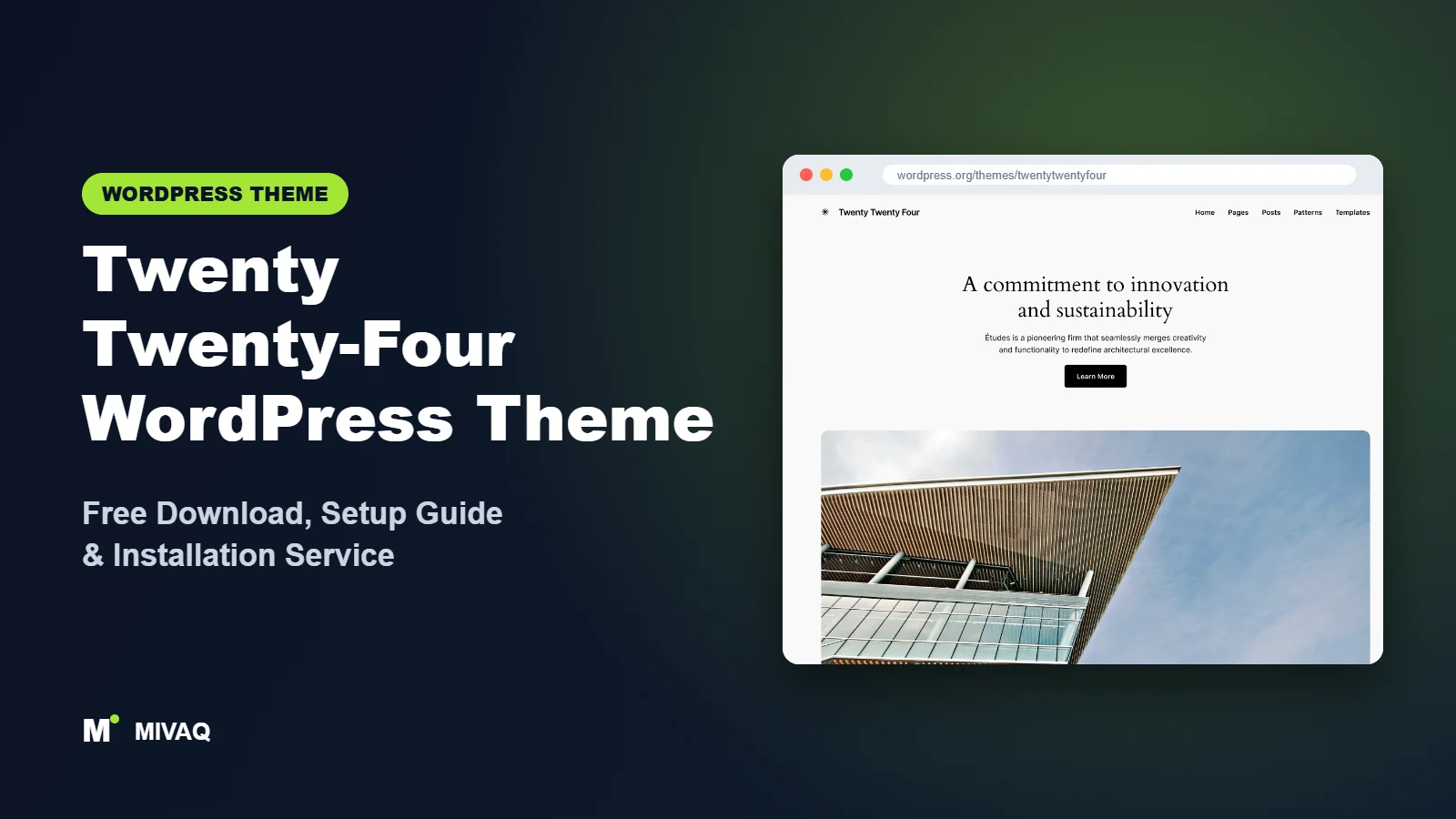
Twenty Twenty-Four was the first WordPress default theme designed around real use cases rather than a single look. Its designers asked three questions: what does a small business need, what does a writer need, and what does an artist or photographer need? The answer is a theme full of complete page designs that you can drop in and edit. If you are looking for the Twenty Twenty-Four WordPress theme free download, you will be pleased to know it is 100% free and legal, hosted on WordPress.org and maintained by the WordPress core team.
This article is part of our complete guide: How to Build a WordPress Website for Your Business (2026 Guide).
Although a newer default theme now exists, Twenty Twenty-Four is still installed on hundreds of thousands of sites and continues to receive updates. This guide covers what it includes, how it compares with its siblings, how to install it safely and, most importantly, how to turn its patterns into a finished business site in the Site Editor.
What is the Twenty Twenty-Four WordPress theme?
Twenty Twenty-Four is the default block theme that shipped with WordPress 6.4. It was built to take advantage of the design tools introduced in that release, and it is fully compatible with the Site Editor. There are no Customizer options: templates, template parts and global styles are all edited with blocks. Its signature look pairs an elegant serif heading font with a clean sans-serif for body text, on soft neutral backgrounds.
| Detail | Twenty Twenty-Four |
|---|---|
| Developer | WordPress.org (core team) |
| Latest version | 1.6 |
| Active installs | 500,000+ |
| Rating | 3.8/5 (39 reviews) |
| Requires WordPress | 6.4 or higher |
| Requires PHP | 7.0 or higher |
| Last updated | 19 August 2026 |
| Theme type | Block theme (Full Site Editing) |
| Price | Free (no Pro version) |
The rating is lower than many commercial themes, and reading the reviews explains why: most negative reviews come from people who expected Customizer options and found the Site Editor instead. Once you know where things are, the theme itself is solid and well built.
Key features of Twenty Twenty-Four
- Full-page patterns: complete layouts for a business home page, an about page, a portfolio home, a newsletter landing page and more.
- Three audiences in one theme: patterns are grouped around business, writing and portfolio sites.
- Style variations: a set of alternative colour and font combinations, from warm earthy tones to dark high-contrast looks.
- Extra templates: page and post templates with a sidebar, without a title, or with a wide image, ready to assign per page.
- Refined typography: fluid font sizes that scale smoothly between mobile and desktop.
- Accessibility ready: reviewed for contrast, focus visibility and keyboard use.
- Translation and RTL ready: suitable for multilingual and right-to-left sites.
- Lightweight output: no jQuery and no bundled sliders, so pages stay fast.
Whole page designs, not just sections
When you create a new page in Twenty Twenty-Four, WordPress can offer full-page patterns as starting points. Choose the business home design and you instantly get a hero, a services grid, a testimonial, a FAQ and a call to action. You then replace text and images rather than arranging dozens of blocks yourself.
Style variations for quick rebranding
The theme includes several style variations, such as Ember, Fossil, Ice, Maelstrom, Mint, Onyx and Rust. Each one changes colours and, in some cases, fonts across the whole site. It is a fast way to test a darker or bolder look before committing to custom brand colours.
Templates you can assign per page
Need a blog post with a sidebar but a landing page without a title? Twenty Twenty-Four ships extra templates for exactly that. In the page settings panel, choose the template and the layout changes immediately.
Is Twenty Twenty-Four completely free?
Yes. Like every default WordPress theme, Twenty Twenty-Four is released under the GPL by WordPress contributors. There is no Pro version, no premium add-on and no hidden licence key. Every pattern, template and variation in the demo is in the free download.
What you do not get is a starter-site importer or a commercial support team. Help is available through the WordPress.org forums and documentation. Extra functionality, such as booking forms or advanced galleries, comes from plugins.
Who should use Twenty Twenty-Four?
- Consultants, coaches and agencies who need a professional brochure site with services, about and contact pages.
- Writers and newsletter creators who want a calm, readable blog with a subscription landing page.
- Photographers and artists who want a gallery-style portfolio home page.
- Site owners moving away from page builders who want to learn native WordPress blocks with good examples to copy.
Skip it if you need deep WooCommerce customisation, a header builder with dozens of toggles, or an Elementor-first workflow. Also, if your host still runs a WordPress version older than 6.4, update WordPress before trying this theme.
Twenty Twenty-Four WordPress theme free download (official and safe)
- Official theme page: wordpress.org/themes/twentytwentyfour
- Direct ZIP file: downloads.wordpress.org/theme/twentytwentyfour.zip
Avoid any website offering a “premium” or “unlocked” Twenty Twenty-Four. There is nothing to unlock, and such files are often modified to inject spam links or malicious code. Nulled and cracked themes also never update, which leaves security holes open. If you suspect your site has been infected by a file from an unofficial source, our guide to WordPress malware removal explains what to do. MIVAQ never hosts theme files; we always install from WordPress.org.
How to install Twenty Twenty-Four in WordPress (step by step)
Method 1: install from the dashboard
- Go to Appearance › Themes in wp-admin. If Twenty Twenty-Four is already listed, skip to step 5.
- Click Add New Theme.
- Search for “Twenty Twenty-Four”.
- Click Install.
- Click Activate.
Method 2: upload the ZIP file
- Download twentytwentyfour.zip from the official link.
- Open Appearance › Themes › Add New Theme › Upload Theme.
- Select the ZIP, click Install Now and then Activate.
Child theme tip: Site Editor changes are stored in the database and survive theme updates. Create a child theme only if you plan to add PHP code or edit template files directly. The Create Block Theme plugin can export your customised version as a child theme in a few clicks, which is also a neat way to back up your design.
How to set up Twenty Twenty-Four after installation
Open Appearance › Editor. A practical order for a business site:
- Pick a starting style: under Styles, preview the variations and choose the one closest to your brand.
- Apply brand colours and fonts: in Styles › Colors and Styles › Typography, set your primary colour, background and heading font. Use the Font Library to add a Google font locally if needed.
- Update the header: edit the Header template part, add your Site Logo and set up the Navigation block with Home, Services, About, Blog and Contact.
- Build the home page: create a page, choose the business or portfolio full-page pattern, replace all text and images, then set it as the homepage in Settings › Reading.
- Create inner pages: use the about, services and contact patterns. Assign the “no title” template to landing pages that already have a big heading.
- Set up the blog: choose a posts page, then edit the Index or Home template to show posts in a list or grid.
- Customise the footer: add address, opening hours, social icons and privacy links.
- Preview on mobile: check the hero and columns at phone width and reduce padding where needed.
WooCommerce works with the theme through block-based shop templates. For a few products it is perfectly adequate; for larger catalogues consider extra styling or a shop-focused theme.
Twenty Twenty-Four speed and SEO checklist
- Full-page patterns use large images. Compress and resize them before upload and write meaningful image alt text.
- Add page caching. If your host uses LiteSpeed, our guide to speeding up WordPress with LiteSpeed shows the right settings.
- Choose and configure one SEO plugin; our Rank Math vs Yoast comparison helps you decide.
- Give every service page a unique, keyword-focused title. See our title tag SEO guide.
- Host fonts locally through the Font Library instead of loading them from external servers.
- Lock down the site with our WordPress security checklist.
Common mistakes when setting up Twenty Twenty-Four
- Publishing demo copy: full-page patterns contain sample text that is easy to miss further down the page.
- Using the same pattern on every page: it looks repetitive to visitors and creates near-duplicate content.
- Editing the template when you meant the page: check the top bar of the editor to see whether you are editing a page or a template.
- Ignoring Settings › Reading: without a static front page set, your new home page will not appear at your domain root.
- Uploading huge hero images: a 5MB photo will undo all the speed benefits of a light theme.
Twenty Twenty-Four vs similar free WordPress themes
Twenty Twenty-Five is the newer default. It has more blog layouts and lets you mix colour and font presets separately. Twenty Twenty-Four remains the better fit when you want ready-made business and portfolio pages.
Twenty Twenty-Three is much more minimal, focused on style variations rather than patterns. Choose it only if you want a nearly blank canvas.
Spectra One pairs with the Spectra blocks plugin and suits people who want more advanced blocks such as forms, sliders and info boxes inside the block editor.
Twenty Twenty-Four pros and cons
What we like
- Free forever, maintained by WordPress contributors
- Complete page designs for business, writing and portfolio sites
- Elegant typography and well-balanced spacing
- Extra templates with sidebars and wide images
- Fast, lean code with no page builder required
What to consider
- No Customizer, which confuses users of classic themes
- No one-click demo import or premium support
- WooCommerce styling is functional rather than polished
- Newer default theme may be a better long-term choice for new blogs
Our verdict: Twenty Twenty-Four is one of the quickest ways to launch a professional small business or portfolio site with nothing but WordPress itself. Learn the Site Editor basics and its full-page patterns will save you hours.
Website design with Twenty Twenty-Four: our design service
Twenty Twenty-Four is a clean foundation, but a clean foundation is not yet a finished website. MIVAQ designs complete websites on Twenty Twenty-Four as part of our website design service: we plan the pages, create a colour and typography system that matches your brand, build custom patterns and templates in the WordPress editor, and hand over a site you can update without a page builder.
What our Twenty Twenty-Four website design package includes:
- Custom style variation: colours, typography and spacing set in Global Styles
- Page templates and reusable patterns for home, services, blog and contact pages
- Navigation, header and footer designed in the Site Editor
- Contact forms, newsletter sign-up and essential plugins only
- On-page SEO, image optimisation and analytics at launch
You can see examples in our recent work and case studies, and read more about our WordPress development and SEO services. Every project starts with a free consultation and a fixed price, so you know exactly what you get before we begin.
Want a website designed with Twenty Twenty-Four? Contact MIVAQ: WhatsApp +880 1723-189847, email hello@mivaq.com or use our contact form. We usually reply the same day.
Twenty Twenty-Four installation and setup service
Want the result without the learning curve? MIVAQ installs and customises Twenty Twenty-Four for you: installation from WordPress.org, a child theme if you need custom code, brand colours and fonts, header and footer, home, services, about and contact pages built from patterns, menus, contact forms, WooCommerce if required, and speed and SEO basics. You receive a fixed quote up front. Explore our WordPress services or get in touch:
- WhatsApp: message us about Twenty Twenty-Four
- Email: hello@mivaq.com
- Form: send your project details
Related WordPress theme guides
- Twenty Twenty-Five WordPress theme guide
- Twenty Twenty-Three WordPress theme guide
- Spectra One WordPress theme guide
- Neve FSE WordPress theme guide
- 50 best free WordPress themes
Frequently asked questions
Is Twenty Twenty-Four free?
Yes, completely. It is a default WordPress theme under the GPL with no paid version.
Is Twenty Twenty-Four good for SEO?
Yes. It uses clean HTML, proper heading structure and minimal scripts. Add an SEO plugin, write unique titles and compress images for the best results.
Does Twenty Twenty-Four work with Elementor?
Elementor can run on it, but the theme is designed for the block editor. If Elementor is your main tool, a lightweight theme built for page builders is a better match.
Can I use Twenty Twenty-Four for WooCommerce?
Yes, for small stores. WooCommerce block templates inherit its styles. Bigger stores benefit from a dedicated shop theme or custom styling.
Can MIVAQ install Twenty Twenty-Four for me?
Yes. We install and fully set up the theme, build your key pages and handle speed and SEO basics for a fixed price. Contact us on WhatsApp, email or the form.


