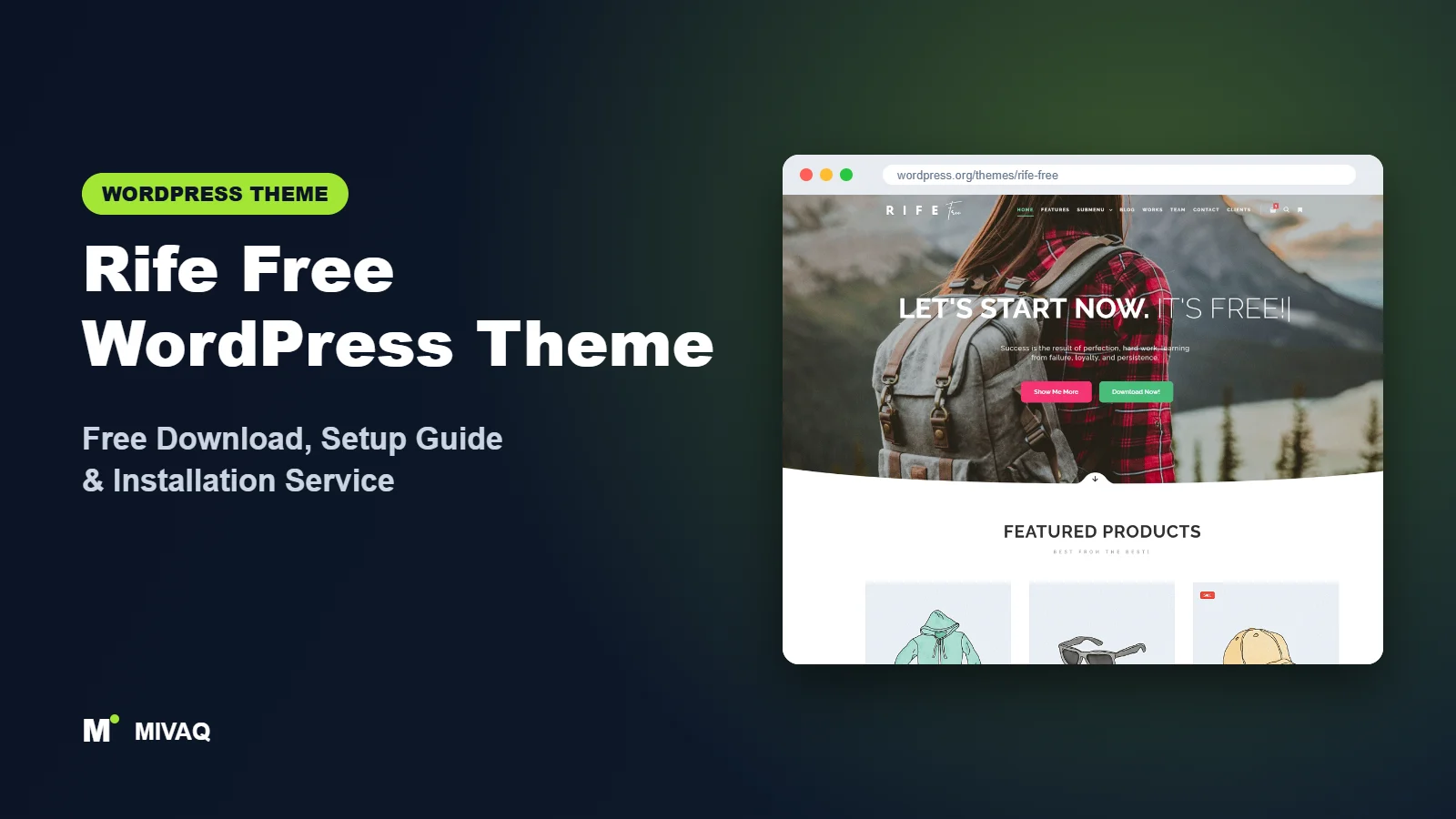
Photographers have a specific problem with most WordPress themes: they are built for text first and images second. Rife Free flips that around. Made by Apollo13Themes, it is a portfolio and photography theme with albums, a “bricks” gallery, a one page mode and a long list of Customizer options. If you are searching for the Rife Free WordPress theme free download, you will be pleased to know that it is 100% free and legal on the official WordPress.org directory and has hundreds of positive reviews.
This article is part of our complete guide: How to Build a WordPress Website for Your Business (2026 Guide).
This guide is written for photographers, artists and small creative studios. We explain how Rife Free organises your work, what the companion plugin does, how it compares with Rife Pro, and how to install and configure it without getting lost in its 450+ settings.
What is the Rife Free WordPress theme?
Rife Free is a classic WordPress theme for portfolios and photography that also works for business sites, blogs and small WooCommerce shops. Its developer highlights seven ready-to-use demo layouts, a writing effect, one page mode, a touch-friendly image and video slider, a bricks gallery, a mega menu, a post grid, Google Fonts and Schema.org integration. Here are the WordPress.org facts:
| Detail | Rife Free |
|---|---|
| Developer | Apollo13Themes |
| Latest version | 2.4.24 |
| Active installs | 20,000+ |
| Rating | 4.9/5 from 355 reviews |
| Requires WordPress | 4.7 or higher |
| Requires PHP | 5.3 or higher |
| Last updated | 29 January 2026 |
| Theme type | Classic theme (Customizer) |
| Price | Free (Rife Pro optional) |
355 reviews with an average of 4.9 is one of the strongest review records in this whole series. The last update was in January 2026, so it is less frequently updated than some peers; always test updates on a staging copy, as with any theme.
Key features of Rife Free
- Albums and works: organise photos into albums (galleries) and works (projects), each with its own layout options.
- Bricks gallery: a masonry-style gallery made for photographers that keeps image proportions intact.
- Image and video slider: touch-friendly, so swiping through a set on a phone feels natural.
- One page mode: build a single scrolling page with menu links that jump to sections, ideal for a simple personal site.
- Writing effect: an animated typing headline that adds personality to the hero area.
- 450+ Customizer options: plus extra settings on each page, post, album or work.
- Mega menu and hidden sidebar: handy for studios with many categories of work.
- Schema.org markup, WooCommerce compatibility and Elementor support.
- Translation ready with WPML and RTL support.
Albums designed around photography
Instead of dumping images into a generic page, Rife Free gives you dedicated album content. You can choose how thumbnails are arranged, whether there is a slider or a grid, and how the lightbox behaves. For a wedding photographer this means each wedding becomes a tidy, browsable album with its own address you can send to clients and share on social media.
The bricks gallery
Many gallery layouts crop images into equal squares, which ruins carefully composed portrait and landscape shots. The bricks gallery arranges images of different shapes together while keeping their proportions, so your framing is respected.
One page mode for simple portfolios
Not everyone needs a multi-page website. Illustrators, models or musicians often want one strong page: intro, selected work, about and contact. One page mode makes that easy, with menu links that scroll smoothly to each section.
Rife Free vs Pro: what do you get?
Rife Free is a fully working theme. Rife Pro, sold by Apollo13Themes, adds more demo designs, extra features and premium support for people who need more. Features change over time, so check the developer’s site for current Pro pricing and an up-to-date comparison.
| Area | Rife Free | Rife Pro |
|---|---|---|
| Demo layouts | 7 ready-to-use demos | Many more designs |
| Albums and works | Yes (with companion plugin) | Yes, with more options |
| Bricks gallery and slider | Yes | Yes |
| Customizer options | 450+ | More advanced controls |
| Support | WordPress.org forum | Premium support |
Most individual photographers can run a professional site on the free version. Studios that want a very specific premium design may find Pro saves time.
Who should use Rife Free?
- Wedding, portrait and event photographers who share albums with clients.
- Travel and landscape photographers who want images displayed without cropping.
- Illustrators, designers and artists who need a one-page or multi-page portfolio.
- Small creative agencies presenting case studies as “works”.
- Photographers selling prints with a small WooCommerce shop.
Who should not: if you want a site that you design with blocks in the Site Editor, or a large online store, look elsewhere. Rife Free’s strength is visual portfolios, and its many options can feel heavy if you only need a simple business brochure; for that, Page Builder Framework or Solace is simpler.
Rife Free WordPress theme free download (official and safe)
Get Rife Free from WordPress.org only:
- Official theme page: wordpress.org/themes/rife-free
- Direct ZIP file: downloads.wordpress.org/theme/rife-free.zip
Avoid sites that offer “Rife Pro nulled” or “Rife premium free”. Cracked themes can contain hidden admin accounts, malicious redirects and spam links that damage your Google rankings, and they never get updates. If you have used one and notice problems, see our WordPress malware removal service. MIVAQ does not distribute theme files.
How to install Rife Free in WordPress (step by step)
Method 1: install from the dashboard
- Open Appearance › Themes › Add New Theme.
- Search for “Rife Free”.
- Click Install on Rife Free by Apollo13Themes.
- Click Activate.
Method 2: upload the ZIP file
- Download rife-free.zip from WordPress.org.
- Go to Appearance › Themes › Add New Theme › Upload Theme.
- Choose the file, click Install Now, then Activate.
Child theme tip: Apollo13Themes provides guidance on child themes for Rife. Use one if you plan to edit template files or add PHP; for small visual changes, the Customizer’s custom CSS is enough.
How to set up Rife Free after installation
Rife Free uses a companion plugin from Apollo13Themes (Apollo13 Framework Extensions) to add albums, works and demo import. The theme prompts you after activation.
- Install the companion plugin when prompted. Without it, albums and works will not be available.
- Import a demo from the theme’s design importer if you want a head start. Choose the layout closest to your style, then replace images.
- Set your look in Appearance › Customize: logo, colours, Google Fonts and the header style. Rife Free offers a lot of control here, so change one area at a time.
- Create albums for each photo set. Upload images, choose the gallery type (bricks, grid or slider) and write a short description.
- Create works for projects or case studies that need more text alongside images.
- Build your home page: show a slider, a selection of recent albums, a short intro and a contact call to action. Use Elementor if you prefer visual editing.
- Set up menus, including a mega menu if you have many categories (weddings, portraits, commercial).
- Add contact and booking information with a simple form and your service area.
Because the theme has so many options, write down the changes you make. It saves time if you need to undo something later.
Example: structuring a wedding photographer’s site
Here is a structure that works well on Rife Free. The home page opens with a slider of five signature images and a one-line writing-effect headline such as “Relaxed wedding photography in Scotland”. Below it sit three featured albums, a short introduction with a portrait of the photographer, two client quotes and a “Check your date” button. A Weddings page lists every album with the bricks layout, a Packages page explains what clients get, and the Contact page asks for the date, venue and number of guests.
Each album is named after the venue and location rather than only the couple’s names, because people search for venues when planning. Inside each album, keep a short paragraph about the day, then let the images run. This simple structure is easy to maintain, helps search engines understand your work, and gives every visitor a clear next step.
Rife Free speed and SEO checklist
- Export photos at a sensible size (around 2000 pixels on the long edge is plenty for web) and use WebP. Then apply our LiteSpeed caching tips.
- Enable lazy loading for galleries so only visible images load first.
- Add alt text that describes the scene and location; our image alt text guide shows how. Photographers can earn real traffic from image search.
- Give each album a descriptive title and meta description, for example “Edinburgh Castle Engagement Shoot”; see our title tag guide.
- Use one SEO plugin; our Rank Math vs Yoast article helps you decide.
- Back up your media library off-site following our WordPress backup strategy; losing years of galleries is painful.
Common mistakes when setting up Rife Free
- Not installing the companion plugin: then albums and works seem to be “missing”.
- Uploading full-resolution camera files: 20 MB images slow everything down and fill your hosting quota.
- Changing dozens of options at once: with 450+ options it is easy to create a design you cannot explain. Change and check in small steps.
- Showing every photo from a shoot: curate. Twenty great images beat two hundred average ones.
- No contact call to action: make it easy to book you from every album.
Rife Free vs similar free WordPress themes
Rife Free vs Inspiro: Inspiro offers a fullscreen video hero and many starter sites; Rife Free offers deeper photography tools such as albums and the bricks gallery. Photographers with large archives usually prefer Rife Free; creative businesses that want a bold landing page prefer Inspiro.
Rife Free vs Mesmerize: Mesmerize is a multipurpose drag-and-drop theme with portfolio support; Rife Free is portfolio-first. Choose Mesmerize for a general business site with a small gallery.
Rife Free vs Kubio: Kubio relies on a block-based builder. Choose Kubio for visual page design and Rife Free for dedicated albums.
Rife Free pros and cons
What we like
- Albums, works and bricks gallery built for photographers.
- Outstanding review record: 4.9/5 from 355 reviews.
- Huge number of customisation options.
- Elementor, WooCommerce and WPML compatible.
What to consider
- Key portfolio features depend on the companion plugin.
- So many options can overwhelm beginners.
- Updates are less frequent than some newer themes.
Our verdict: Rife Free is one of the most complete free photography themes on WordPress.org. If your images are your business, it gives you proper tools to present them, as long as you take the time to learn its settings.
Website design with Rife Free: our design service
Whether you want an online shop, a portfolio or a product landing page, Rife Free can carry it, but the results depend on design decisions. MIVAQ offers a full website design service on Rife Free: we design your homepage, product or project pages and checkout journey, prepare images that keep the site fast, and set up the details that help visitors buy or enquire.
What our Rife Free website design package includes:
- Store, portfolio or landing page design tailored to your products or projects
- Product, category and checkout pages set up for easy buying (WooCommerce where needed)
- Image preparation and layout that keep pages fast on mobile
- Payment, shipping and email setup for shops; galleries and enquiry forms for portfolios
- Product and page SEO, analytics and Search Console at launch
You can see examples in our recent work and case studies, and read more about our WordPress development and SEO services. Every project starts with a free consultation and a fixed price, so you know exactly what you get before we begin.
Want a website designed with Rife Free? Contact MIVAQ: WhatsApp +880 1723-189847, email hello@mivaq.com or use our contact form. We usually reply the same day.
Rife Free installation and setup service
Short on time? MIVAQ installs and customises Rife Free for photographers and studios: installation, child theme, companion plugin, demo import, branding, album setup, image optimisation, contact forms, optional WooCommerce for prints, and speed and SEO basics, all for a fixed quote. See our WordPress services or contact us:
- WhatsApp: message us about Rife Free
- Email: hello@mivaq.com
- Form: send your project details
Related WordPress theme guides
- Inspiro WordPress theme free download and setup
- Mesmerize WordPress theme free download and setup
- Kubio WordPress theme free download and setup
- Futurio WordPress theme free download and setup
- 50 best free WordPress themes
Frequently asked questions
Is Rife Free really free?
Yes. Rife Free is free on WordPress.org. Rife Pro is an optional paid version from Apollo13Themes.
Is Rife Free good for photographers?
Very. It is built around albums, a bricks gallery and sliders, and it is one of the highest-rated photography themes in the directory.
Does Rife Free work with Elementor?
Yes. The developer states Elementor compatibility, so you can design pages visually while keeping Rife’s albums.
Can I use Rife Free for WooCommerce?
Yes. It is WooCommerce compatible, which works well for selling prints or a small product range.
Can MIVAQ install Rife Free for me?
Yes. We set up Rife Free, import a demo and organise your albums for a fixed price. WhatsApp us or email hello@mivaq.com.


