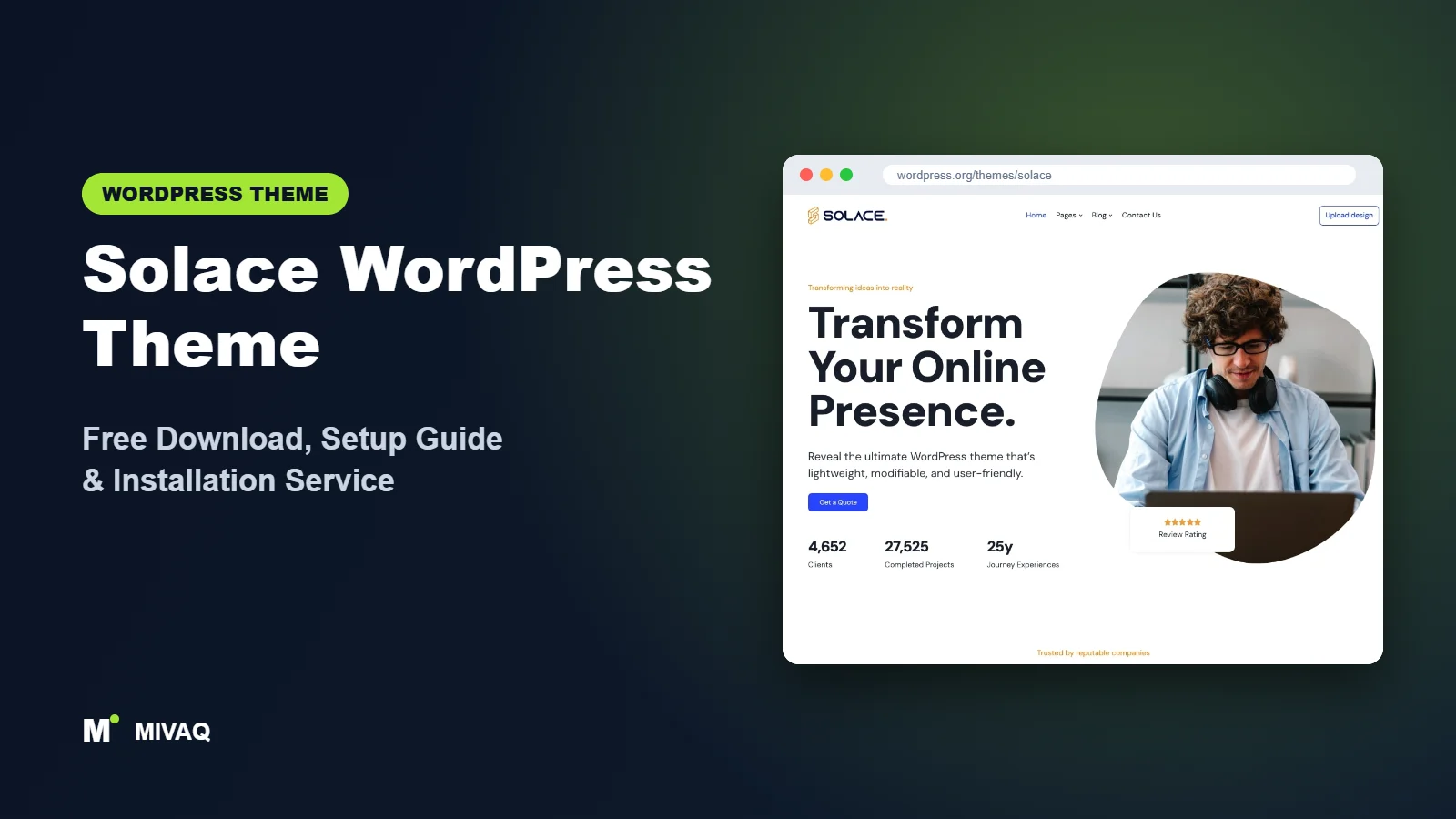
Not every website needs sliders, mega menus and fifty demo layouts. A food blogger, a travel writer or a small fashion label often just needs a clean, fast, readable site that looks good on a phone. That is the space Solace aims for. It is a minimalist, lightweight theme focused on beautiful, fast-loading and accessible websites, with a strong lean towards blogs. If you are searching for the Solace WordPress theme free download, you can get it 100% free and legally from WordPress.org.
This article is part of our complete guide: How to Build a WordPress Website for Your Business (2026 Guide).
Solace is one of the newer and smaller themes in our series, so this guide is honest about both sides: what it does well, where it is still young, and how to set it up so your content gets the attention rather than the theme.
What is the Solace WordPress theme?
Solace is described by its developer as a minimalist, lightweight theme for creating fast-loading, accessible websites and a new-generation clean blog design. The suggested uses are fashion, lifestyle, travel, food and photography blogs and similar content-led sites. Its WordPress.org tags also include e-commerce, block editor styles and wide blocks. Here are the directory facts:
| Detail | Solace |
|---|---|
| Developer | solacewp |
| Latest version | 2.1.25 |
| Active installs | 10,000+ |
| Rating | 4.9/5 from 7 reviews |
| Requires WordPress | Not listed on WordPress.org (use a current version) |
| Requires PHP | 7.4 or higher |
| Last updated | 24 September 2026 |
| Theme type | Classic theme with block editor styles |
| Price | Free |
The rating is excellent, but it is based on only seven reviews, so treat it as an encouraging early signal rather than proof. On the positive side, the theme is updated actively, with the latest release in late September 2026.
Key features of Solace
- Minimal, content-first design: generous white space and clear typography that make long posts easy to read.
- Lightweight code: built to load quickly, which helps both readers and search rankings.
- Accessibility focus: the developer emphasises accessible websites, which matters for readers using keyboards or screen readers.
- Block editor styles and wide blocks: content written in Gutenberg looks the same in the editor and on the site, and wide or full-width images display properly.
- Blog-friendly layouts: one-column and two-column (right sidebar) options for posts and archives.
- Footer widgets: space for an about blurb, newsletter sign-up and social links.
- E-commerce friendly: tagged for e-commerce, so a small shop can sit beside the blog.
- Translation ready.
Made for reading
The reason to choose Solace is readability. Blog readers skim on phones, often in short bursts. A calm layout with readable line length, clear headings and no visual clutter keeps them reading longer, and longer visits are good for ad revenue, affiliate clicks and newsletter sign-ups.
Wide images for visual stories
Travel and food bloggers live on photography. Because Solace supports wide blocks, you can break up text with a wide or full-width photo, which feels more like a magazine than a standard blog column.
Accessibility as a default
Accessible sites are easier for everyone to use and are increasingly expected by law in some markets. Starting with a theme that takes accessibility seriously makes the rest of the job easier, though you still need good contrast, alt text and descriptive link text in your own content.
Is Solace completely free?
Yes. The Solace theme on WordPress.org is free under the GPL licence, and you can build and run a complete blog or small website with it without paying anything. The developer also offers a companion plugin (Solace Extra) with extra tools such as starter templates; install it only if you want those features. We have not relied on any paid Solace edition in this review, so if you need advanced features, check the developer’s site, solacewp.com, for any premium add-ons and current pricing before you decide.
For most bloggers the free theme is all that is needed. Spend your budget on good hosting, a professional logo and photography instead.
Who should use Solace?
- Lifestyle, travel, fashion and food bloggers who want a clean, modern reading experience.
- Writers and journalists building a personal publication.
- Photographers who blog and want wide, uncluttered images.
- Small businesses with a content strategy where articles are the main traffic source.
- Beginners who want fewer settings and a site that looks good quickly.
Who should not: if you need a large online store, choose Botiga or Woostify. If you need complex landing pages built in a page builder, Page Builder Framework is a better base. And if you run a busy news site with many categories, a magazine theme such as Newsmatic will organise content better.
Solace WordPress theme free download (official and safe)
- Official theme page: wordpress.org/themes/solace
- Direct ZIP file: downloads.wordpress.org/theme/solace.zip
Only download Solace from WordPress.org or install it from your dashboard. Re-uploaded copies on third-party “free theme” sites can be modified to include malicious code or hidden links, and “nulled” premium plugins are a well-known source of infections. If you think your blog has been compromised, our WordPress malware removal service can help. MIVAQ does not distribute theme files.
How to install Solace in WordPress (step by step)
Method 1: from the dashboard
- Go to Appearance › Themes › Add New Theme.
- Search for “Solace”.
- Click Install on Solace by solacewp.
- Click Activate.
Method 2: upload the ZIP
- Download solace.zip from WordPress.org.
- Open Appearance › Themes › Add New Theme › Upload Theme.
- Choose the file, click Install Now, then Activate.
Solace requires PHP 7.4 or newer. Most hosts offer PHP 8.x today, which is faster and more secure, so check your hosting panel if the install fails.
Child theme tip: bloggers often want small changes such as a different font size for post content or a custom author box. Keep those changes in a child theme or the Additional CSS panel so updates do not erase them.
How to set up Solace after installation
- Decide on the companion plugin: if the theme recommends Solace Extra and you want its starter templates, install it; otherwise you can work with the theme alone.
- Set the site identity: in Appearance › Customize upload your logo and site icon, and set the tagline.
- Typography: choose a readable body font at a comfortable size (around 18px suits long posts) and a contrasting heading font.
- Colours: pick one accent colour for links and buttons and keep text dark on light backgrounds for contrast.
- Blog layout: decide between one column (more immersive) and a right sidebar (more space for an about box and newsletter).
- Home page: either show latest posts (simplest) or create a static home page with featured posts, categories and an introduction.
- Menus: create a short primary menu with your main categories, About and Contact.
- Footer widgets: add a short bio, a newsletter form and social links.
Example: setting up a travel blog
Imagine a couple writing about slow travel in Portugal. With Solace they choose a one-column layout for posts so photos can run wide, an 18px serif body font for comfortable reading, and a single terracotta accent colour inspired by Portuguese rooftops. The menu holds four categories (Lisbon, Porto, Algarve, Madeira), an About page and a Contact page. Each post starts with a short summary, uses H2 headings for each day or stop, and includes wide photos between sections. The footer carries a short bio and a newsletter form. The result is a site that feels personal and calm, loads quickly on hotel Wi-Fi and lets the stories do the work.
Writing posts that suit a minimalist theme
A minimal theme rewards well-structured writing. Open each post with two or three sentences that tell the reader what they will get. Break the article into clear sections with descriptive H2 headings, keep paragraphs short, and use lists for steps or packing checklists. Place one strong image near the top and others where they genuinely add information, such as a map, a dish or a view. Because Solace does not fill the page with widgets, your formatting choices become the design, so consistency matters: use the same heading style, image width and call to action at the end of every post.
Solace speed and SEO checklist
- Use a caching plugin and optimise images; our LiteSpeed speed guide covers the settings we recommend.
- Write click-worthy titles for every post with our title tag SEO guide.
- Describe each photo with useful alt text, following our image alt text guide.
- Pick one SEO plugin and configure sitemaps and schema; see Rank Math vs Yoast.
- Link related posts to each other so readers and search engines find older content.
- Back up your posts and media regularly using our backup strategy.
Common mistakes when setting up Solace
- Adding heavy plugins to a light theme: sliders, popups and social feeds can undo Solace’s speed advantage.
- Low contrast colours: pale grey text on white looks elegant but is hard to read and hurts accessibility.
- Huge uncompressed photos: resize images before uploading, especially for wide blocks.
- Too many categories: five to eight clear categories are easier to navigate than thirty.
- No About page: readers and brands want to know who is behind a blog.
Solace vs similar free WordPress themes
Solace vs Futurio: Futurio is multipurpose with Elementor demos; Solace is minimal and content-first. Bloggers usually prefer Solace; businesses wanting a ready-made Elementor design prefer Futurio.
Solace vs Inspiro: Inspiro is built for big visual first impressions; Solace is built for reading. A photographer’s portfolio suits Inspiro; a photography blog suits Solace.
Solace vs SaasLauncher: SaasLauncher is a block theme for software and startup sites; Solace is for blogs. Different jobs, both lightweight.
From another group, Ashe is a popular personal blog theme with a more decorative style if you want something less minimal.
Solace pros and cons
What we like
- Clean, minimal design that puts content first.
- Lightweight with an accessibility focus.
- Wide block support for photo-led posts.
- Actively updated in 2026.
What to consider
- Few reviews so far, so less community feedback.
- Fewer layout options than big multipurpose themes.
- Not designed for complex shops or page-builder-heavy sites.
Our verdict: Solace is a lovely choice for bloggers and writers who want speed and simplicity. If your site is mostly articles and photos, it gives you a calm, modern look without unnecessary weight.
Website design with Solace: our design service
Whether you want an online shop, a portfolio or a product landing page, Solace can carry it, but the results depend on design decisions. MIVAQ offers a full website design service on Solace: we design your homepage, product or project pages and checkout journey, prepare images that keep the site fast, and set up the details that help visitors buy or enquire.
What our Solace website design package includes:
- Store, portfolio or landing page design tailored to your products or projects
- Product, category and checkout pages set up for easy buying (WooCommerce where needed)
- Image preparation and layout that keep pages fast on mobile
- Payment, shipping and email setup for shops; galleries and enquiry forms for portfolios
- Product and page SEO, analytics and Search Console at launch
You can see examples in our recent work and case studies, and read more about our WordPress development and SEO services. Every project starts with a free consultation and a fixed price, so you know exactly what you get before we begin.
Want a website designed with Solace? Contact MIVAQ: WhatsApp +880 1723-189847, email hello@mivaq.com or use our contact form. We usually reply the same day.
Solace installation and setup service
MIVAQ can set up Solace for your blog or small website: installation, child theme, branding, typography for readability, menus and categories, newsletter integration, optional WooCommerce, and speed and SEO basics, all for a fixed quote. See our WordPress services or contact us:
- WhatsApp: message us about Solace
- Email: hello@mivaq.com
- Form: send your project details
Related WordPress theme guides
- Futurio WordPress theme free download and setup
- Inspiro WordPress theme free download and setup
- SaasLauncher WordPress theme free download and setup
- Ashe WordPress theme free download and setup
- 50 best free WordPress themes
Frequently asked questions
Is Solace free?
Yes. Solace is free on WordPress.org and can be used for personal and commercial sites.
Is Solace good for SEO?
Its lightweight, clean design supports fast loading, which helps SEO. Rankings still depend on your content, internal links and an SEO plugin.
Does Solace work with Elementor?
You can use Elementor on individual pages, but Solace is designed mainly around the block editor and blog content.
Can I use Solace for WooCommerce?
Solace is tagged for e-commerce and suits a small shop alongside a blog. For a large catalogue, choose a store-focused theme.
Can MIVAQ install Solace for me?
Yes. We install and customise Solace for a fixed price. Message us on WhatsApp or email hello@mivaq.com.


