This article is part of our complete Wix guide.
Wix dropshipping and print on demand let you sell products without buying stock up front, renting a warehouse or packing parcels yourself. A supplier or print partner makes or stores the item, ships it to your customer under your brand, and you keep the difference between your selling price and their cost. On Wix, both models run through apps that connect to Wix Stores, so products, orders and tracking sync automatically. That sounds effortless, and the technology largely is. The hard part is choosing good suppliers, pricing for real margins, setting honest delivery expectations and building a brand people trust. This guide explains how each model works on Wix, how to set it up, and how to avoid the mistakes that sink most new dropshipping stores.
Key takeaways
- Dropshipping means selling a supplier’s existing products; print on demand means selling your own designs printed only when ordered.
- On Wix, both models work through apps from the Wix App Market that sync products and orders with Wix Stores.
- Your margin must cover the product cost, shipping, payment fees, returns and marketing. Price carefully.
- Always order samples before listing products, and state realistic delivery times.
- Rewrite supplier descriptions and use your own photos where possible to stand out and rank.
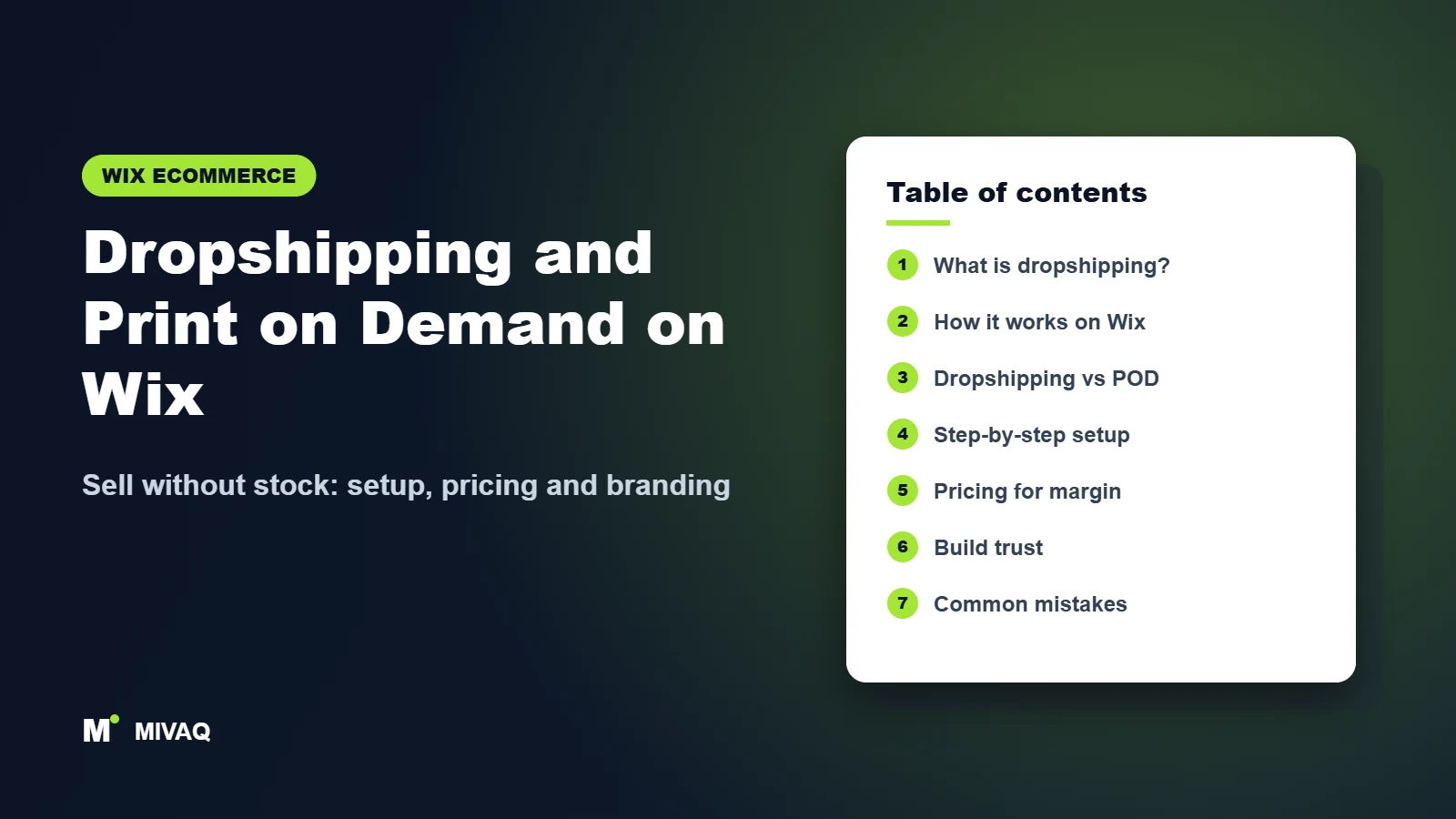
In this guide
- What is dropshipping and print on demand?
- How does dropshipping work on Wix?
- Dropshipping vs print on demand: which model suits you?
- How to start dropshipping on Wix: step by step
- How to price dropshipped and print on demand products
- How to build a brand customers trust
- Common dropshipping mistakes on Wix
- Need help with a Wix dropshipping store? Let MIVAQ do it for you
- Frequently asked questions
What is dropshipping and print on demand?
Dropshipping is a fulfilment model where you list products that a supplier already makes and stocks. When a customer orders from your store, the order is passed to the supplier, who ships it directly to the customer. You never handle the product. Your value comes from curation, branding, marketing and customer service.
Print on demand (POD) is a kind of dropshipping for custom products. You upload your designs, choose blank products such as T-shirts, mugs, posters or phone cases, and the print partner produces each item only after it is ordered. Your value comes from your designs and your audience.
Both models remove inventory risk, which makes them popular with creators, side businesses and brands testing new product ideas. Both also have thinner margins and less control than holding your own stock, which you need to plan for.
How does dropshipping work on Wix?
Wix Stores handles your storefront, cart, checkout and payments. A dropshipping or POD app connects to it and handles the supplier side. The usual flow looks like this:
- You browse the app’s catalogue (or upload designs for POD) and import products into your Wix store.
- The app creates the products in Wix Stores with images, variants and a suggested price, which you can edit.
- A customer buys on your site and pays you through your normal Wix payment methods.
- The order syncs to the app. Depending on the app, it is sent to the supplier automatically or after you approve and pay the supplier’s cost.
- The supplier produces or picks the item and ships it, often in neutral or branded packaging.
- Tracking information syncs back to Wix and the customer receives a shipping confirmation.
You can find current dropshipping and print on demand integrations in the Wix App Market. Well-known print on demand companies such as Printful and Printify have offered Wix integrations, and Wix has offered its own dropshipping solutions; availability and features change, so compare the current options, supported countries and pricing before you choose.
Dropshipping vs print on demand: which model suits you?
| Factor | Dropshipping | Print on demand |
|---|---|---|
| What you sell | Supplier’s existing products | Your designs on blank products |
| Uniqueness | Low; competitors may sell the same item | High; designs are yours |
| Typical margin | Varies widely by niche and supplier | Often modest, since printing each item individually costs more |
| Delivery time | Depends on supplier location | Production time plus shipping |
| Best for | Curated niche stores, product testing | Artists, creators, brands, communities, merch |
| Main risk | Supplier quality and stock changes | Print quality and design appeal |
Many successful Wix stores combine models: their own stocked bestsellers, a few dropshipped complementary products and a POD merch range. Wix Stores can handle all of them in one catalogue.
How to start dropshipping on Wix: step by step
- Choose a niche. A focused store (for example, eco-friendly kitchen accessories or illustrated pet portraits) is much easier to market than a general store.
- Build your Wix store foundation. Follow our guide to starting an online store on Wix: plan, domain, branding and policies.
- Compare apps in the Wix App Market. Check supplier locations, product quality, shipping times, branding options and any subscription costs.
- Install the app and connect it to your store.
- Order samples of every product you plan to feature. Check quality, packaging and delivery time yourself.
- Import products and rewrite titles and descriptions in your own voice. Our guide on adding products and variants in Wix Stores explains how to tidy variants and categories after import.
- Set prices using the margin calculation below.
- Configure shipping rates that match the supplier’s costs and delivery times. Review our guide to Wix shipping settings, especially if you mix dropshipped and stocked items.
- Write clear policies for delivery times, returns and damaged items, aligned with your supplier’s own policies.
- Place a test order to make sure the order flows to the supplier and tracking returns to Wix.
- Launch and market with content, social media, email and search.
Want a ready-to-sell store without the trial and error? MIVAQ builds dropshipping and POD stores as part of our Wix Solutions service.
How to price dropshipped and print on demand products
The most common reason dropshipping stores fail is pricing that looks profitable on paper but is not. Work out your price from the full cost of each sale:
- Supplier or production cost of the item
- Shipping cost charged by the supplier (if not passed to the customer)
- Payment processing fees
- App subscription costs, spread across expected orders
- An allowance for returns, reprints and damaged items
- Marketing cost to acquire each customer
- Your profit
Then check the final price against competitors. If you cannot reach a healthy margin at a price people will pay, choose a different product or add value through bundles, personalisation or better presentation. Raising average order value with bundles and free shipping thresholds is often more effective than discounting.
How to build a brand customers trust
Shoppers have become wary of generic dropshipping stores. To stand out:
- Use your own photos of samples, or lifestyle mockups for POD, instead of the same supplier images everyone uses.
- Write original product descriptions that answer real questions about size, material and care. This also helps your pages rank; see our Wix eCommerce SEO guide.
- Be honest about delivery times on product pages, at checkout and in confirmation emails.
- Show a real About page with the people and story behind the brand.
- Collect and display reviews once orders start arriving.
- Offer responsive support through email, chat or WhatsApp.
How to market a dropshipping or POD store
Without stock to manage, most of your time should go into marketing. Start with channels that suit your niche. Print on demand brands often grow through social media, where designs can be shown on real people and shared by a community. Curated dropshipping stores tend to benefit from search: helpful buying guides, comparison posts and well-optimised category pages that bring in shoppers who are already looking. Build an email list from day one with a small sign-up incentive, then send new designs, restocks and seasonal collections to people who already know you. If you run paid ads, start with a small budget, track cost per sale carefully and pause anything that does not pay back. Finally, ask every customer for a review and a photo; social proof from real buyers is the strongest answer to the doubts many shoppers have about smaller online brands.
Common dropshipping mistakes on Wix
- Listing products without ordering samples, then receiving complaints about quality.
- Promising fast delivery when the supplier ships from far away.
- Copying supplier descriptions, creating duplicate content that will not rank.
- Importing hundreds of products instead of curating a focused range.
- Ignoring returns, with no clear process aligned with the supplier.
- Forgetting tax obligations; you are still the seller. Read how to set up taxes on your Wix store.
- Pricing too low to cover fees, returns and advertising.
Launch checklist: niche chosen, app compared and connected, samples approved, products rewritten and categorised, prices checked for margin, shipping rates and times aligned with the supplier, policies published, test order synced with tracking, marketing plan ready.
Need help with a Wix dropshipping store? Let MIVAQ do it for you
MIVAQ builds dropshipping and print on demand stores on Wix that look like real brands, not generic catalogues. We can:
- Help you compare dropshipping and POD apps for your niche and country
- Design a branded, conversion-focused Wix store
- Import, curate and rewrite products with SEO-friendly copy
- Set pricing, shipping rules, policies and automated emails
- Build custom integrations with your supplier via Velo or a custom Wix app if no ready-made app fits
Every project starts with a free consultation and a fixed-price quote. Explore our Wix services and our Wix SEO service for long-term traffic growth.
- WhatsApp: message us
- Email: hello@mivaq.com
- Form: send your project details
Related Wix guides
- How to Start an Online Store on Wix
- How to Add Products and Variants in Wix Stores
- Wix vs Shopify: Which Is Better for Your Online Store?
- Best Wix Apps for Small Businesses
- Wix Marketing Tools: Email Campaigns, Social Posts and Ads
- The complete Wix guide
Frequently asked questions
Can you dropship on Wix?
Yes. You can connect dropshipping and print on demand apps from the Wix App Market to Wix Stores, which sync products, orders and tracking with your suppliers.
Do I need a paid Wix plan to dropship?
Yes. To accept payments from customers you need a Wix plan that supports online payments. Some apps also have their own subscription costs.
Is print on demand profitable on Wix?
It can be when you have strong designs, an engaged audience and prices that cover production, shipping, fees and marketing. Margins per item are usually modest, so focus on brand and order value.
Who handles returns in dropshipping?
You are the seller, so customers come to you. Align your returns policy with each supplier’s policy and explain the process clearly on your site.
Can MIVAQ build my Wix dropshipping store?
Yes. MIVAQ designs and sets up branded dropshipping and print on demand stores on Wix for a fixed price. Contact us on WhatsApp or at hello@mivaq.com for a free consultation.
Conclusion
Dropshipping and print on demand on Wix remove the cost and risk of stock, but they do not remove the need for good products, honest delivery promises and a real brand. Choose a niche, test suppliers with samples, price for true margins and invest in original content. If you want a professional store ready to sell, contact MIVAQ and we will build it for you.


