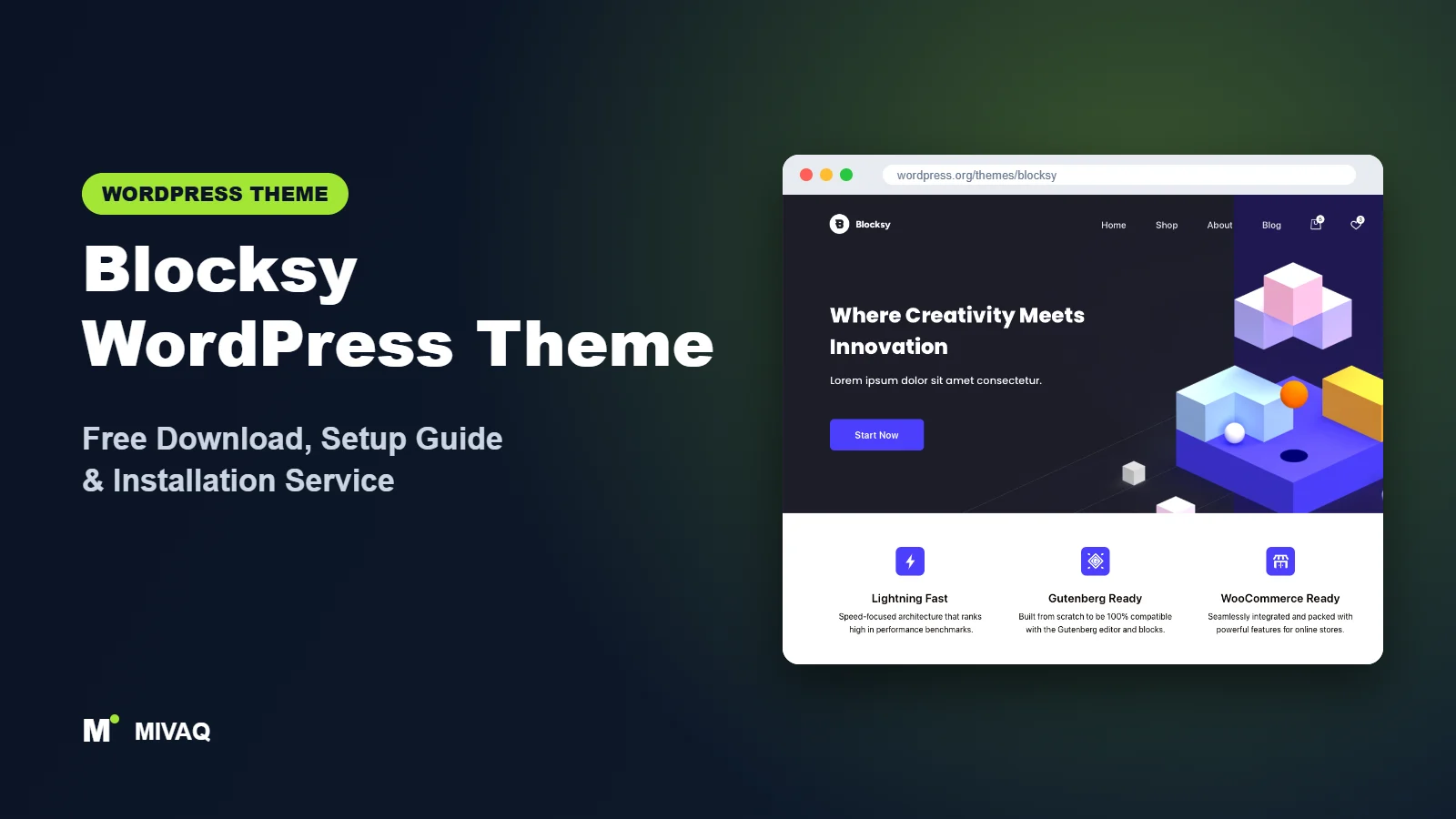
Open the Customizer in Blocksy for the first time and you notice something different: the panels feel modern, the live preview is quick, and the default design already looks like something you would happily put in front of customers. That polish, combined with a perfect rating on WordPress.org, has made Blocksy one of the fastest-growing free themes. This guide covers the Blocksy WordPress theme free download, a clear installation process and a setup plan that makes the most of its companion plugin without overloading your site.
This article is part of our complete guide: How to Build a WordPress Website for Your Business (2026 Guide).
Blocksy is 100% free and legal to download from WordPress.org. A Pro version exists, but the free theme plus the free Blocksy Companion plugin gives you a header and footer builder, starter sites and useful extensions at no cost.
At MIVAQ we have built design-led business sites and small stores on Blocksy, and its clean interface makes client handovers noticeably easier. Here is what we have learned.
What is the Blocksy WordPress theme?
Blocksy is a fast, modern classic theme by Creative Themes. It is built with the block editor in mind and carries tags like “Block editor patterns” and “Accessibility ready” in the official directory. The theme describes itself as fast and modern with advanced WooCommerce support and full block editor compatibility. Most design work is done through a well-organised Customizer, while extra functionality is switched on through the Blocksy Companion plugin.
| Detail | Blocksy |
|---|---|
| Developer | Creative Themes |
| Latest version | 2.1.58 |
| Active installs | 300,000+ |
| Rating | 5/5 from 873 reviews |
| Requires WordPress | 6.7 or higher |
| Requires PHP | 7.0 or higher |
| Last updated | 2 October 2026 |
| Theme type | Classic theme (Customizer based, block editor focused) |
| Price | Free (Blocksy Pro optional) |
Figures are from the official WordPress.org listing at the time of writing. A full 5-star average across more than 800 reviews is rare and says a lot about user satisfaction.
Key features of Blocksy
- Visual header and footer builder: drag elements into rows, with separate desktop and mobile layouts and an off-canvas mobile panel.
- Transparent header: overlay the header on hero sections for a modern landing-page look.
- Global colour palette and typography: brand colours and fonts flow into the block editor.
- Content and layout options per post type: different structures for pages, posts, archives and products.
- Blocksy Companion plugin: unlocks starter sites and optional extensions you can switch on one by one.
- Strong WooCommerce styling: attractive product cards, gallery options and tidy cart and checkout pages.
- Fast, lean output: CSS is generated dynamically for only the options you use.
- Accessibility ready: keyboard navigation and focus states included.
- Block editor patterns and styles: the editor matches the front end closely.
Blocksy Companion and its extensions
The free companion plugin is where Blocksy becomes more than a theme. It provides the starter site importer and a set of extensions you activate only when needed, such as a cookie consent notice, a newsletter subscribe box and a trending posts strip. Because each extension is off by default, your site does not load code for features you never use.
Starter sites with consistent design
Blocksy starter sites cover niches like agencies, restaurants, personal blogs, shops and services. Many are available for both the block editor and Elementor. When imported, they bring the right palette, fonts and Customizer settings, so editing afterwards stays consistent.
A Customizer that is pleasant to use
Blocksy has rethought the classic Customizer with clean panels, a responsive preview switcher and instant updates. For clients who will tweak colours or menus later, this friendlier interface reduces support requests.
Blocksy free vs Pro: what do you get?
Free Blocksy already includes the header and footer builder, transparent header, layouts, palette, typography, starter sites (some are Pro-only) and companion extensions. Blocksy Pro adds features such as a sticky header, conditional headers and footers, extra header elements, content blocks (hooks) to insert custom sections anywhere, a mega menu, a light and dark colour mode switch, white labelling, and an advanced WooCommerce extension with store features such as wishlists, comparison and advanced filters.
Plans and prices are updated from time to time, so check the developer’s site for current Pro pricing. If you are launching a brochure site or blog, the free version is often enough; WooCommerce stores and agencies are the most common buyers of Pro.
Who should use Blocksy?
- Design-conscious small businesses that want a modern look without hiring a designer.
- Block editor users who like editing pages natively rather than in a page builder.
- WooCommerce shops wanting attractive product listings from day one.
- Bloggers and creators who appreciate clean typography and reading layouts.
- Agencies who need a theme clients find easy to manage after launch.
Blocksy is not the best fit for very old hosting setups, because it requires a recent WordPress version. It is also not a true block theme, so if you want to design every template in the Site Editor, a block theme is more appropriate.
Blocksy for bloggers and content creators
Blocksy is often discussed as a business or shop theme, but it is also a lovely choice for writers. Archive pages can switch between simple lists, grids and enhanced card layouts, and single posts offer options for featured image position, author box, post navigation and related posts, all without extra plugins. Combine that with a narrow content width of around 750px and a comfortable font size, and long articles become genuinely pleasant to read on phones. The optional companion extensions, such as the trending posts strip and newsletter subscribe box, cover the two things most blogs add sooner or later: highlighting popular content and growing an email list. Turn them on only when you are ready to use them, and your blog stays light.
Blocksy WordPress theme free download (official and safe)
Only download Blocksy from the official directory:
- Official page: Blocksy on WordPress.org
- Direct ZIP file: downloads.wordpress.org/theme/blocksy.zip
Do not use “Blocksy Pro nulled” copies from file-sharing sites. Pirated premium plugins are a common source of hidden malware, SEO spam and stolen customer data, and they never receive security fixes. If you think your site is compromised, see our WordPress malware removal guide. MIVAQ does not distribute theme files; the free theme always comes from WordPress.org.
How to install Blocksy in WordPress (step by step)
Method 1: from your dashboard
- Go to Appearance › Themes › Add New Theme.
- Search for “Blocksy”.
- Click Install and then Activate.
- Install and activate Blocksy Companion when the welcome screen recommends it.
Method 2: upload the ZIP
- Download blocksy.zip from the official link.
- Go to Appearance › Themes › Add New Theme › Upload Theme.
- Choose the file, click Install Now, then Activate.
Child theme tip: Creative Themes offers an official Blocksy child theme from its website. Use it if you will add PHP snippets or template overrides; for small CSS tweaks the Customizer’s Additional CSS is enough.
How to set up Blocksy after installation
Blocksy combines a dashboard page (under the Blocksy menu) with Customizer settings. Our recommended order:
- Activate Blocksy Companion. It adds the dashboard with starter sites and extensions.
- Choose a starter site (optional). Pick a design, choose your builder (blocks or Elementor), and import on a fresh install. You can skip demo content and import only settings if you prefer.
- Set the colour palette. In Customize › General › Colors define your palette; Blocksy shows it in the editor too.
- Typography. Choose fonts for base text and headings, keeping weights to a minimum.
- Header builder. Arrange logo, menu, button and search, then design the mobile header and off-canvas panel.
- Footer builder. Add widget areas, a menu and copyright row.
- Post types. Configure blog archives (grid, simple or enhanced grid) and single post structure.
- Extensions. Switch on only the extensions you need, such as cookie consent for EU visitors.
- WooCommerce. After installing WooCommerce, adjust product card style, columns and single-product gallery in the WooCommerce panel.
A practical Blocksy setup for a small shop
For a typical boutique store we use a three-element header: logo left, menu centre, and search, account and cart icons on the right. The mobile header keeps just the logo, cart and menu toggle, with categories inside the off-canvas panel. Product archives use four columns on desktop and two on phones, with the “add to cart” button shown on hover only for desktop. Single products use the gallery with thumbnails below, and the description tab is moved higher so key details are visible quickly. This structure is clean, fast and easy for shoppers to understand, and it uses only free Blocksy features.
Blocksy speed and SEO checklist
- Keep unused Companion extensions disabled.
- Load fonts locally or use system fonts to reduce requests.
- Set up caching and image compression as shown in our LiteSpeed speed guide.
- Choose your SEO plugin with our Rank Math vs Yoast comparison.
- Optimise your store with our WooCommerce SEO guide.
- Write helpful alt text for product photos using our image alt text guide.
- Follow our WordPress security checklist before going live.
Common mistakes when setting up Blocksy
- Skipping Blocksy Companion. Without it you miss starter sites and extensions, then wonder where features went.
- Enabling every extension. Only activate what you will use.
- Importing a Pro-only starter site and expecting it to look identical without Pro features.
- Ignoring the mobile header. Desktop and mobile are separate in the builder; both need attention.
- Running outdated WordPress. Blocksy needs a recent version; update core before installing.
Blocksy vs similar free WordPress themes
| Theme | Best for | Key difference |
|---|---|---|
| Blocksy | Modern design and stores | Polished defaults and modular Companion extensions |
| Kadence | Block-based business sites | Sticky header free and Kadence Blocks ecosystem |
| Astra | Template-led sites | Largest template library and tutorials |
| Neve | Lightweight brochure sites | Very lean with Themeisle starter sites |
Choose Blocksy if design quality and a pleasant interface matter most. Choose Kadence if you want a sticky header without Pro and plan to use Kadence Blocks. Choose Astra for the biggest template selection, or Neve for a minimal, quick-loading base.
Blocksy pros and cons
What we like
- Beautiful default design and a modern Customizer.
- Free header and footer builder with transparent header.
- Modular extensions keep the site lean.
- Excellent ratings and frequent updates.
What to consider
- Sticky header and conditional layouts require Pro.
- Some starter sites are Pro-only.
- Needs a recent WordPress version.
Our verdict: Blocksy is one of the best-looking free themes available and a pleasure to configure. For design-led business sites and small stores, it is a top choice.
Website design with Blocksy: our design service
Installing Blocksy takes minutes; turning it into a website that wins customers takes design, copy and strategy. MIVAQ offers a complete website design service built on Blocksy: we plan your pages, design a layout that matches your brand and set up everything so you can edit it yourself afterwards. Blocksy gives us a fast, flexible base, and we add the structure, content and conversion details that turn visitors into enquiries.
What our Blocksy website design package includes:
- Brand-matched design: logo, colours, fonts and a consistent style across every page
- Homepage, about, services, blog and contact pages written and laid out for conversions
- Header, footer and mobile menu built with the theme settings, no bloated extras
- Contact forms, WhatsApp button, Google Maps and booking or quote forms
- On-page SEO, speed optimisation and Google Search Console setup at launch
You can see examples in our recent work and case studies, and read more about our WordPress development and SEO services. Every project starts with a free consultation and a fixed price, so you know exactly what you get before we begin.
Want a website designed with Blocksy? Contact MIVAQ: WhatsApp +880 1723-189847, email hello@mivaq.com or use our contact form. We usually reply the same day.
Blocksy installation and setup service
Want a polished Blocksy site without the trial and error? MIVAQ installs and customises Blocksy for you: installation from WordPress.org, child theme, starter site import and clean-up, branding, page building, WooCommerce configuration, and speed and SEO basics. You receive a fixed quote before we begin. See our WordPress services or contact us:
- WhatsApp: message us about Blocksy
- Email: hello@mivaq.com
- Form: send your project details
Related WordPress theme guides
- Kadence WordPress theme free download and setup
- Astra WordPress theme free download and setup
- Neve WordPress theme free download and setup
- OceanWP WordPress theme free download and setup
- 50 best free WordPress themes
Frequently asked questions
Is Blocksy free?
Yes. Blocksy is free on WordPress.org under the GPL, and so is Blocksy Companion. Blocksy Pro is optional.
Is Blocksy good for SEO?
Yes. Blocksy is lightweight, generates only the CSS you need and uses clean markup. Pair it with good content and an SEO plugin for the best results.
Does Blocksy work with Elementor?
Yes. Blocksy supports Elementor and offers Elementor versions of many starter sites, though it also works beautifully with the native block editor.
Can I use Blocksy for WooCommerce?
Yes. Blocksy has strong WooCommerce styling in the free version, and Pro adds advanced store features like wishlists and filters.
Can MIVAQ install Blocksy for me?
Yes. We install, design and optimise Blocksy websites. WhatsApp us or email hello@mivaq.com for a fixed quote.


