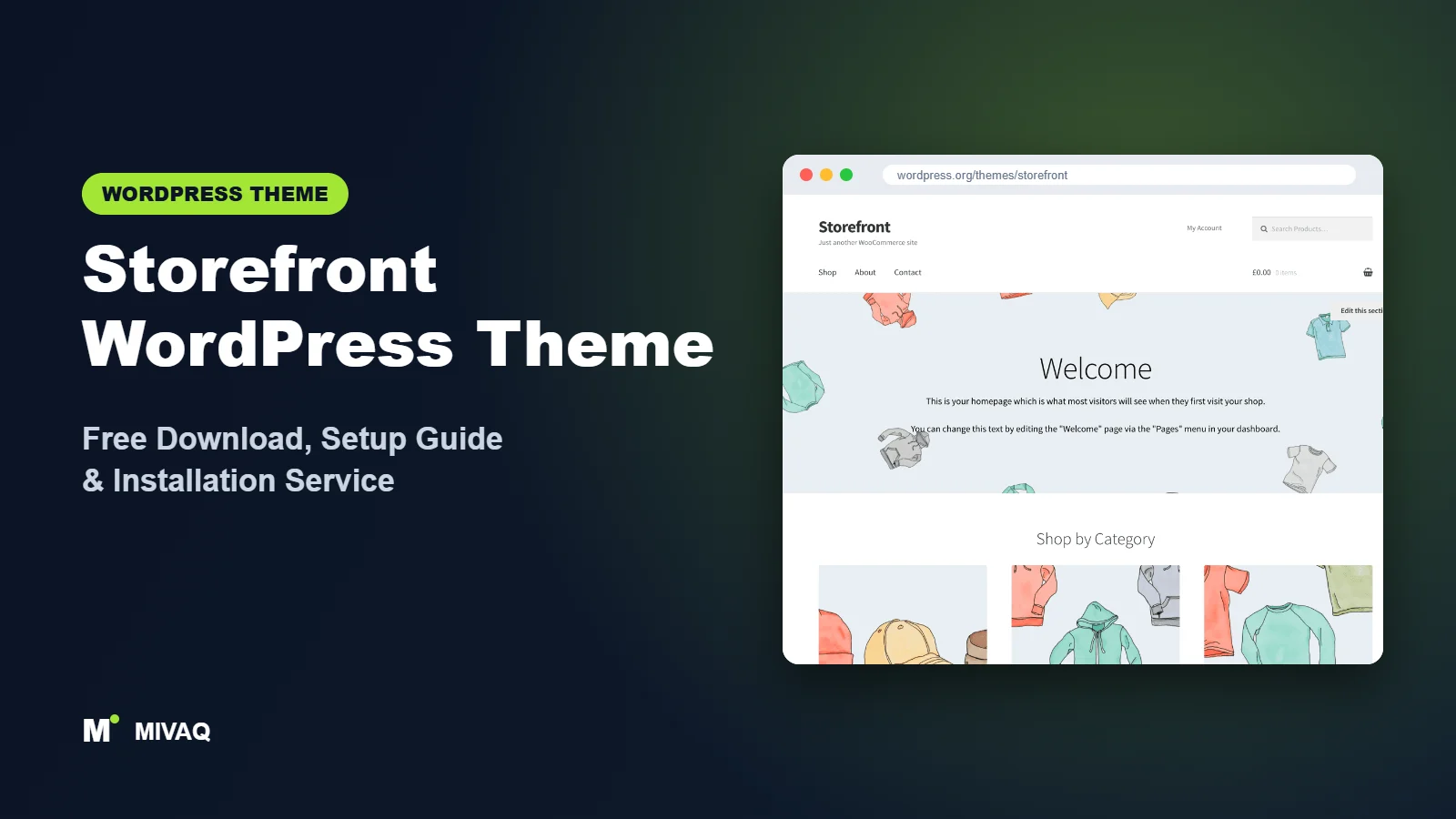
When you install WooCommerce for the first time, one theme name keeps appearing in documentation and tutorials: Storefront. It was built by the people behind WooCommerce itself, which makes it one of the safest bets for compatibility when you are setting up an online shop. If you are searching for the Storefront WordPress theme free download, this guide shows the official source, explains installation, and walks through a setup that turns its plain default look into a clean, trustworthy store.
This article is part of our complete guide: How to Build a WordPress Website for Your Business (2026 Guide).
Storefront is 100% free and legal to download from WordPress.org. There is no paid “Pro” edition of the theme, and you can use it on any number of shops.
At MIVAQ we set up and maintain WooCommerce stores for small businesses, and Storefront is still a theme we recommend in specific situations, especially when stability and compatibility matter more than flashy design. Here is our practical take.
What is the Storefront WordPress theme?
Storefront is a classic WooCommerce theme published by Automattic and developed by WooCommerce core developers. Its official description highlights a bespoke integration with WooCommerce and with many popular customer-facing WooCommerce extensions, plus a lean, extensible codebase that developers like to build on. It includes a special homepage template that displays product sections, and the Customizer offers colour, layout and product page options.
| Detail | Storefront |
|---|---|
| Developer | Automattic (WooCommerce team) |
| Latest version | 4.6.2 |
| Active installs | 90,000+ |
| Rating | 4.5/5 from 155 reviews |
| Requires WordPress | Not specified on WordPress.org (works with current versions) |
| Requires PHP | 5.6 or higher (we recommend PHP 8.1+) |
| Last updated | 9 December 2025 |
| Theme type | Classic theme (Customizer based) |
| Price | Free (no Pro version) |
Figures are from WordPress.org at the time of writing. Storefront’s update pace has slowed in recent years as the WooCommerce team has invested more in block-based tools, so releases now focus mainly on compatibility and fixes.
Key features of Storefront
- Built by WooCommerce developers: designed alongside WooCommerce, so core store pages work reliably.
- Shop homepage template: a Homepage page template that shows product categories, recent products, featured products, popular products and on-sale items.
- Header cart and search: a mini cart and product search in the header out of the box.
- Handheld footer bar: on mobile, a fixed bar gives quick access to account, search and cart.
- Product page options: sticky add-to-cart bar and next/previous product links that you can toggle in the Customizer.
- Layout and colour controls: left or right sidebar, header and footer colours, button colours and typography colours.
- Accessibility ready: keyboard navigation and accessible markup.
- Developer friendly: many hooks make it a popular base for custom child themes.
The homepage template that sells
Assign the “Homepage” template to a page and set it as your front page, and Storefront automatically builds a shop-style home: your page content at the top, followed by product category tiles and rows of recent, featured, popular and discounted products. For a new store with a decent catalogue, this gives you a useful homepage without a page builder.
Small details that help mobile shoppers
The handheld footer bar and the sticky add-to-cart bar are simple, but they address real mobile shopping friction: finding the cart, searching quickly and adding to cart without scrolling back up. Many fancier themes charge for similar features.
A dependable base for developers
Because Storefront is lean and hook-based, many developers build custom store designs as Storefront child themes. You get WooCommerce compatibility from the parent and your own design from the child.
Is Storefront completely free?
Yes. Storefront itself is completely free, GPL-licensed and has no locked features. Over the years WooCommerce has also offered optional paid child themes and Storefront extensions through its marketplace; availability of these has changed, so check WooCommerce.com for what is currently offered. You do not need any of them to run a working, professional store.
The main “cost” of Storefront is design time. Out of the box it looks deliberately plain, so expect to spend a little effort on colours, a good logo, quality product photography and a few CSS refinements to make it feel like your brand.
Who should use Storefront?
- New WooCommerce store owners who want maximum compatibility and fewer surprises.
- Developers who want a stable, hook-based parent theme for a custom store child theme.
- Stores relying on many WooCommerce extensions such as subscriptions, bookings or memberships.
- Budget projects that need a working shop quickly with no premium purchases.
- Testing and staging environments where a neutral theme helps isolate plugin issues.
Who should not use Storefront? Brands that want a strong visual identity without development work will find it too plain. If you prefer building your store with blocks in the Site Editor, a modern block theme fits better. And if you need a header builder or advanced design options, look at Blocksy, Astra or Kadence.
Storefront WordPress theme free download (official and safe)
Download Storefront from the official directory only:
- Official page: Storefront on WordPress.org
- Direct ZIP file: downloads.wordpress.org/theme/storefront.zip
For an online shop, security is non-negotiable because you handle customer details and orders. Never install “nulled” WooCommerce extensions or cracked premium child themes from third-party sites; they can contain card-skimming code, hidden admin users and spam. If you suspect an infection, follow our WordPress malware removal guide immediately. MIVAQ does not distribute theme files; the free download always comes from WordPress.org.
How to install Storefront in WordPress (step by step)
Method 1: from the dashboard
- Go to Appearance › Themes › Add New Theme.
- Search for “Storefront”.
- Click Install on the Storefront card by Automattic, then Activate.
- Install and activate WooCommerce if it is not already installed.
Method 2: upload the ZIP
- Download storefront.zip from the official link.
- Go to Appearance › Themes › Add New Theme › Upload Theme.
- Choose the file, click Install Now, then Activate.
Child theme tip: almost every serious Storefront store needs custom CSS or template tweaks. Create a Storefront child theme first so your customisations survive updates; WooCommerce’s developer documentation explains the process.
How to set up Storefront after installation
Storefront is configured in Appearance › Customize together with WooCommerce settings:
- Complete WooCommerce setup. Set store address, currency, payments, shipping zones and tax under WooCommerce › Settings.
- Logo and site identity. Upload a crisp logo sized for the header and add a site icon.
- Header colours. In Customize › Header set background, text and link colours that match your brand.
- Typography and buttons. Set heading, text and accent colours, then button background and text colours for strong calls to action.
- Layout. Choose a left or right sidebar for shop and blog pages.
- Product page options. Enable the sticky add-to-cart bar and product pagination if they suit your catalogue.
- Homepage. Create a page called “Home”, choose the Homepage template, add a short welcome message and image, then set it as the static front page in Settings › Reading.
- Menus and footer. Create a primary menu for shop categories, a secondary menu for account and support links, and add footer widgets with contact details and policies.
Making Storefront look like your brand
The quickest wins are visual consistency and good photography. Use product images with the same aspect ratio and background so the product grids look tidy. Pick one accent colour for buttons and sale badges and use it nowhere else, so calls to action stand out. Add a slim announcement area above the content for delivery information or a current offer. Finally, a few lines of CSS in your child theme, such as softer borders on product cards and slightly larger product titles, can make Storefront feel noticeably more premium. These small changes are often all a growing store needs.
Storefront speed and SEO checklist
- Compress product images and use WebP; large photos are the main cause of slow stores.
- Configure caching correctly for WooCommerce, excluding cart, checkout and account pages; see our LiteSpeed speed guide.
- Optimise categories and products with our WooCommerce SEO guide.
- Choose your SEO plugin using Rank Math vs Yoast.
- Write descriptive alt text for product photos using our image alt text guide.
- Secure the store with our WordPress security checklist and keep order data safe with a solid backup strategy.
Common mistakes when setting up Storefront
- Launching with the default look. Unbranded Storefront shops look like test sites and reduce trust.
- Forgetting the Homepage template. Many owners never discover the built-in product sections.
- Editing parent theme files. Updates will wipe them; use a child theme.
- Caching cart and checkout pages. This can show one customer’s cart to another or break checkout.
- Mismatched product images. Different image sizes make product grids look messy.
Storefront vs similar free WordPress themes
| Theme | Best for | Key difference |
|---|---|---|
| Storefront | Compatibility-first WooCommerce stores | Official WooCommerce theme, simple and stable |
| OceanWP | Stores wanting conversion features | Free quick view, filters and floating cart |
| Blocksy | Design-led shops | Modern look and header builder |
| Botiga | Stylish small stores | Shop-focused design with starter sites |
Pick Storefront if compatibility and simplicity are your priorities or you have a developer to build a child theme. Pick OceanWP for free conversion features, Blocksy for a modern design with little effort, or Botiga for a store-focused look out of the box.
Storefront pros and cons
What we like
- Built by WooCommerce developers for excellent compatibility.
- Useful shop homepage template.
- Mobile footer bar and sticky add-to-cart included.
- Lean, stable and ideal for child themes.
What to consider
- Very plain default design.
- No header builder and limited layout options.
- Slower update pace than other popular themes.
Our verdict: Storefront is a dependable foundation for WooCommerce stores that value stability, but it needs design attention to look professional. With good branding or a custom child theme, it remains a solid choice.
Website design with Storefront: our design service
Installing Storefront takes minutes; turning it into a website that wins customers takes design, copy and strategy. MIVAQ offers a complete website design service built on Storefront: we plan your pages, design a layout that matches your brand and set up everything so you can edit it yourself afterwards. Storefront gives us a fast, flexible base, and we add the structure, content and conversion details that turn visitors into enquiries.
What our Storefront website design package includes:
- Brand-matched design: logo, colours, fonts and a consistent style across every page
- Homepage, about, services, blog and contact pages written and laid out for conversions
- Header, footer and mobile menu built with the theme settings, no bloated extras
- Contact forms, WhatsApp button, Google Maps and booking or quote forms
- On-page SEO, speed optimisation and Google Search Console setup at launch
You can see examples in our recent work and case studies, and read more about our WordPress development and SEO services. Every project starts with a free consultation and a fixed price, so you know exactly what you get before we begin.
Want a website designed with Storefront? Contact MIVAQ: WhatsApp +880 1723-189847, email hello@mivaq.com or use our contact form. We usually reply the same day.
Storefront installation and setup service
MIVAQ sets up complete WooCommerce stores on Storefront. Our service covers theme installation from WordPress.org, a custom child theme, WooCommerce configuration (payments, shipping, taxes), branding, homepage and product page setup, product uploads, and speed and SEO basics. You receive a fixed quote before we start. See our WordPress services or contact us:
- WhatsApp: message us about Storefront
- Email: hello@mivaq.com
- Form: send your project details
Related WordPress theme guides
- OceanWP WordPress theme free download and setup
- Blocksy WordPress theme free download and setup
- Astra WordPress theme free download and setup
- Kadence WordPress theme free download and setup
- 50 best free WordPress themes
Frequently asked questions
Is Storefront free?
Yes. Storefront is completely free on WordPress.org with no Pro version. You can use it on unlimited stores.
Is Storefront good for SEO?
Storefront uses clean, semantic markup and works well with SEO plugins. Store SEO mainly depends on product content, category pages, speed and structured data from your SEO plugin.
Does Storefront work with Elementor?
Yes, you can build pages with Elementor on Storefront, though it is primarily designed for WooCommerce and the standard editor. For heavy Elementor use, Hello Elementor or Astra is often a better base.
Is Storefront still a good choice for WooCommerce?
Yes, for stores that value compatibility and simplicity. It is maintained by the WooCommerce team, although newer block themes now get more design attention.
Can MIVAQ install Storefront for me?
Yes. We set up and customise Storefront stores from start to finish. WhatsApp us or email hello@mivaq.com for a fixed quote.


