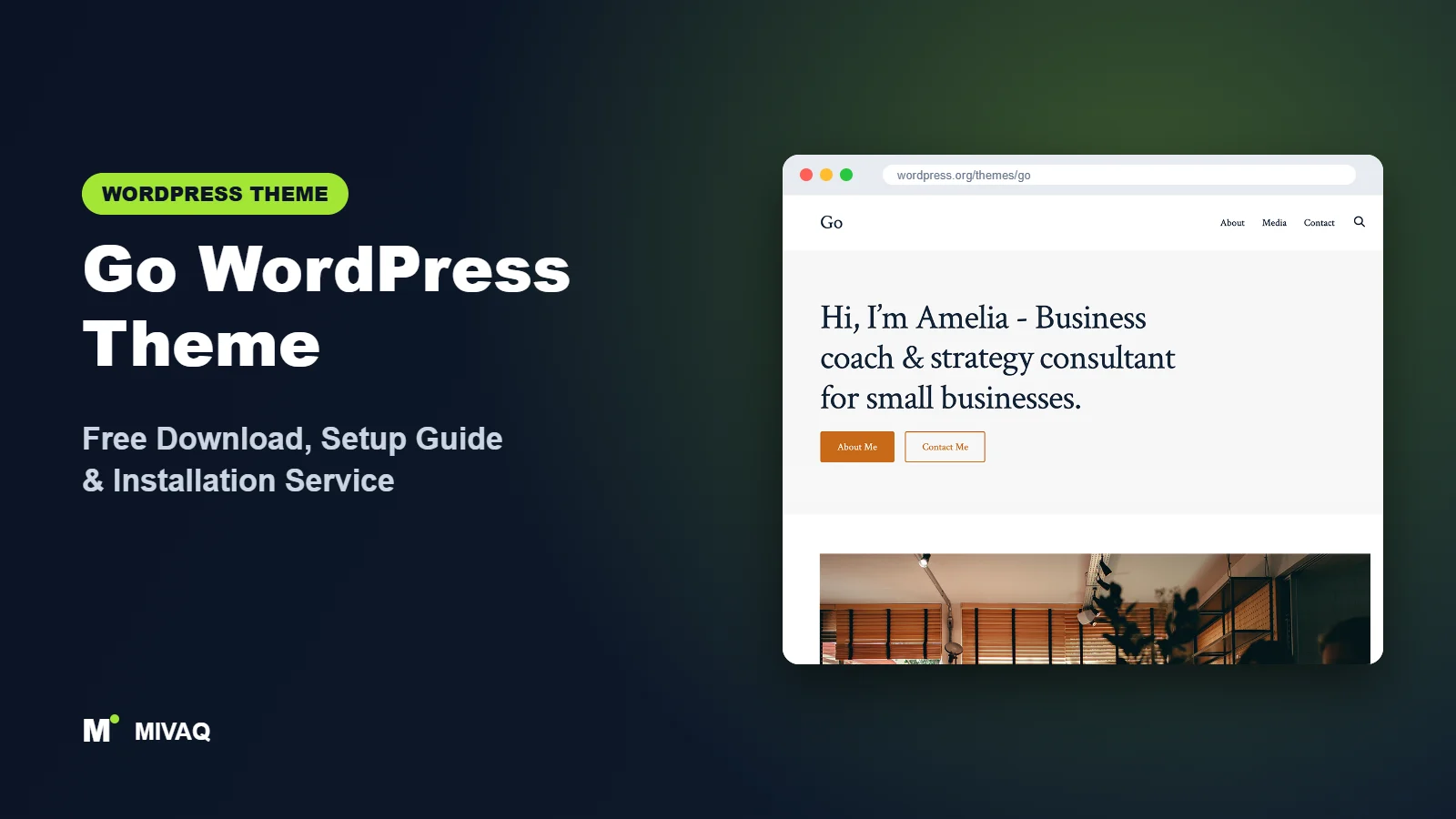
If you have ever set up a managed WordPress site at GoDaddy, there is a good chance you have already met the Go theme. It is GoDaddy’s own free theme, described as “Gutenberg-first”, and it was built to give makers a polished site using only the block editor and a few smart Customizer options. Looking for the Go WordPress theme free download? The theme is 100% free and legal on WordPress.org, and you do not need GoDaddy hosting to use it: it works on any WordPress host.
This article is part of our complete guide: How to Build a WordPress Website for Your Business (2026 Guide).
Go sits in an interesting middle ground. It is a classic theme with a Customizer, yet almost all page content is built with blocks, and it offers a set of complete design styles that change fonts, colours and spacing in one click. In this guide we cover what Go offers, its strengths and limits, how to download and install it safely, and how to set it up for a small business site.
What is the Go WordPress theme?
Go is developed by GoDaddy and published on WordPress.org. It is designed to pair closely with the block editor and with CoBlocks, GoDaddy’s free collection of extra blocks such as pricing tables, features grids, accordions and forms. The theme itself handles the frame of the site: the header, footer, typography and colours. You build page content with blocks.
| Detail | Go |
|---|---|
| Developer | GoDaddy |
| Latest version | 1.8.18 |
| Active installs | 50,000+ |
| Rating | 4.7/5 (19 reviews) |
| Requires WordPress | Not specified on WordPress.org (use a current version) |
| Requires PHP | 5.6 or higher |
| Last updated | 22 September 2025 |
| Theme type | Classic theme (Customizer, block editor content) |
| Price | Free (no Pro version) |
Note the last update date: at the time of writing, Go has not received an update for about a year. It still works with current WordPress versions in our experience, but it is worth checking the theme page for recent activity before you commit a brand-new project to it.
Key features of Go
- Design styles: several complete looks, such as Traditional, Modern, Trendy, Welcoming and Playful, each with its own font pairing and spacing.
- Colour schemes per style: every design style comes with a handful of matched palettes, and you can override individual colours.
- Header variations: multiple header layouts, including centred logo, split navigation and options with a search icon or call-to-action button.
- Footer variations: several footer layouts with menus, social icons and copyright text.
- Gutenberg-first styling: core blocks and CoBlocks blocks are styled to match the selected design style.
- WooCommerce support: it carries the e-commerce tag and styles shop, cart and checkout pages.
- Social links in the Customizer: add your profiles once and they appear in the footer.
- Translation ready: suitable for non-English sites.
Design styles that change the whole personality
This is Go’s signature feature. Switch from Traditional to Playful and the headings, body font, button shapes and spacing all change together, while your content stays put. For owners who do not want to make dozens of small design decisions, it is a quick way to get a coherent look.
Built to work with CoBlocks
Go and CoBlocks come from the same team, so blocks like Pricing Table, Features, Services, Hero and Food and Drinks menus look at home in the theme. That combination lets you build restaurant menus, service pages and price lists without a page builder.
Header and footer layouts without code
Many classic themes force you into a child theme to rearrange the header. In Go you select a header or footer variation in the Customizer and see the change immediately.
Is Go completely free?
Yes. Go is GPL-licensed with no Pro version or premium add-on. GoDaddy uses it on its managed WordPress plans, but the WordPress.org version is the same free theme anyone can install on any host. CoBlocks is also free on WordPress.org. Support comes from the WordPress.org forum and GitHub, not from a paid help desk, so do not expect fast commercial support if you are not a GoDaddy customer.
Who should use Go?
- Local businesses such as cafés, salons, trades and studios that want a tidy site with a menu, services and contact page.
- Restaurants and food businesses, especially with CoBlocks menu blocks.
- GoDaddy customers who already have Go installed and want to make the most of it.
- Users who like the Customizer but want more visual choice than a default theme gives.
Go is less suitable for very large blogs needing sidebars, complex magazine layouts or advanced WooCommerce stores. If you want full site editing with editable templates, choose a block theme instead. And if long update gaps worry you, an actively updated alternative may be a safer long-term base.
Go WordPress theme free download (official and safe)
- Official theme page: wordpress.org/themes/go
- Direct ZIP file: downloads.wordpress.org/theme/go.zip
Because “Go” is such a short name, searches can surface unrelated themes and dubious download sites. Always check that the theme is by GoDaddy and comes from WordPress.org. Repackaged or “nulled” downloads can include malware, spam injections and backdoors, and they never update. If you suspect an infected install, read our guide to WordPress malware removal. MIVAQ does not distribute theme files.
How to install Go in WordPress (step by step)
Method 1: install from the dashboard
- Go to Appearance › Themes › Add New Theme.
- Search for “Go”. Look for the theme by GoDaddy; the short name brings up many results.
- Click Install, then Activate.
- Optionally install the free CoBlocks plugin from Plugins › Add New Plugin for extra blocks.
Method 2: upload the ZIP file
- Download go.zip from the official link.
- Go to Appearance › Themes › Add New Theme › Upload Theme.
- Select the file, click Install Now and Activate.
Child theme tip: Go is a classic theme, so any direct edits to its PHP or CSS files will be overwritten by updates. Put custom functions, template overrides and larger CSS changes in a child theme. Small tweaks can live in Customize › Additional CSS.
How to set up Go after installation
Open Appearance › Customize:
- Site Identity: upload your logo, set the title, tagline and site icon.
- Site Design: choose a design style, then a colour scheme. Adjust individual colours, such as the primary and secondary colours, to match your brand.
- Header: pick a header variation and set header background and text colours. Decide whether to show search.
- Footer: choose a footer variation and add copyright text.
- Social: enter your social profile URLs so icons appear in the footer.
- Menus: create your primary menu and footer menus, then assign them to the theme locations.
- Homepage Settings: set a static home page and a posts page.
- Build pages with blocks: edit the home page in the block editor using Cover, Columns and, if installed, CoBlocks Hero, Features, Pricing and Testimonials blocks.
For a shop, install WooCommerce, create the shop pages and check how product grids look in your chosen design style. Go handles small stores neatly; heavy catalogues may need extra filtering plugins.
Example: a café website with Go in one afternoon
To show how the pieces fit together, here is a simple plan we would follow for a neighbourhood café using Go and CoBlocks:
- Choose the Welcoming design style for its friendly fonts, then set the primary colour to the café’s signage colour.
- Select a header variation with the logo on the left and a “Book a table” button on the right.
- Build the home page with a Cover block photo of the counter, a short welcome paragraph and opening hours in a two-column section.
- Create a Menu page using the CoBlocks food and drinks block, with prices and dietary notes.
- Add a Visit Us page with an embedded map, address, phone number and a simple contact form.
- Finish with a footer variation showing social icons for Instagram and Facebook.
The result is a fast, attractive site that the owner can update without help, because every section is a normal block rather than a page-builder widget.
Go speed and SEO checklist
- Install only the blocks you use. CoBlocks is handy, but avoid stacking several block libraries on one site.
- Enable page caching and image compression; on LiteSpeed servers, follow our LiteSpeed guide.
- Choose an SEO plugin with our Rank Math vs Yoast comparison.
- For a shop, follow our WooCommerce SEO guide for product titles and categories.
- Give menu and service images meaningful alt text.
- Because updates have slowed, keep strong backups and follow our security checklist.
Common mistakes when setting up Go
- Installing the wrong “Go”: check the author is GoDaddy.
- Mixing design styles with heavy custom CSS: pick a style that is close to your brand first, then make small changes.
- Forgetting CoBlocks: some demo-style sections rely on CoBlocks blocks; without the plugin they cannot be inserted.
- Expecting a sidebar: Go is designed around full-width, single-column content.
- Ignoring update status: monitor the theme for compatibility with new WordPress releases.
Go vs similar free WordPress themes
Twenty Twenty-One is also a classic, block-friendly theme but has fewer visual options. It receives regular maintenance from the core team. Pick it if long-term updates are your top priority.
Extendable is a block theme that, like Go, is often pre-installed by hosts, and it offers bold style variations with full site editing. Pick it if you want a modern Site Editor workflow.
Raft is a lightweight, actively updated FSE theme with WooCommerce support. Pick it for a small shop or agency site built entirely in the Site Editor.
Go pros and cons
What we like
- One-click design styles with matching fonts and colours
- Header and footer variations in the Customizer
- Pairs well with the free CoBlocks plugin
- Works on any host, not just GoDaddy
- Strong 4.7/5 user rating
What to consider
- No update for around a year at the time of writing
- No full site editing
- Limited layout control for blogs and archives
- Community support only
Our verdict: Go is a pleasant, easy theme for small business and restaurant sites, especially if you already use it on GoDaddy. For brand-new long-term projects, weigh its slower update pace against actively maintained block themes.
Website design with Go: our design service
Go is a clean foundation, but a clean foundation is not yet a finished website. MIVAQ designs complete websites on Go as part of our website design service: we plan the pages, create a colour and typography system that matches your brand, build custom patterns and templates in the WordPress editor, and hand over a site you can update without a page builder.
What our Go website design package includes:
- Custom style variation: colours, typography and spacing set in Global Styles
- Page templates and reusable patterns for home, services, blog and contact pages
- Navigation, header and footer designed in the Site Editor
- Contact forms, newsletter sign-up and essential plugins only
- On-page SEO, image optimisation and analytics at launch
You can see examples in our recent work and case studies, and read more about our WordPress development and SEO services. Every project starts with a free consultation and a fixed price, so you know exactly what you get before we begin.
Want a website designed with Go? Contact MIVAQ: WhatsApp +880 1723-189847, email hello@mivaq.com or use our contact form. We usually reply the same day.
Go installation and setup service
MIVAQ can install and customise Go for you: installation from WordPress.org, a child theme, design style and colour branding, header and footer setup, CoBlocks sections, menus, contact forms, WooCommerce if needed, and speed and SEO basics, at a fixed quote. If you are on GoDaddy hosting and stuck with the default setup, we can take it from there. Explore our WordPress services or contact us:
- WhatsApp: message us about Go
- Email: hello@mivaq.com
- Form: send your project details
Related WordPress theme guides
- Twenty Twenty-One WordPress theme guide
- Extendable WordPress theme guide
- Raft WordPress theme guide
- Spectra One WordPress theme guide
- 50 best free WordPress themes
Frequently asked questions
Is the Go theme free?
Yes. Go is free on WordPress.org with no Pro version, and it works on any WordPress host.
Do I need GoDaddy hosting to use Go?
No. GoDaddy pre-installs it on its own plans, but you can install it from WordPress.org on any host.
Is Go good for SEO?
It uses clean markup and loads quickly. SEO success depends on content, titles and an SEO plugin such as Rank Math.
Does Go work with Elementor?
Elementor can be used for page content, but Go is designed for the block editor and CoBlocks, so you would not use most of its strengths.
Can I use Go for WooCommerce?
Yes. It supports WooCommerce and styles shop pages to match the design style, which is fine for small stores.
Can MIVAQ install Go for me?
Yes. We install, brand and build your site on Go for a fixed price. Message us on WhatsApp or send the contact form.


