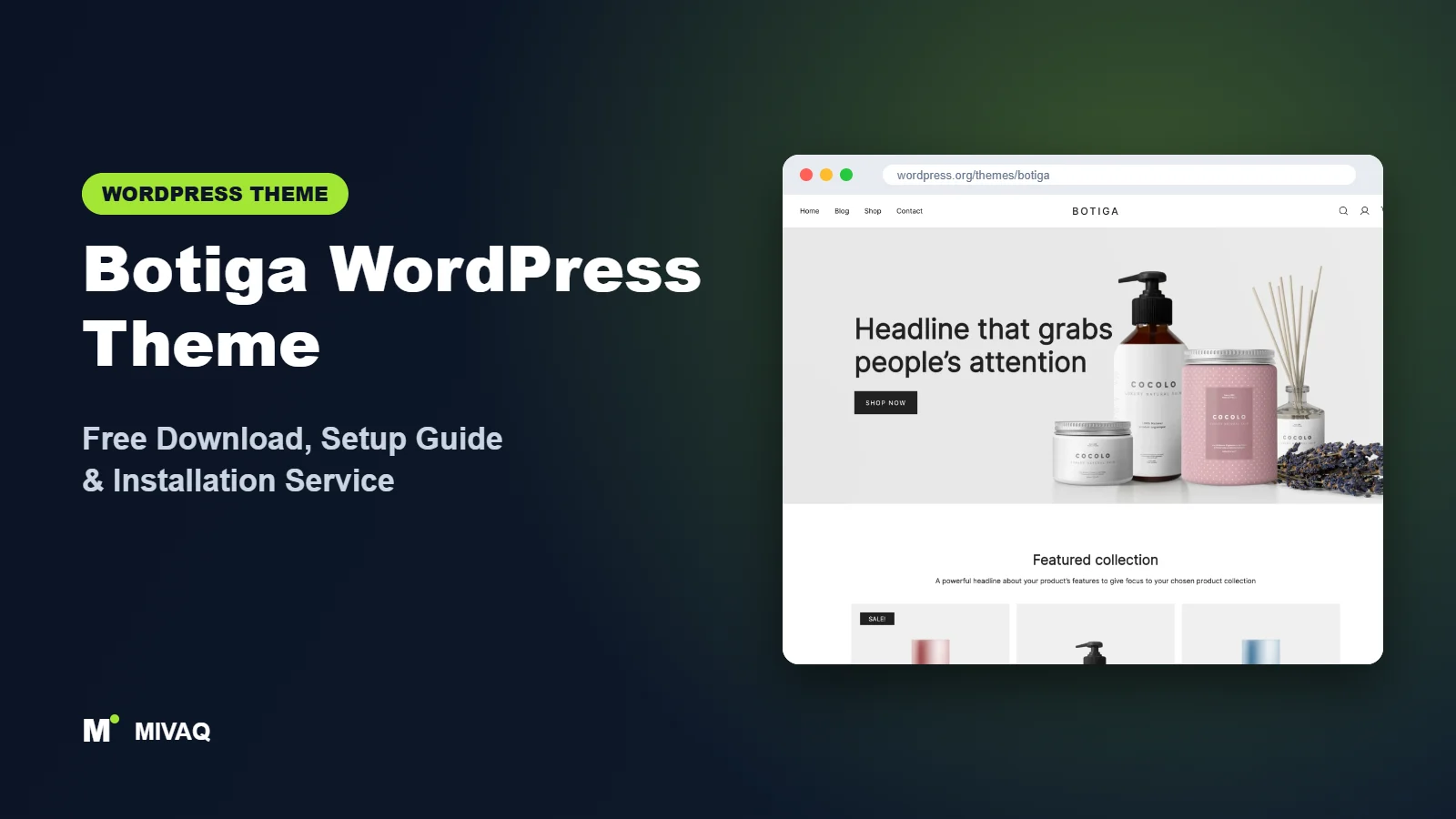
If you are about to open an online shop and want a theme that was designed for WooCommerce first rather than bolted on later, the Botiga WordPress theme free download is one of the strongest places to start. Botiga is built by aThemes, the team behind Sydney, and it focuses on the parts of a store that actually make money: the shop grid, the product page, the cart and the checkout.
This article is part of our complete guide: How to Build a WordPress Website for Your Business (2026 Guide).
Botiga is 100% free and legal to download from the official WordPress.org theme directory. In this guide we cover what you get in the free version, how it compares with Botiga Pro, how to install it, and exactly how we configure it for client stores at MIVAQ, so you avoid the usual first-week mistakes.
What is the Botiga WordPress theme?
Botiga is a classic (Customizer-based) WordPress theme that describes itself as a fast, lightweight WooCommerce theme for modern online stores. It works with both the block editor and Elementor, ships with dedicated WooCommerce styling options and offers one-click import of ready-made store demos. These are the current facts from the WordPress.org directory:
| Detail | Botiga |
|---|---|
| Developer | aThemes |
| Latest version | 2.5.0 |
| Active installs | 10,000+ |
| Rating | 4.9/5 from 163 reviews |
| Requires WordPress | Not listed on WordPress.org (use a current version) |
| Requires PHP | 7.0 or higher |
| Last updated | 1 October 2026 |
| Theme type | Classic theme (Customizer) |
| Price | Free (Botiga Pro optional) |
The install count is modest compared with general-purpose giants, but the rating is excellent and the theme is updated frequently, which matters a lot for a shop that depends on WooCommerce compatibility after every WooCommerce release.
Key features of Botiga
- WooCommerce-first design: shop, product, cart and checkout pages are styled out of the box, so a fresh install already looks like a real store.
- Product card controls: you can change how products appear in the catalogue, including alignment, button style and what information is shown under each item.
- Shop layout options: choose sidebar position, number of columns and how the archive header looks without writing CSS.
- Header and footer options in the Customizer: build a header with a logo, menu, search, account and cart icons, which is exactly what a store header needs.
- Starter store demos: import a complete demo store (pages, sample products and settings) and replace the content with your own.
- Elementor and block editor support: design landing pages with either tool while the theme handles the shop templates.
- Performance-minded code: aThemes built Botiga with Core Web Vitals in mind, so it does not load a heavy framework on every page.
- Translation and RTL ready: useful if you sell in Arabic, Hebrew or multiple languages.
Store demos that save days of work
The biggest time-saver is the demo import. Instead of designing a home page, category banners and a product page from scratch, you pick a demo that is close to your niche (fashion, beauty, furniture and similar), import it, then swap images, colours and products. For a first store this removes most of the design guesswork.
A clean product page that converts
Botiga keeps the single product page focused: large gallery, clear price, a strong add-to-cart button and tidy tabs underneath. You can tune the gallery and layout in the Customizer, which is helpful because the product page is where most buying decisions are made.
Light enough for budget hosting
Many small shops start on shared hosting. A theme that does not add unnecessary scripts gives you more headroom for WooCommerce itself, payment plugins and a caching layer.
Botiga free vs Pro: what do you get?
The free Botiga theme is a complete, usable WooCommerce theme. You can launch a professional store with it and never pay anything. Botiga Pro is a separate plugin from aThemes that adds extra modules on top of the free theme, typically aimed at conversion and advanced store layouts (for example more header and product page layouts, extra WooCommerce features and more premium demos).
| Area | Botiga Free | Botiga Pro |
|---|---|---|
| WooCommerce styling | Yes, full shop, product, cart and checkout styling | Yes, plus extra layout options |
| Starter demos | Free demos available | Additional premium demos |
| Header and footer | Customizer options | More layouts and elements |
| Extra store modules | Core features | Additional conversion-focused modules |
| Support | WordPress.org forum | Priority support from aThemes |
Feature lists change between releases, so check the developer’s site for current Pro pricing and the exact module list before buying. Our advice: build the store on the free version first. Upgrade only when you can name a specific Pro feature you need.
Who should use Botiga?
Botiga is a strong fit if you are:
- Launching a new WooCommerce store with a catalogue of a few dozen to a few thousand products.
- A fashion, beauty, homeware or lifestyle brand that wants a modern, image-led look.
- A small business owner who wants a store that looks finished after a demo import, without hiring a designer for every page.
- A freelancer who builds shops for clients and wants a theme with good WooCommerce defaults.
Botiga is probably not the best choice if you only need a blog or a brochure site (a general theme like Astra or a block theme will be simpler), or if you want to design every template visually in the Site Editor, because Botiga is a classic Customizer theme.
Botiga WordPress theme free download (official and safe)
Always download Botiga from the official WordPress.org directory. That is the copy reviewed by the WordPress theme team and the one that receives automatic update notifications in your dashboard.
- Official theme page: wordpress.org/themes/botiga
- Direct ZIP file: downloads.wordpress.org/theme/botiga.zip
Avoid websites offering “Botiga Pro nulled” or cracked downloads. Nulled copies regularly contain hidden backdoors, spam links or card-skimming code, and they never receive security updates. On a shop that handles customer data that risk is simply not worth it. If you suspect a site has already been infected, see our WordPress malware removal service. Note that MIVAQ does not distribute theme files; the free download always comes from WordPress.org.
How to install Botiga in WordPress (step by step)
Method 1: install from the dashboard
- Log in to your WordPress admin area.
- Go to Appearance › Themes › Add New Theme.
- Type “Botiga” into the search box.
- Hover over Botiga by aThemes and click Install.
- When installation finishes, click Activate.
Method 2: upload the ZIP file
- Download botiga.zip from the official link above (do not unzip it).
- Go to Appearance › Themes › Add New Theme › Upload Theme.
- Choose the ZIP file and click Install Now, then Activate.
Child theme tip: if you plan to add custom CSS in files, override WooCommerce templates or add PHP snippets, create a Botiga child theme before you start. Updates to the parent theme will then never overwrite your changes. Small CSS tweaks can live in Appearance › Customize › Additional CSS instead.
How to set up Botiga after installation
After activation, Botiga shows a welcome notice that guides you to its dashboard and demo import. Here is the order we follow for client stores:
- Install WooCommerce first and run its setup wizard (store address, currency, payments, shipping zones). Demos import more cleanly when WooCommerce is already active.
- Import a starter demo from the Botiga dashboard. Pick the demo closest to your product type; the importer will ask to install the plugins it needs.
- Set your branding in Appearance › Customize: upload the logo and site icon, set global colours (primary, text, headings, buttons) and choose fonts.
- Configure the header: logo position, main menu, search, account and cart icons. Keep it simple on mobile.
- Tune the shop catalogue under the WooCommerce section of the Customizer: columns, products per page, product card style and sidebar.
- Adjust the single product page: gallery style, related products and tabs.
- Replace demo content: delete sample products, add your own, update home page banners and the footer (contact, policies, social links).
- Create menus in Appearance › Menus and assign them to the primary and footer locations.
Finish by placing a real test order with a sandbox payment method. It is the only reliable way to confirm that emails, stock and checkout all work.
Botiga speed and SEO checklist
- Use a caching plugin that matches your server; on LiteSpeed hosting follow our LiteSpeed speed guide and exclude cart, checkout and my-account pages from cache.
- Install one SEO plugin and configure product schema; our Rank Math vs Yoast comparison explains which suits a shop.
- Follow our WooCommerce SEO guide for category descriptions, product titles and duplicate-content control.
- Write descriptive product image alt text using the tips in our image alt text guide.
- Compress product photos and serve WebP; large images are the most common reason a Botiga store loads slowly.
- Harden checkout and admin access with our WordPress security checklist.
Common mistakes when setting up Botiga
- Importing a demo on a live store: demo import can add pages, menus and products. Do it on a fresh install or a staging copy.
- Leaving demo products published: sample items get indexed by Google and confuse customers.
- Uploading huge images: product photos straight from a camera can be several megabytes each; resize them first.
- Too many plugins for features Botiga already has: check the Customizer before adding another plugin for layout options.
- Buying “Pro” from an unofficial seller: always buy directly from aThemes.
Botiga vs similar free WordPress themes
Botiga vs Woostify: both are WooCommerce-focused. Woostify has more active installs and a broad page-builder story; Botiga feels more design-led out of the box. Choose Botiga if you want a stylish store quickly, Woostify if you want to heavily build with a page builder.
Botiga vs Futurio: Futurio is multipurpose with WooCommerce support; Botiga is a dedicated store theme. For a business site with a small shop on the side, Futurio is fine. For a store that is the business, Botiga is the better fit.
Botiga vs Inspiro: Inspiro shines for portfolios and video-heavy sites. Pick Inspiro for creative brands and Botiga for product catalogues.
Outside this group, Storefront is the official WooCommerce theme. It is very stable but plainer; Botiga gives you a more modern look without custom design work.
Botiga pros and cons
What we like
- Genuinely built for WooCommerce, not adapted later.
- Excellent rating (4.9/5) and frequent updates.
- Store demos make a new shop look finished quickly.
- Works with Elementor and the block editor.
What to consider
- Some advanced store modules require Botiga Pro.
- Classic Customizer theme, not a full site editing theme.
- Smaller user base than the very largest themes, so fewer third-party tutorials.
Our verdict: Botiga is one of the best free WooCommerce themes for a new store. Start with the free version and a demo import, get your first sales, and only consider Pro once you know which extra module would pay for itself.
Website design with Botiga: our design service
Whether you want an online shop, a portfolio or a product landing page, Botiga can carry it, but the results depend on design decisions. MIVAQ offers a full website design service on Botiga: we design your homepage, product or project pages and checkout journey, prepare images that keep the site fast, and set up the details that help visitors buy or enquire.
What our Botiga website design package includes:
- Store, portfolio or landing page design tailored to your products or projects
- Product, category and checkout pages set up for easy buying (WooCommerce where needed)
- Image preparation and layout that keep pages fast on mobile
- Payment, shipping and email setup for shops; galleries and enquiry forms for portfolios
- Product and page SEO, analytics and Search Console at launch
You can see examples in our recent work and case studies, and read more about our WordPress development and SEO services. Every project starts with a free consultation and a fixed price, so you know exactly what you get before we begin.
Want a website designed with Botiga? Contact MIVAQ: WhatsApp +880 1723-189847, email hello@mivaq.com or use our contact form. We usually reply the same day.
Botiga installation and setup service
Want a Botiga store without spending your evenings on settings? MIVAQ installs and customises Botiga for you: theme installation from WordPress.org, child theme, starter demo import, branding (logo, colours, fonts), core pages, WooCommerce setup with payments and shipping, product upload, plus speed and SEO basics. You get a fixed quote before we start. See all our WordPress services or contact us:
- WhatsApp: message us about Botiga
- Email: hello@mivaq.com
- Form: send your project details
Related WordPress theme guides
- Woostify WordPress theme free download and setup
- Futurio WordPress theme free download and setup
- Page Builder Framework free download and setup
- Storefront WordPress theme free download and setup
- 50 best free WordPress themes
Frequently asked questions
Is Botiga free?
Yes. The Botiga theme is free on WordPress.org under the GPL licence. Botiga Pro is an optional paid add-on from aThemes.
Is Botiga good for SEO?
Botiga uses clean, lightweight code and is described by its developer as SEO-friendly. Rankings still depend on your content, product descriptions, site speed and an SEO plugin such as Rank Math or Yoast.
Does Botiga work with Elementor?
Yes. Botiga supports Elementor as well as the WordPress block editor, so you can build landing pages with Elementor while Botiga styles the WooCommerce templates.
Can I use Botiga for WooCommerce?
That is exactly what it is made for. Botiga includes WooCommerce styling and layout options for the shop, product, cart and checkout pages.
Can MIVAQ install Botiga for me?
Yes. We can install Botiga, import a demo, brand it and set up WooCommerce for a fixed price. Message us on WhatsApp or email hello@mivaq.com.


