This article is part of our complete Wix guide.
Wix Restaurants gives cafes, takeaways and restaurants a way to take orders and reservations directly on their own website. Every order that comes through your site instead of a third-party delivery marketplace means you keep the customer relationship, you control the menu and photos, and you avoid paying marketplace commission on that sale. For many small restaurants, moving even a portion of regular customers to direct ordering makes a real difference to margins.
This guide explains the apps that make up Wix Restaurants, how to build an online menu, how to configure pickup and delivery ordering, how table reservations work, and how to get your restaurant site found by hungry people nearby.
Key takeaways
- Wix Restaurants is a set of apps: menus, online ordering and table reservations. You can use one or all of them.
- A clear, well-photographed menu with modifiers (sizes, extras, spice level) increases order value.
- Delivery zones, minimum order amounts and prep times must reflect your real kitchen and driver capacity.
- Table reservations need sensible party sizes, time slots and turn times to avoid overbooking.
- Local SEO and a Google Business Profile that links to your ordering page bring the most direct orders.
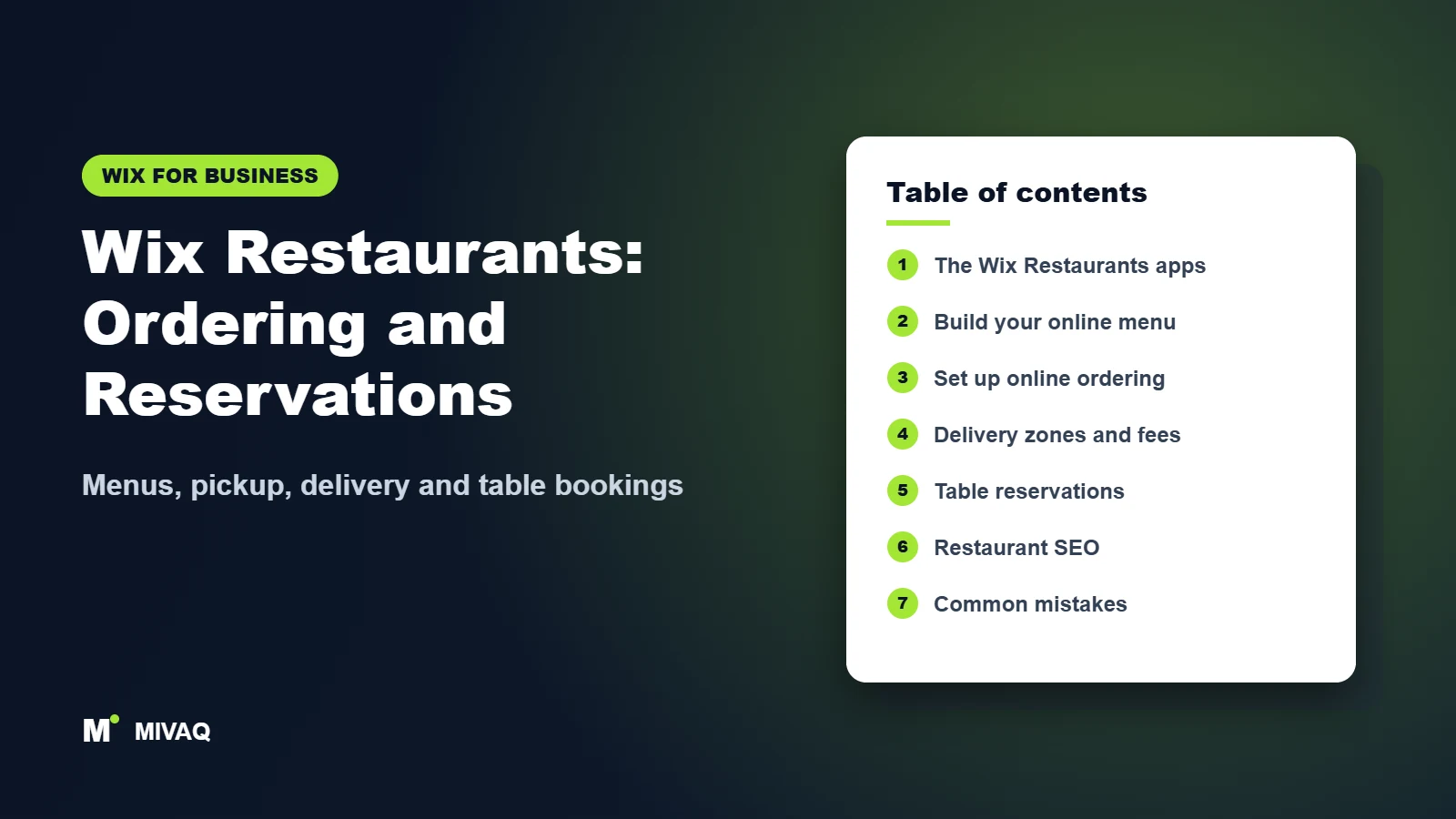
In this guide
- What is Wix Restaurants?
- How to build an online menu on Wix
- How to set up online ordering step by step
- Delivery, pickup and fulfilment settings
- How Wix table reservations work
- Direct ordering vs delivery marketplaces
- Design tips for restaurant websites
- How to get more direct orders with local SEO
- Common mistakes and a launch checklist
- Get help from MIVAQ
- Frequently asked questions
What is Wix Restaurants?
Wix Restaurants is not a single app but a family of tools built for food businesses. The names and exact features evolve, so always confirm the latest details in the official Wix Help Center, but the core pieces are:
| App | What it does | Who needs it |
|---|---|---|
| Menus | Displays your food and drink menus on your site, with sections, prices, descriptions, dietary labels and photos | Every restaurant, cafe and bar |
| Online Ordering | Lets customers order and pay for pickup or delivery, with order management in the dashboard | Takeaways, cafes, restaurants offering collection or delivery |
| Table Reservations | Lets guests book a table online, with party size, time slots and confirmations | Sit-down restaurants, bistros, wine bars |
Online ordering and online payments require a paid Wix plan that supports accepting payments. Compare plans on wix.com/plans. If you are starting from scratch, our guide on how to build a Wix website covers the foundations before you add restaurant features.
How to build an online menu on Wix
Your menu is both your sales page and your most important SEO content. Many restaurants still upload a PDF menu, which is hard to read on phones and gives search engines very little to work with. Build the menu as real text instead.
- Structure: create separate menus for lunch, dinner, drinks and desserts if they run at different times, and organise each into clear sections.
- Names and descriptions: describe key ingredients and preparation in one line, such as “Slow-cooked lamb shoulder, rosemary jus, crushed new potatoes”.
- Dietary labels: mark vegetarian, vegan, gluten-free and spicy dishes, and include allergen guidance in line with your local rules.
- Photos: add good photos for best-sellers. You do not need a photo for every item, but the dishes you most want to sell should have one.
- Modifiers: for ordering, add item options such as size, extra toppings, sides and spice level, with price changes where relevant.
Compress and name your food photos properly so the menu stays fast; our Wix image SEO guide shows how.
How to set up online ordering step by step
- Add the ordering app from the Wix App Market and connect it to your menu.
- Set your location details: address, phone, time zone and opening hours. Ordering hours can differ from dine-in hours.
- Choose fulfilment methods: pickup, delivery, or both.
- Set preparation time so customers see a realistic ready time. Increase it on busy nights instead of disappointing people.
- Allow scheduled orders if customers should be able to order ahead for later the same day or another day.
- Connect payments and decide whether you accept cash on pickup or delivery as well as online payment.
- Set up order notifications so the kitchen hears every new order: email, the Wix mobile app and, where supported, printer integrations.
- Customise the checkout with fields like delivery instructions and a tip option if relevant.
- Place test orders for pickup and delivery, then refund them, to check timings and notifications.
Payment provider setup is shared with the rest of Wix; see how to set up Wix Payments for details. For an expert setup from menu to kitchen notifications, our Wix website service covers restaurants end to end.
Delivery, pickup and fulfilment settings
Delivery settings decide whether online ordering makes you money or causes chaos. Define delivery zones by radius or by drawing areas on the map, and give each zone its own delivery fee, minimum order amount and estimated delivery time. Outer zones should usually have a higher minimum and a longer time.
Depending on your country, Wix may offer delivery through partner courier services in addition to using your own drivers; check what is available in your dashboard. If you use your own drivers, be honest with yourself about how many orders per hour they can handle, and pause delivery or extend times during peaks.
For pickup, include clear instructions in the confirmation: where to collect, whether to come inside, and a phone number. Small details like these prevent most complaints.
How Wix table reservations work
The reservations app lets guests choose a date, time and party size and receive an instant confirmation or a request that you approve. Key settings include:
- Reservation hours and time slot intervals, for example every 15 or 30 minutes.
- Party sizes you accept online. Send larger groups to a phone or enquiry form.
- Turn time, how long a table is held, which controls how many bookings fit in a service.
- Manual or automatic approval. Automatic is easier for guests; manual gives you more control at busy times.
- Booking notice and cut-off, such as no online bookings within two hours of the slot.
- Policy text for late arrivals, cancellations and special requests.
For private dining, tasting menus or events with tickets, consider Wix Events instead, and for large group enquiries a custom form built with Wix Forms works well.
Direct ordering vs delivery marketplaces
Most restaurants should not abandon delivery marketplaces overnight. Marketplaces bring new customers who have never heard of you, while your own Wix ordering page is best for converting those people into regulars. A balanced approach works well:
- Use marketplaces for discovery. Treat them as a paid advertising channel for first-time customers.
- Move repeat customers to direct ordering. Add a small card to every marketplace bag with your website address and a reason to order direct, such as a free side or a loyalty reward, as long as the marketplace terms allow it.
- Keep prices consistent and fair. Many restaurants price slightly lower on their own site because there is no marketplace commission on those orders.
- Collect contacts. Every direct order creates a contact you can invite back with email offers, something a marketplace order never gives you.
- Measure. Track the share of orders that come direct each month and adjust your incentives.
Once customers order directly, simple automations such as a “thanks for your first order” email or a quiet-night offer to lapsed customers keep them coming back. Our guide to Wix CRM and automations shows how to set these up without extra software.
Design tips for restaurant websites
Restaurant visitors usually want three things fast: the menu, the location and a way to order or book. Put “Order online” and “Book a table” buttons in the header, show opening hours and address in the footer, and keep the homepage hero short with one great photo. Most visitors arrive on a phone, often while walking or deciding where to eat, so test every step on mobile. Our Wix website design tips include more ways to look professional.
How to get more direct orders with local SEO
Most restaurant searches are local: “pizza delivery near me”, “brunch in Leeds”, “Thai takeaway Didsbury”. To capture them:
- Keep your Google Business Profile complete and link its order and reservation buttons to your Wix pages where possible.
- Use your cuisine and area in page titles and headings.
- Keep the menu as indexable text, not only a PDF.
- Collect reviews and reply to them.
- Use consistent name, address and phone across the web.
Our Wix local SEO guide covers this in depth, and our Wix SEO service can do it for you.
Common mistakes and a launch checklist
- PDF-only menus that are unreadable on phones.
- Ordering hours that do not match kitchen hours, causing orders when nobody is there.
- Delivery zones too large for your drivers.
- Nobody hearing new order notifications on a busy night.
- Prices out of date compared with the in-store menu.
- Accepting online reservations for every table, leaving no space for walk-ins.
Launch checklist: menu built as text with prices, modifiers and dietary labels; opening and ordering hours set; prep time realistic; delivery zones, fees and minimums set; payments verified; notifications tested on a busy-night device; reservation slots, party sizes and turn time set; test orders and bookings completed; Google Business Profile linked.
Need help with Wix Restaurants? Let MIVAQ do it for you
MIVAQ builds restaurant websites on Wix that turn visitors into direct orders and bookings. We set up menus with modifiers and dietary labels, online ordering for pickup and delivery, delivery zones and fees, payments, kitchen notifications and table reservations, and we design mobile-first pages with clear calls to action. We also handle local SEO so you appear in “near me” searches. Need something extra, like loyalty logic or a link to your POS? We build it with custom code or custom Wix apps.
You get a free consultation and a fixed-price quote before any work starts. See our Wix solutions or contact us:
- WhatsApp: message us
- Email: hello@mivaq.com
- Form: send your project details
Related Wix guides
- Wix Events: sell tickets and manage RSVPs
- Wix Bookings: online appointments
- How to start an online store on Wix
- Wix marketing tools
- Making your Wix website mobile-friendly
- The complete Wix guide
Frequently asked questions
Does Wix charge commission on restaurant orders?
Wix does not work like a delivery marketplace commission model, but payment processing fees from your provider apply. Check your plan and payment provider terms for current details.
Can Wix Restaurants handle delivery?
Yes. You can set delivery zones with their own fees, minimums and times, using your own drivers or, in some regions, delivery partners.
Can customers book a table on my Wix site?
Yes. The Wix table reservations app lets guests pick a date, time and party size and receive a confirmation.
Can I use a PDF menu on Wix?
You can, but a text menu built with the Menus app is better for mobile users and search engines. Use a PDF only as an extra download.
Can MIVAQ set up online ordering for my restaurant?
Yes. MIVAQ sets up Wix Restaurants menus, ordering, delivery, reservations and local SEO, with a free consultation and a fixed-price quote.
Conclusion
Wix Restaurants lets you take orders and bookings on your own terms. Build a clear text menu, set realistic delivery and prep times, configure reservations around your real tables, and promote your ordering page locally. If you want it done quickly and correctly, contact MIVAQ today.


